110 —PHP
Xdebug 3 over an SSH tunnel: the SFTP-only setup
A working Xdebug 3 setup against a remote SFTP-only host, with the tunnel direction, path map and idekey gotchas spelled out so you don't lose an afternoon.
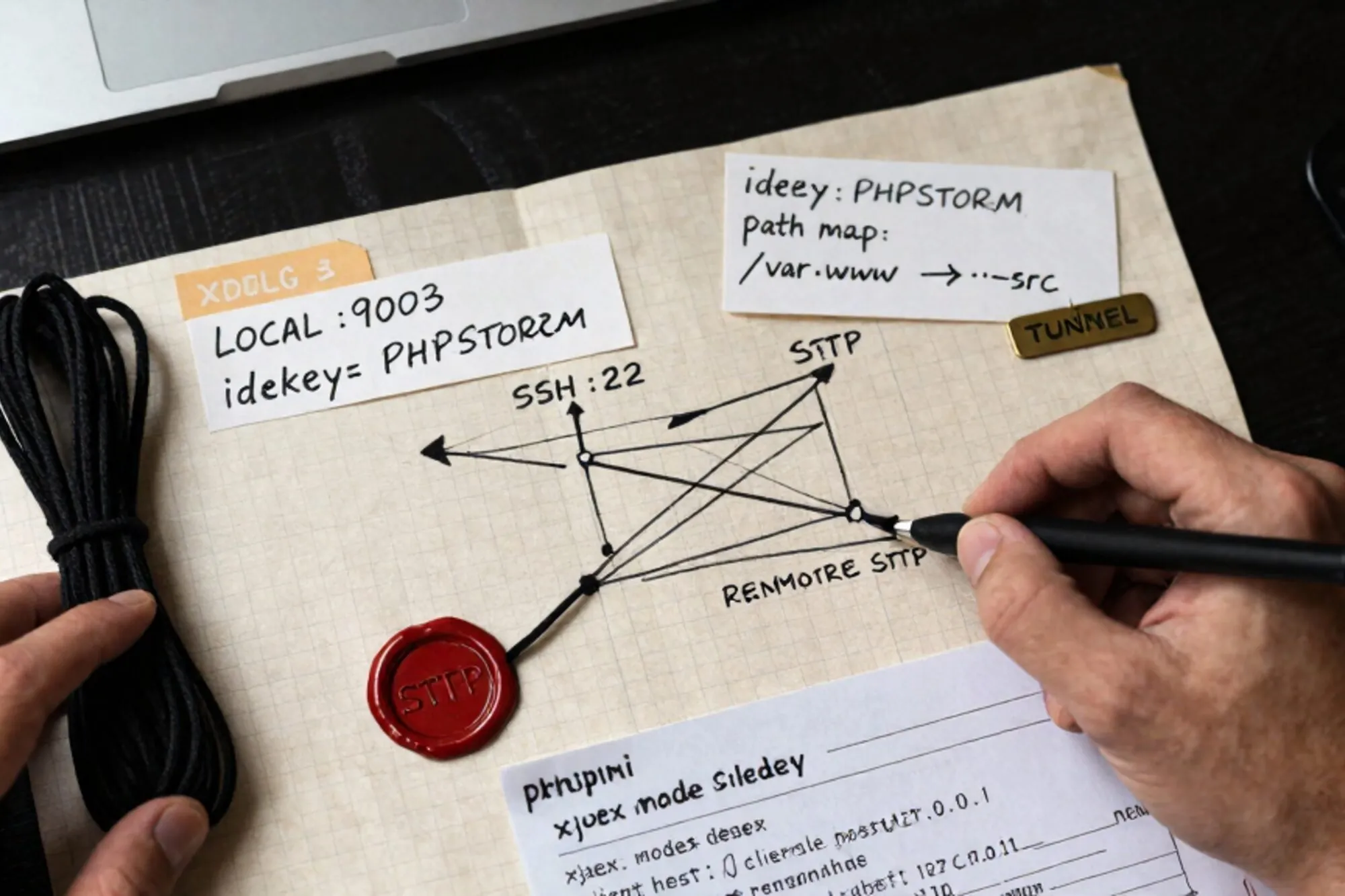
You inherit a PHP 8.1 site on a host that gives you SFTP and nothing else. No shell. No php.ini button in the control panel. A staging URL that loads in 4.2 seconds for reasons nobody on the previous team wrote down. The client wants the slow page traced by Friday. You want Xdebug 3 talking to your laptop without poking a hole in the firewall, without installing anything you can't roll back, and without spending the afternoon guessing why breakpoints never fire.
This is the walkthrough. Xdebug 3 against a remote SFTP-only host, tunneled over SSH, with the path map and idekey wired correctly. The gotchas are at the end because that's where you'll actually need them.
What "SFTP-only" really means here
Most managed PHP hosts that advertise "SFTP access" still run an SSH daemon underneath. The shell is disabled or the account is jailed, but the transport is there. That matters because Xdebug 3 doesn't need a shell on the remote box to debug. It needs two things: the Xdebug extension loaded into the remote PHP process, and a TCP path back to your IDE on port 9003. The SSH transport handles the second one for free.
Before you touch anything, confirm three things with the host or the control panel:
- Xdebug is installed (most shared hosts on cPanel, Plesk, RunCloud and SpinupWP can toggle it per PHP version).
- You can drop a
.user.inifile in the docroot, or there is a per-site PHP config UI. - SSH on port 22 accepts your key, even if the shell is
/usr/sbin/nologin.
If Xdebug isn't installed and the host won't enable it, stop. You can't sideload a PHP extension over SFTP on a managed box. Everything below assumes the extension is present and your job is to configure it.
The tunnel: remote forward, not local
This is where people lose the first hour. Xdebug 3 is the client in this conversation. It initiates a connection from the PHP process on the host to your IDE. Which means the tunnel has to forward from the remote machine back to your laptop, not the other way around. That's -R, not -L.
ssh -N -R 9003:localhost:9003 you@host.example.comRead that as: "open port 9003 on the remote machine; anything that connects to it ends up on my laptop's 9003." The -N tells SSH not to ask for a remote shell, which is important on accounts where the shell is disabled. If your host refuses -N with This service allows sftp connections only, you have a more restricted setup and need the SFTP-subsystem fallback described later.
On the remote box, the default sshd_config binds forwarded ports to 127.0.0.1. Good. That means PHP on the host can reach localhost:9003 and nobody else on the network can. If you ever see GatewayPorts yes in a host's config, that's a different and worse posture; you don't need it for this.
Configuring Xdebug 3 through .user.ini
Xdebug 3 dropped the old xdebug.remote_* names. Everything is xdebug.client_* and xdebug.mode now. The upgrade guide on xdebug.org is the authoritative reference; the short version is below.
Drop this in the docroot as .user.ini (or paste it into the host's per-site PHP settings if there's a UI):
xdebug.mode = debug
xdebug.start_with_request = trigger
xdebug.client_host = 127.0.0.1
xdebug.client_port = 9003
xdebug.idekey = pier
xdebug.discover_client_host = false
xdebug.log = /tmp/xdebug-pier.log
xdebug.log_level = 7
A few of those are load-bearing. client_host must be 127.0.0.1, not your laptop's public IP, because the SSH tunnel surfaces on the remote loopback. discover_client_host = false is the one people miss; if it's true, Xdebug tries to read HTTP_X_FORWARDED_FOR and dial back to whatever IP it finds, which is rarely what you want and definitely not what you want through a tunnel.
start_with_request = trigger means Xdebug only attaches when the request carries an XDEBUG_TRIGGER cookie, GET param or POST field. That's the sane default. You don't want every request on a shared staging server stalling on a breakpoint because someone left an IDE listener open.
Note the .user.ini cache. PHP-FPM reads .user.ini every user_ini.cache_ttl seconds (default 300). After you upload, either wait five minutes or have the host reload FPM. There is no way around this from SFTP alone.
Path mapping
Your IDE has the code at something like /Users/you/work/legacy-site. The host runs it from /home/sites/legacy/public_html. Xdebug sends absolute remote paths in the DBGp protocol; your IDE has to translate.
In PhpStorm: Settings → PHP → Servers, add a server with the host name, port 443, debugger Xdebug, and tick Use path mappings. Map your local project root to the remote docroot. In VS Code with the PHP Debug extension, it goes in launch.json:
{
  "name": "Listen for Xdebug (Pier tunnel)",
  "type": "php",
  "request": "launch",
  "port": 9003,
  "pathMappings": {
    "/home/sites/legacy/public_html": "${workspaceFolder}"
  }
}
Get this wrong by one symlink level and your breakpoints will show as hollow circles forever. The fastest way to verify is to hit a page with ?XDEBUG_TRIGGER=pier, watch the IDE accept the connection, and check that the file it opens is the one you have locally. If it opens nothing or opens a remote stub, the map is off.
Triggering the session
With start_with_request = trigger, you set the cookie once and forget it. The cleanest way is the Xdebug Helper browser extension with the IDE key set to pier. For CLI scripts on the remote host (if the host runs scheduled tasks you can read but not invoke), prefix with:
XDEBUG_TRIGGER=pier XDEBUG_CONFIG="idekey=pier" php script.phpFor ad-hoc curl against an endpoint:
curl -b 'XDEBUG_TRIGGER=pier' https://staging.example.com/slow-pageThe gotchas you'll actually hit
These are in order of how often they bite.
Port 9003 is already bound on the remote box. If another developer is also tunneling, your -R 9003:localhost:9003 will silently fail to bind and SSH will keep the session open with no forward. Pick a unique remote port per developer and match it in xdebug.client_port. We use 9${USER_DIGIT}03 as a convention.
OPcache is caching your old .user.ini behavior. OPcache doesn't cache .user.ini directly, but it does cache the compiled scripts, and on some hosts the opcache.validate_timestamps is off in production-like staging. If you change config and nothing moves, ask the host to flush OPcache or bump opcache.revalidate_freq.
The Xdebug log is empty. Either Xdebug isn't loading (check phpinfo()) or the log path isn't writable by the FPM user. /tmp almost always is. If you don't see [Step Debug] INFO: Connecting to configured address/port: 127.0.0.1:9003 in the log when you trigger, the extension never saw your request and your config isn't being read.
The connection logs say Could not connect to debugging client. The tunnel isn't up, or your IDE isn't listening. Confirm with ss -tlnp on the host (if you can) or just re-establish the tunnel and toggle the IDE listener off and on.
A working sanity check
Once the tunnel is up and the IDE is listening, drop this one-line file at /debug-check.php in the docroot:
<?php xdebug_info();Hit it with the trigger cookie. xdebug_info() prints the loaded mode, the resolved client_host and client_port, and the path to the log. If client_host reads anything other than 127.0.0.1, your .user.ini hasn't been picked up yet. Delete the file when you're done; it leaks more than you want public.
Where Pier fits
When we built Pier for the day-to-day of editing a legacy site over SFTP, we deliberately left the debugger workflow alone: Xdebug plus PhpStorm is already the right tool for the trace itself. What Pier handles is the surrounding work, with version history on every file you touch while chasing the bug and a MySQL editor for the queries the trace points you at.
The smallest thing you can do today: open the docroot of one site you maintain, drop the .user.ini block above, and run the ssh -N -R 9003:localhost:9003 tunnel once. If the Xdebug log shows the connect attempt, you're 90% there and the rest is path mapping.
— Questions —
Why is the SSH tunnel a reverse forward (-R) instead of a local forward (-L)?
Xdebug 3 is the client in the DBGp protocol. The remote PHP process dials your IDE, so the tunnel has to expose your laptop's port 9003 on the remote loopback. That's what -R does.
Do I still need xdebug.remote_host with Xdebug 3?
No. Xdebug 3 renamed those settings. Use xdebug.client_host and xdebug.client_port. The old xdebug.remote_* names are silently ignored, which is part of why upgrades feel like nothing is working.
Why aren't my .user.ini changes taking effect?
PHP caches .user.ini for user_ini.cache_ttl seconds, default 300. Wait five minutes, or ask the host to reload PHP-FPM. There's no SFTP-side workaround.
What if the host blocks the SSH transport entirely?
Then ssh -R won't work and you can't tunnel. Ask the host to enable Xdebug's cloud mode, which uses an outbound HTTPS relay, or move the site to staging you control for the trace session.
Can I share the tunnel across a team?
Not on the same remote port. Each developer should pick a unique remote port (e.g. 9103, 9203) and set xdebug.client_port to match, otherwise the second -R bind fails silently.