061 —Workflow
SFTP-only deployment: a recipe that outlives the developer
A reversible SFTP deploy method designed so the next person inheriting the credentials can rebuild the entire release flow from the server itself.
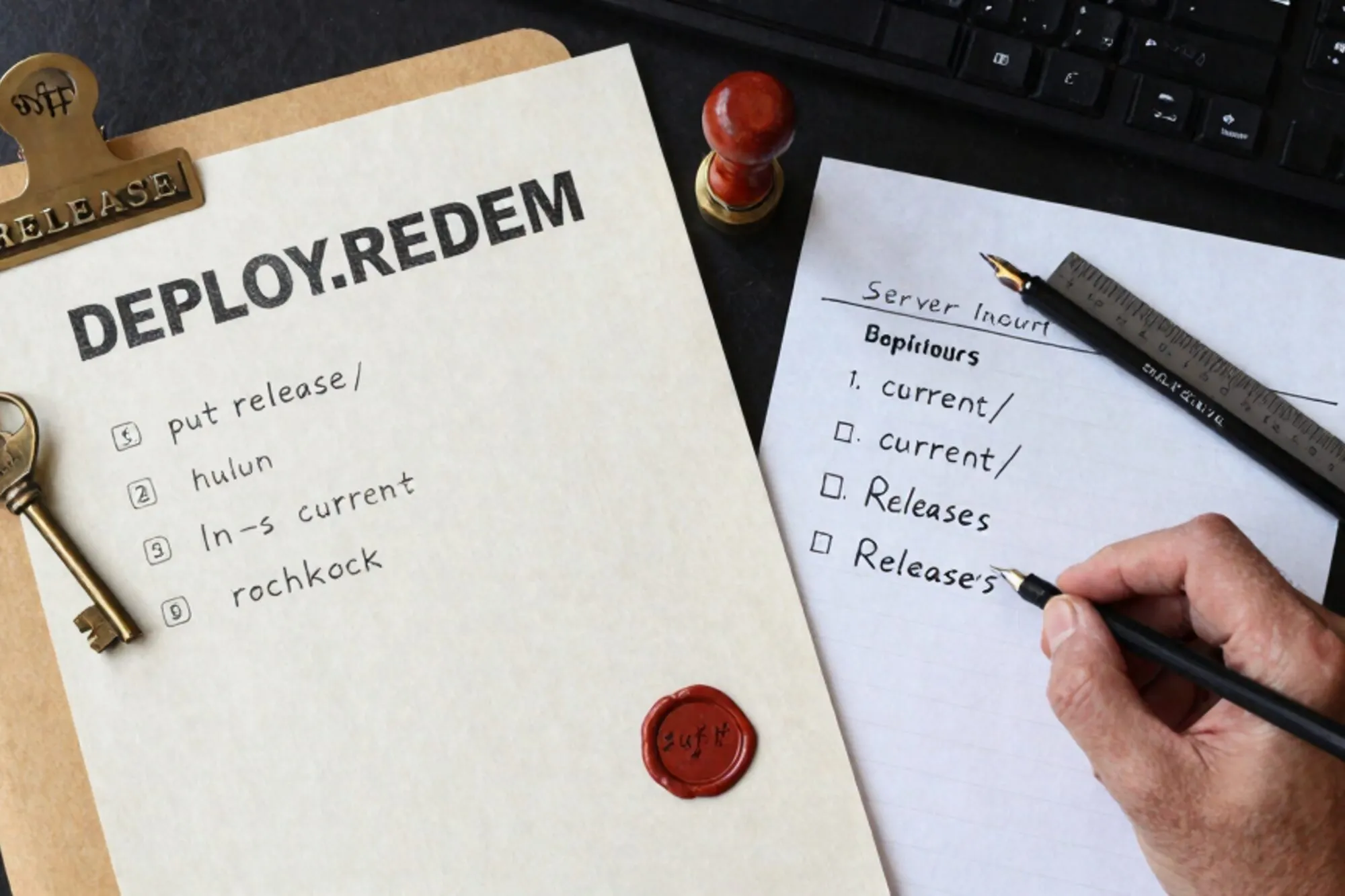
The handover that wasn't
A Dutch agency we work with took over a WordPress site last month after the previous freelancer stopped answering email. They had three things: an SFTP credential, a MySQL connection string, and a wp-admin login. No git repository, no deploy script, no README, no notion of which files in /wp-content/mu-plugins/ were live and which were dead weight from 2019.
This is the modal case for a small agency inheriting a legacy site. Not malice, just attrition. The person who built the site moved on, the documentation never existed, and the new owner is staring at a 14,000-file tree wondering which edit will take the homepage down.
What follows is the SFTP-only deployment recipe we hand to teams in that position. It assumes nothing beyond what came in the credential email, and it is designed so the next person, after you also leave, can reverse-engineer the whole flow from the server alone.
Mirror first, edit second
Before any edit, pull the live tree to disk. Not as a backup, as the working copy. Every change you make should originate locally and travel up, never the other way around.
lftp -u user,pass sftp://site.example.com \
  -e "mirror --parallel=4 --verbose /public_html ./live; quit"
That gets you a faithful snapshot. Commit it immediately to a private git repo, even if you never push it anywhere:
cd live
git init
git add -A
git commit -m "snapshot $(date -u +%Y-%m-%dT%H:%M:%SZ) from site.example.com"
The repo is for you, not for the server. Its purpose is to give you a diff every time you re-mirror, so you can see what cron jobs, plugins, or other admins have changed under your feet.
A deploy that is one shell command and one symlink
The pattern that survives handover is the one a stranger can read off the server. Use a release directory per deploy, keyed by timestamp, and a current symlink that points at whichever one is live. Apache's DocumentRoot follows the symlink, the swap is atomic, and rolling back is one ln -sfn.
#!/usr/bin/env bash
# deploy.sh - local, one-shot SFTP release
set -euo pipefail

STAMP=$(date -u +%Y%m%d-%H%M%S)
REMOTE="/home/user/releases/$STAMP"

lftp -u "$SFTP_USER,$SFTP_PASS" "sftp://$SFTP_HOST" <<EOF
mkdir -p $REMOTE
mirror -R --parallel=4 --exclude-glob .git --exclude-glob node_modules/ ./live $REMOTE
rm -f /home/user/public_html
ln -s $REMOTE /home/user/public_html
quit
EOF

echo "released $STAMP"
Now you have a directory of dated releases on the server. A rollback is exactly:
ssh user@site.example.com 'ln -sfn /home/user/releases/20260601-093014 /home/user/public_html'If you only have SFTP and no shell, the same thing works by uploading a tiny switch.php that takes a timestamp parameter and runs PHP's symlink(). Delete the helper after each use so it does not sit there as an unauth'd rollback endpoint.
Pinning the database side
Files are the easy half. The database is where unattended sites grow strange. The recipe needs a dump that runs on every deploy and lands next to the release directory, so a future reader sees that release N had database state N.
mysqldump --single-transaction --quick --routines --triggers \
  -h "$DB_HOST" -u "$DB_USER" -p"$DB_PASS" "$DB_NAME" \
  | gzip > "./live/.releases/$STAMP.sql.gz"
The mysqldump manual covers the flags above; the important ones for a live site are --single-transaction (so you do not lock writes) and --quick (so it streams rather than buffers the whole table). Upload that file with the rest of the release. The directory /.releases/ at the root of the document tree is conventional enough that a future reader will open the most recent .sql.gz and understand what they are looking at without being told.
Match every dump with a retention sweep so you do not fill the disk. If you have shell access:
find /home/user/releases -maxdepth 1 -type d -mtime +30 -exec rm -rf {} \;If you only have SFTP, write a 20-line PHP cleanup script that the deploy uploads and triggers via a one-time URL, then removes itself.
The README that lives on the server
Everything above means nothing if the next person cannot find it. Drop a single file at /public_html/HANDOVER.md that explains the layout in plain English. Three short sections is enough:
- Releases: where they live, how the
currentsymlink works, how to roll back. - Database: where the dumps are, what the credentials file is called, where wp-config.php lives.
- Cron: the output of
crontab -l, even if it is empty. Especially if it is empty.
Then add this to .htaccess so the file is readable to the server but not the public:
<Files "HANDOVER.md">
  Require all denied
</Files>
The Apache mod_authz_core docs have the full list of directives if you want to scope it tighter, for example to a single office IP. The point is that the documentation is co-located with the thing it documents. If the agency loses its password manager, the README still ships with the site.
What to do today
When we built Pier we kept hitting this exact pattern: small teams adopting a site mid-life with no deploy story. The way we ended up handling it was to make every edit a release by default, with full version history per file and a MySQL editor that snapshots tables alongside the file tree.
The smallest version of all of this is a mirror, a git init, and one HANDOVER.md committed before you touch anything. Twenty minutes of work that turns an inherited site into something the next person can also inherit.
— Questions —
What if the host blocks PHP symlink()?
Use a rename-based deploy. Upload to a sibling directory, then rename the old public_html out of the way and the new one into place. SFTP supports rename even when shell access and symlinks are off.
Do I need a git server somewhere?
No. The local git repo exists only to give you diffs when you re-mirror. Push it to a private host later if the team wants offsite backup, but the deploy itself never touches git.
How long should I keep old releases on the server?
Thirty days is a sensible default for low-traffic sites. Each release is roughly the size of the live tree, so plan for tree-size times retention-count of disk headroom.
What about wp-config.php and other secrets?
Keep them out of the mirrored tree. Store them in a parent directory that the document root includes via require_once, so a fresh deploy never overwrites the credentials with stale ones from your local copy.