096 —Workflow
Freelancer handover: twelve minutes before they disappear
Twelve minutes is enough to find the SSH key, the orphan cron job, the file-ownership knot, and the mail alias the freelancer forgot to mention on her way out.
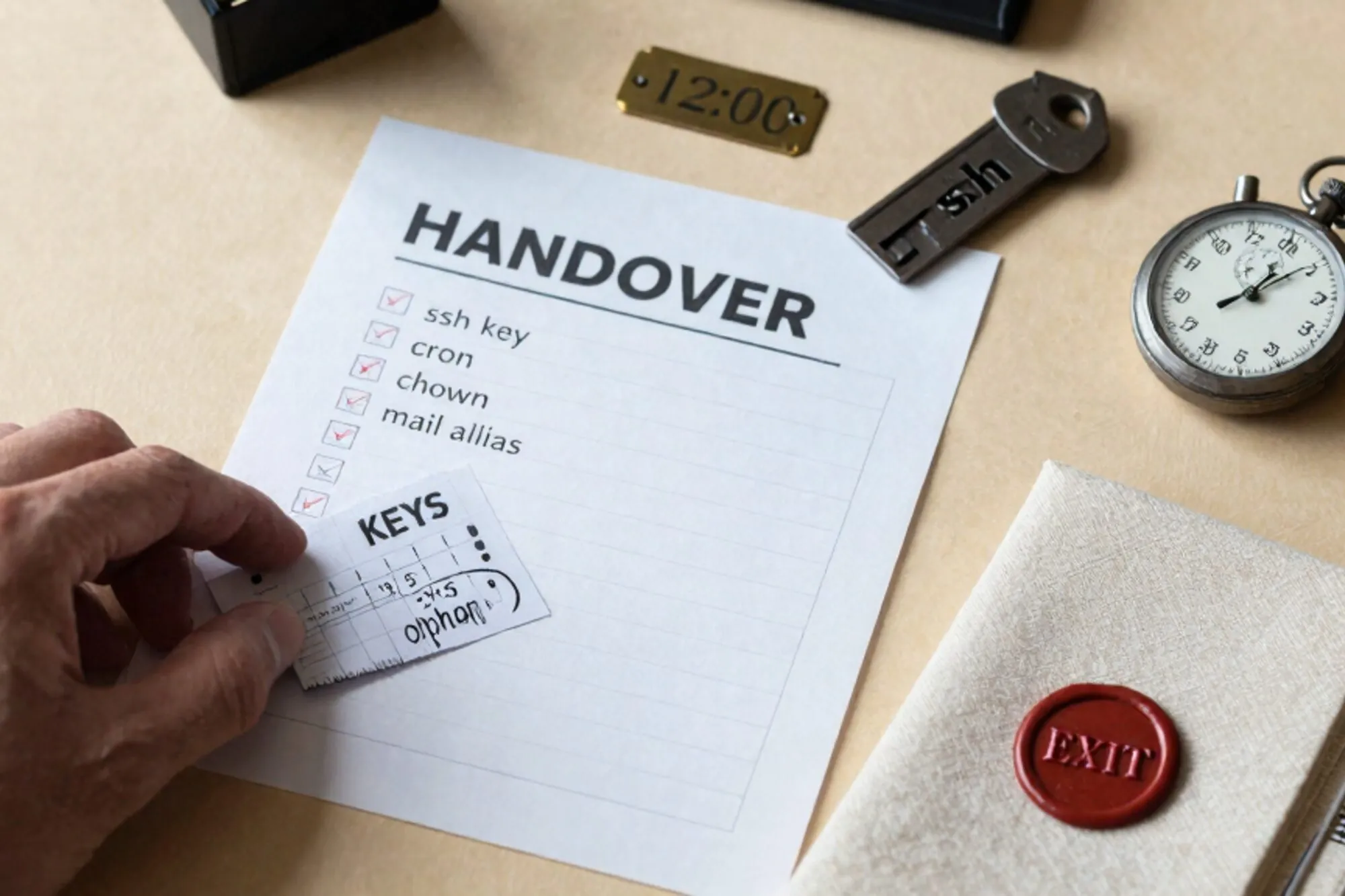
A senior contractor at a Rotterdam studio finishes her last sprint at 16:30 on a Friday. The Monday after, her laptop goes back to the agency, her SSO is revoked, her phone number drops off Slack. The Drupal 7 site she had maintained for four years, a regional grocer with seventeen branches, keeps running because nothing has been touched. Then on Wednesday afternoon someone notices the nightly product feed has not run since Sunday. The cron entry pointed at a script under /home/marije/bin/feed-export.sh. Her home directory is gone.
This is the freelancer handover gap that nobody documents. Between her last commit and the first incident there is a window where her surface area is still entangled with production: SSH keys, cron entries, file ownership, mail aliases, an .htaccess block keyed to her old staging IP. None of it shows up in a code review. None of it shows up in the handover doc unless someone asks. So we run the freelancer handover sweep on the Friday afternoon before she leaves, and we keep it short on purpose. Twelve minutes, four checkpoints, one text file at the end.
Twelve minutes, four checkpoints
The freelancer handover sweep is short because longer audits do not happen. If you can do it from a single SSH session and a database client, you will. If it requires three calendar invites and a stand-up, you will not.
The four checkpoints catch four different failure modes:
- Login surfaces. Who can still reach the box, the database, the panel.
- Scheduled work. What runs without a person attached to it, and what breaks the moment the person disappears.
- File ownership. Which UID owns the files the web server is supposed to overwrite tomorrow.
- Mail routes. Where customer email actually lands, as opposed to where the client thinks it lands.
Each one is two or three commands. You can copy the whole sweep into a runbook and reuse it for every freelancer handover after the first.
SSH keys: every account on the box
Start with authorized_keys for every user on the server. The freelancer's key is the obvious one, but check for the keys that came in with her. A junior she onboarded last year. A deploy key from her old Bitbucket account. A GitHub Actions runner she set up in 2022 that nobody has thought about since.
for u in $(cut -d: -f1 /etc/passwd); do
  f="$(getent passwd "$u" | cut -d: -f6)/.ssh/authorized_keys"
  [ -f "$f" ] && echo "== $u ==" && cat "$f"
done
Read the comment at the end of every key line. That is the only label SSH gives you, and freelancers usually leave their email or hostname there. If a key has no comment, the safe move is to ask before deleting. The unsafe move is to keep it and tell yourself you will get back to it.
Two specific cases deserve a second pass. First, keys on the root account that look like deploy-pipeline keys. If the freelancer set up the pipeline, the pipeline's key is now an orphan, and rotating it is not optional. Second, keys in /etc/ssh/ssh_known_hosts that she added so her CI could connect outbound. Those do not let anyone in, but they tell you what she was talking to.
While you are in /etc/ssh, scan sshd_config for Match User blocks. Freelancers with elevated needs sometimes get carved out (SFTP-only chroot, alternative port, password auth re-enabled), and the block survives long after the need does. The OpenSSH sshd_config manual documents the precedence rules, which matter if you are going to leave a permissive block in place for a successor.
One more pass before you move on: SFTP-only users. A lot of legacy WordPress and Joomla sites lean on a separate SFTP account with a name like wp-deploy or staging. Check /etc/passwd for shells set to /usr/sbin/nologin or /bin/false, then check whether that account's authorized_keys still has the freelancer's key.
Cron and timers: the orphan jobs
Cron is the most common landmine in a freelancer handover. The user gets deleted, the crontab keeps running, the failure mode is silent because she redirected output to /dev/null years ago.
# system-wide cron
ls -la /etc/cron.d/ /etc/cron.hourly/ /etc/cron.daily/
cat /etc/crontab

# per-user crontabs
for u in $(cut -d: -f1 /etc/passwd); do
  out=$(crontab -u "$u" -l 2>/dev/null)
  [ -n "$out" ] && echo "-- $u --" && echo "$out"
done

# systemd timers, which an increasing number of installs prefer
systemctl list-timers --all
Read every line. The signal you are looking for is paths under the freelancer's home directory, scripts that run as her user, or commands that pipe into a personal email address. The fix is usually three steps: move the script into /usr/local/bin, change ownership to root:root, and re-add the cron entry under a system user with the same schedule.
If a job hits a database, check whether the credentials live in the script itself or in a .my.cnf under her home directory. The second case will break silently the moment her account goes away, because the file is no longer there for mysql to read.
The same logic applies to PHP-FPM pool definitions. If /etc/php/8.1/fpm/pool.d/ contains a pool that runs as marije, the site that pool serves will stop responding when her user is deleted. Pools are easy to miss because they were probably configured once during an old migration and never revisited.
File ownership and the www-data trap
Run find against the document root and look for files owned by the freelancer. On a tidy server this returns nothing. On a four-year-old WordPress install it returns thousands, because every plugin she installed through SFTP carries her UID, and every plugin update written through the WordPress admin carries the web server's UID, and the two have never been reconciled.
find /var/www/example.com -not -user www-data -printf '%u %p\n' \
  | sort | uniq -c | sort -rn | head
The output tells you who has been writing to disk under what name. If you see 1,800 files owned by marije in wp-content/plugins, that is the surface you have to renormalize before the next deploy. Fix it in two passes. Application-writable paths get the web user. Everything else gets a deploy user the web server can read but not write.
# paths the application itself writes to
chown -R www-data:www-data /var/www/example.com/wp-content/uploads
chown -R www-data:www-data /var/www/example.com/wp-content/cache

# the rest goes to a deploy user
chown -R deploy:www-data /var/www/example.com
find /var/www/example.com -type d -exec chmod 750 {} \;
find /var/www/example.com -type f -exec chmod 640 {} \;
chmod 600 /var/www/example.com/wp-config.php
The exact split depends on the CMS. The WordPress hardening guide has the canonical numbers and explains why wp-config.php should be 600. Drupal, Joomla, and Magento each have variants in their own documentation. The point is that you cannot normalize ownership without first listing the directories the application writes to on its own. Get that wrong and the next core update fails with a permission error at the worst possible moment.
Database users follow the same pattern. The freelancer probably created a personal MySQL user for her own debugging, with broader grants than the application user the site actually connects with.
SELECT User, Host FROM mysql.user ORDER BY User;
SHOW GRANTS FOR 'marije_admin'@'%';
Keep the application user. Drop the personal one. If you are not sure which is which, check the DB credentials inside wp-config.php, settings.php, or app/etc/env.php. Whatever the site connects with is the one you keep.
Mail aliases and the silent forwarder
This is the one nobody checks, and it is the one that costs the client a customer. Three places to look.
# Postfix or Exim aliases
cat /etc/aliases
postmap -q webmaster@example.com hash:/etc/aliases 2>/dev/null

# .forward files in any home directory
find /home /root -name '.forward' -exec echo {} \; -exec cat {} \;
The forwarder you are hunting is the one that quietly routes info@example.com or orders@example.com to the freelancer's personal Gmail. Sometimes it was deliberate, set up during a launch sprint to triage customer mail. Sometimes it was a temporary debug step that never got reverted. Either way, six months later the client's customer email is landing in an inbox the client does not control, and the freelancer's Gmail filter has been auto-archiving it.
Application-level aliases are the third place. Each CMS has its own:
-- WordPress
SELECT option_name, option_value FROM wp_options
WHERE option_name IN ('admin_email', 'new_admin_email');

-- Drupal 7
SELECT name, value FROM variable WHERE name = 'site_mail';

-- Magento 2
SELECT path, value FROM core_config_data
WHERE path LIKE 'trans_email/ident_%/email';
If any of these resolve to a personal address, change them. While you are there, check the SMTP plugin or module. WP Mail SMTP, the SendGrid extension for Magento, the SMTP Authentication Support module for Drupal all keep a from-address that can quietly route through the freelancer's own API key. If she revokes the key on her way out, the site stops sending mail entirely, which is its own incident.
RFC 5321 describes the formal model of how aliases and forwarders compose. The practical model is that any of these layers can swallow customer mail without anyone noticing for months.
The handover note that survives
The freelancer handover sweep produces one artifact: a text file in the repository at docs/handover-2026-06-10.md. Three sections, no more.
- Surfaces revoked. SSH keys removed, MySQL users dropped, aliases rewritten,
.htaccessblocks deleted. One line per change, with the previous value in a comment. - Surfaces left in place. Jobs we deliberately kept running, with the reason. The deploy script we have not had time to replace. The cron entry that hits a third-party API where the freelancer is still the contractual point of contact.
- Open questions. The
.htaccessblock whitelisting an IP we could not identify. The MySQL user we left alone because the application also seems to use it. The CNAME pointing at a Heroku app we have not logged into.
The third section is the one future-you will read first the next time something breaks, and the freelancer's phone number will be a year out of date by then. Write it so that next-quarter-you can act on it without context.
What we ended up building
When we built Pier we kept running this sweep against client servers manually, and it kept taking longer than twelve minutes because half of it is reading scrollback and waiting for find to finish. The way we ended up handling it was to bake the file-ownership scan, the cron and timer dump, and the alias check into the MySQL editor and SFTP browser, so the sweep produces a single diff you can read and a version history of every change you make against the legacy site.
The smallest thing to do today: open ~/.ssh/authorized_keys on your oldest production server and read the comments at the end of every line. The names you do not recognise are the start of your audit list.
— Questions —
What if the freelancer has already gone dark and we cannot run this with her?
Run it anyway, but treat every unknown key and every personal-looking forwarder as hostile until proven otherwise. The sweep still works retroactively, it just produces more open questions.
Can the freelancer handover sweep run without root access?
Most of it can. authorized_keys, per-user crontabs and find against the docroot work as any user with read access. /etc/aliases, sshd_config and chown require root or sudo.
Does this apply on shared hosting where I only have cPanel or Plesk?
Yes. Replace SSH steps with the File Manager and Cron Jobs panels, and check the Email Forwarders section for the alias step. The four checkpoints map to panel screens one-for-one.
How often should we re-run the sweep after handover?
Once at the next quarter boundary, then once a year. The orphan surfaces that survive the first pass usually surface within ninety days of real production traffic.