050 —Workflow
The two-monitor habit: keeping FTP and MySQL in one glance
On a legacy PHP site, the bug almost always sits in the seam between the filesystem and the database. Here is why we never let one out of sight of the other.
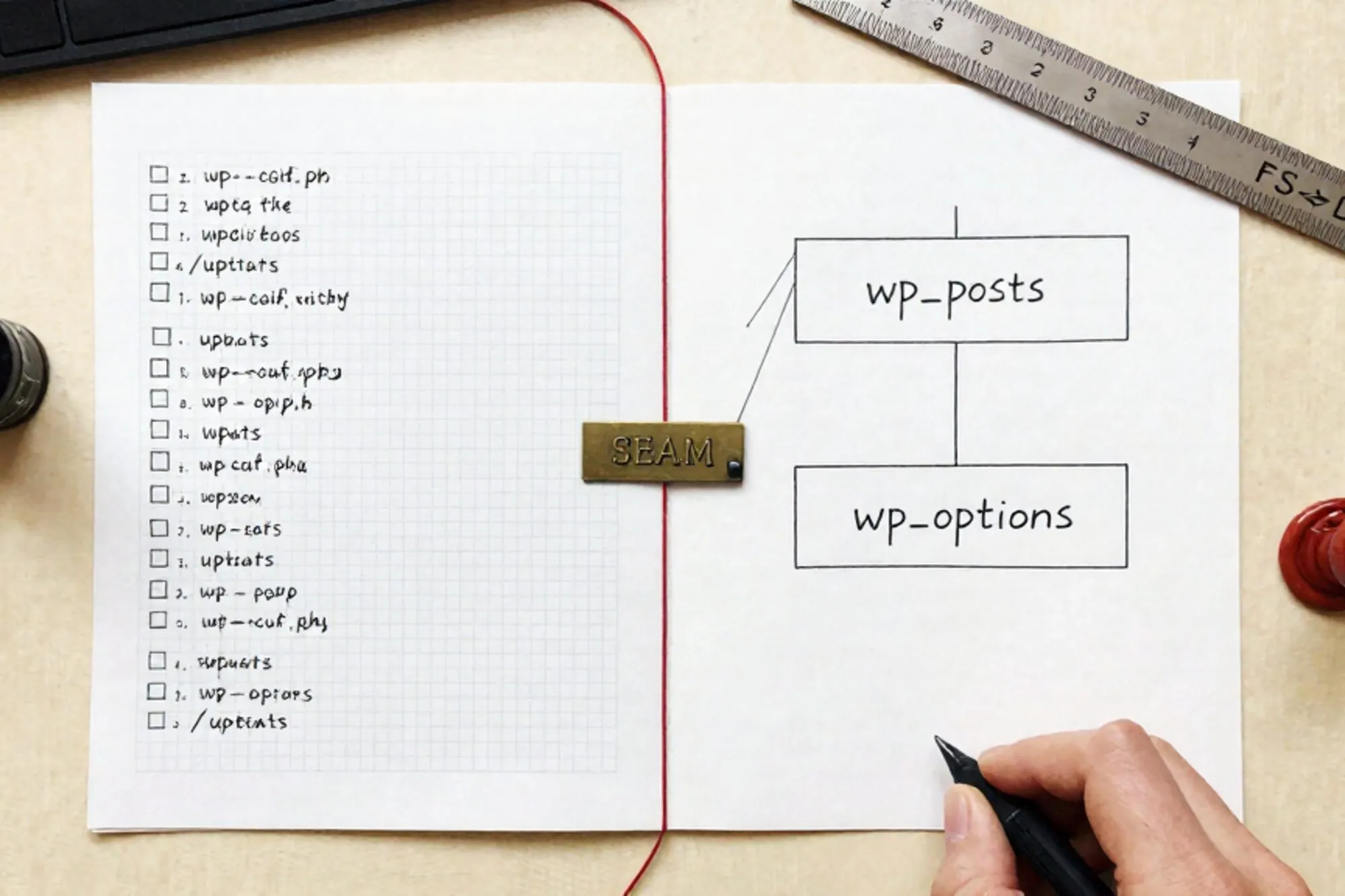
A Tuesday afternoon. A client emails: "the meta description on /diensten still says the old company name." You open the theme file. It runs through the wp_get_document_title filter chain. Nothing in there mentions the old name. You open wp_options, run SELECT option_value FROM wp_options WHERE option_name = 'blogdescription'. There it is. Old name, last touched 2019.
Two windows. One question. Five seconds.
This is what we mean by the two-monitor habit on a legacy site. Not literally two monitors, though they help. It is the mental model of keeping the filesystem and the database in the same field of view, because on a 12-year-old PHP install neither one tells you the truth alone.
The split your eyes already make
In a fresh Next.js or Rails app, "where does this string live?" has one answer. In an old WordPress site it has six. The string could be in the active theme's header.php, a child theme overriding the parent, the wp_options table, the wp_postmeta table via Yoast or Rank Math, a constant in wp-config.php, or a .htaccess rewrite that aliases the URL to a different page entirely.
Reading the code without reading the data is half the story. Reading the data without reading the code is the other half. Most bugs on a legacy site sit in the seam between them.
The four lookups that happen every hour
Watch yourself work on a legacy WordPress site for a day. Four patterns repeat.
Code references a meta key, you check the value. A template runs get_post_meta($id, '_custom_layout', true). You query:
SELECT meta_value
FROM wp_postmeta
WHERE post_id = 412
  AND meta_key = '_custom_layout';
Empty. That is why the layout falls back to the default.
A row references a file, you open the file. wp_options.template says twentytwentyone-child. You open /wp-content/themes/twentytwentyone-child/style.css and the parent declaration points at a theme that was deleted three years ago.
A 500 in the browser, a stack trace in the log, a config in the row. Apache logs say Allowed memory size of 134217728 bytes exhausted in /wp-includes/class-wp-query.php. The fix is in wp-config.php via ini_set('memory_limit', '512M'), but the cause might be a runaway query against a wp_postmeta table that has grown to 1.4 million rows.
A redirect appears from nowhere. The page returns 200 in the database, 301 in the browser. The rule is either in .htaccess:
RewriteEngine On
RewriteRule ^old-url/?$ /new-url [R=301,L]
or in a wp_redirection_items table from a plugin, or in wp_options.siteurl pointing at a stale domain. You will check all three before you find it.
Each of these is a two-window job. One window is the FTP tree. The other is a SQL prompt.
One screen, split the right way
Not everyone has the desk for two displays. The habit works on one display if you commit to the split. Half the screen is the file browser and editor. The other half is the database client. You do not tab between them. You glance.
A few tactical notes from running this for years across legacy WordPress, Drupal 7, Joomla 3, and Magento 1:
- Keep the FTP tree expanded to
/wp-content/. That is where 90% of the answers live. The core directories rarely change. Memorisewp-content/themes,wp-content/plugins,wp-content/uploads,wp-content/mu-plugins. - Pin four query templates. One for
wp_optionsby name. One forwp_postmetaby post ID. One forSHOW CREATE TABLEon any table you do not recognise. One forwp_usersby login. Most days you only need these. - Read
.htaccessonce at the start of every session. Then never trust your memory of it. Every legacy site has a.htaccessthat someone half-edited in 2017 and never cleaned up. The Apache RewriteRule docs are the only source of truth when the order of flags stops making sense. - Open
wp-config.phpin read-only. It declares constants the database cannot see, and overrides values the database thinks it controls.WP_HOME,WP_SITEURL,$table_prefix. If the prefix has been randomised, every query template above breaks until you adjust.
Why the habit pays
The reason this matters is not that it saves time on any single lookup. It saves time on the lookup you did not know you needed yet. When the filesystem and the database sit in the same glance, you spot the seam without thinking about it. You notice that the template expects an option that is not there. You notice that the database row references a file that was renamed. The mismatches surface visually, not by deduction.
This is the part that does not translate to fresh-stack development. In a modern app, schema and code are kept in sync by migrations and ORMs. In a legacy PHP site, they were kept in sync by a developer who left in 2018, and they have drifted ever since. You are the migration now. Your eyes are the diff.
When we built Pier we ran into this exact thing across every customer install. The way we ended up handling it was to put the file tree and the MySQL editor in the same window, side by side, with version history tracking changes on both sides at once. The seam stays visible without alt-tabbing, which is the whole point of the habit.
The smallest thing to try today: open your current legacy project, split the editor so the file tree sits next to a SQL prompt, and run one query against wp_options for an option name you reference in the active theme. Whatever you find will tell you something the code did not.
— Questions —
Do I actually need two physical monitors for this?
No. A single display split fifty-fifty between an FTP file tree and a SQL editor works fine. The habit is the layout, not the hardware.
Why not just rely on the WordPress admin for settings lookups?
The admin hides values, normalises serialised data, and will not show you orphaned rows. Reading wp_options directly is faster and more honest about what is stored.
Does this habit matter on modern stacks too?
Less. Modern stacks keep schema and code in sync via migrations. On legacy PHP they drifted years ago, so the visual diff between filesystem and database becomes your debugger.