047 —Databases
MySQL collation mismatches: a field guide to empty results
Your search returns nothing. The row is right there in phpMyAdmin. Welcome to MySQL collation mismatches, where two strings disagree about what equal means.
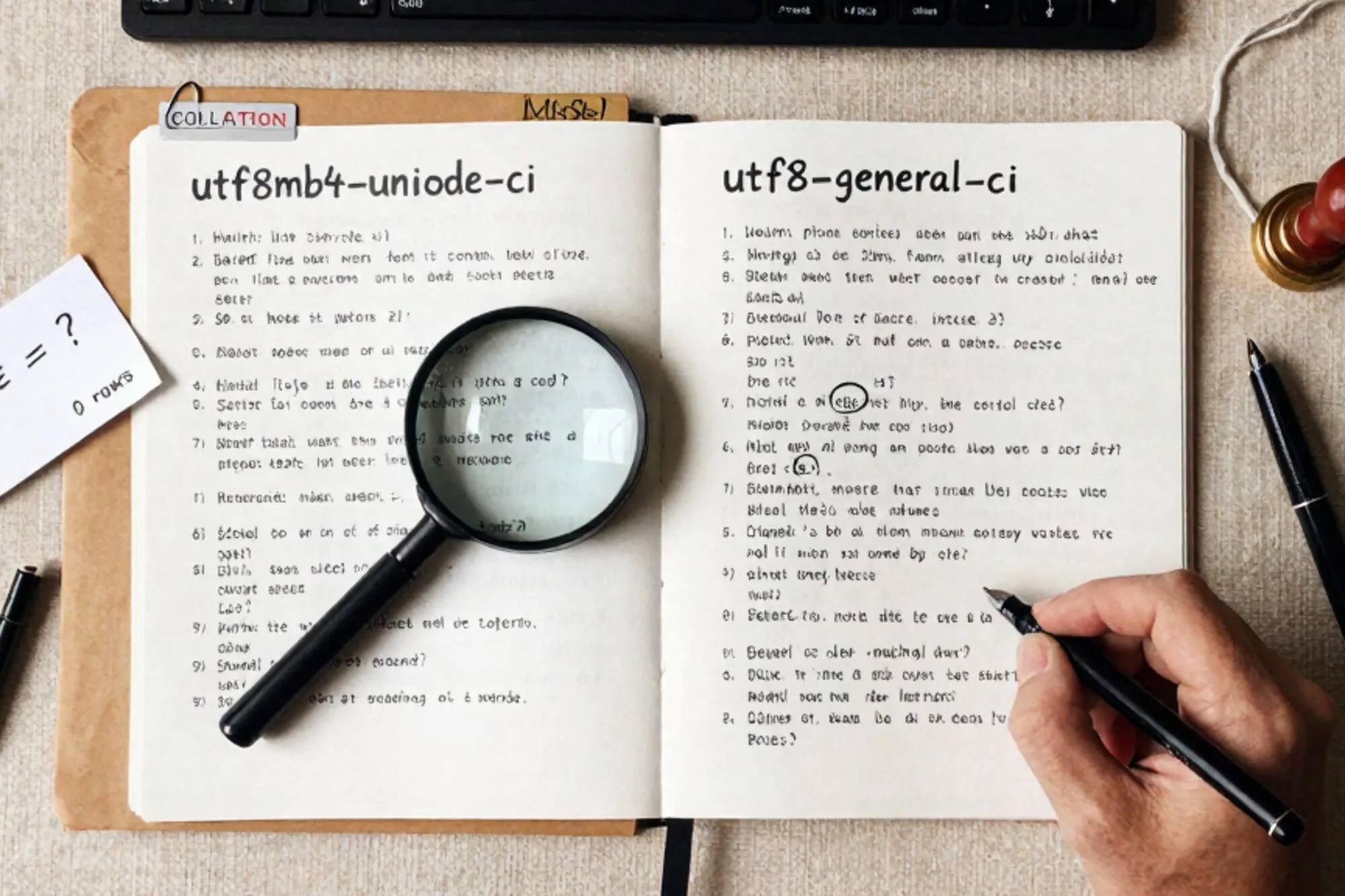
The ticket arrives at 16:02. A small e-commerce shop running WooCommerce on PHP 7.4 (yes, still). "Search for Café Noir on the storefront returns nothing. The product is definitely there." The dev SSHes in, runs SELECT * FROM wp_posts WHERE post_title = 'Café Noir' AND post_status = 'publish', gets one row. Switches to the front-end search query the theme generates, gets zero rows. Same database. Same column. Same string.
This is what a MySQL collation mismatch looks like in the wild. The data is intact. The schema is intact. The query plan is fine. The two strings being compared simply do not agree on what "equal" means, because they live in different collations and MySQL silently coerces one side until the comparison fails, or succeeds in a way nobody expected.
What collation actually decides
Character set decides which bytes are legal. Collation decides whether two legal byte sequences are the same string. utf8mb4_unicode_ci treats 'café' and 'cafe' as different because it preserves the accent. utf8mb4_unicode_520_ci with the _ai_ variant treats them as identical because it strips accents in comparison. utf8mb4_general_ci sorts characters by codepoint and gets a handful of edge cases wrong (German ß, Polish ł, anything in the Turkish dotless-i region). The MySQL 8 default of utf8mb4_0900_ai_ci is yet another rule set, with its own sort order and its own incompatibilities.
None of this matters until two columns with different collations meet in the same expression. Then MySQL has to coerce. If the coercibility values do not match cleanly, MySQL throws Illegal mix of collations. If they do match, the comparison runs and you get an answer. The answer may not be the one you wanted.
The 4 PM scene, decoded
The WooCommerce search the theme generated was joining wp_posts against a custom wc_products_search_index table the previous developer added. The two tables looked identical at a glance:
SHOW CREATE TABLE wp_posts;
-- ENGINE=InnoDB DEFAULT CHARSET=utf8mb4 COLLATE=utf8mb4_unicode_520_ci

SHOW CREATE TABLE wc_products_search_index;
-- ENGINE=InnoDB DEFAULT CHARSET=utf8mb4 COLLATE=utf8mb4_unicode_ci
One was created in 2018 by the WordPress installer (when utf8mb4_unicode_520_ci was the WP default, per the utf8mb4 upgrade notes). The other was created in 2022 by a plugin that hardcoded utf8mb4_unicode_ci. The JOIN on post_title = search_term compared two strings the database considered to be in different alphabets. For pure ASCII, MySQL coerced its way to a correct answer. For 'Café' with the e-acute, it gave up and returned nothing for that one row.
Finding every mismatch in one query
Before fixing anything, get the lay of the land. This is the query I run first on any database I have not seen before:
SELECT
  TABLE_NAME,
  COLUMN_NAME,
  COLLATION_NAME,
  CHARACTER_SET_NAME
FROM information_schema.COLUMNS
WHERE TABLE_SCHEMA = DATABASE()
  AND COLLATION_NAME IS NOT NULL
ORDER BY COLLATION_NAME, TABLE_NAME;
You will usually see one of three patterns:
- Clean. One collation across every text column. Rare on anything older than two years.
- Two-tier. The core CMS tables on one collation, a few plugin or custom tables on another. The common case.
- Archaeological. Three or four collations, including a
latin1_swedish_cicolumn nobody remembers creating. Usually a sign the database has survived at least one migration.
For the table-level view, swap COLUMNS for TABLES and look at TABLE_COLLATION. Be aware that table-level collation is just the default for new columns. The truth lives at the column level.
Converting without losing data
The safe path is one table at a time, with a backup taken at the start and a verification query at the end. The naive ALTER looks like this:
ALTER TABLE wc_products_search_index
  CONVERT TO CHARACTER SET utf8mb4
  COLLATE utf8mb4_unicode_520_ci;
CONVERT TO rewrites every text column in place and re-encodes the data. On a 50,000-row product index it takes a few seconds. On a 12-million-row wp_postmeta on a customer's box it takes long enough that you should do it during a maintenance window, with a binlog backup ready.
The silent failures, ranked by nastiness
Errors are easy. The reason collation bugs survive in production is that some of them never error at all.
Indexes go cold
A WHERE indexed_column = ? comparison where the parameter arrives with a different collation triggers an implicit conversion on the column side. The index is no longer eligible. The query goes from 2ms to 800ms, and the only signal is your APM tool grumbling about a slow query that used to be fast. Run EXPLAIN on the offending query and look for Using where without the index in key.
UNIQUE constraints accept duplicates
If your unique index lives on a column with _ai_ci (accent-insensitive, case-insensitive) and your application code treats 'CAFÉ' and 'cafe' as different users, the database will too on insert. Until somebody changes the collation, at which point one of the two rows becomes a duplicate-key error on the next migration.
JOINs return ghost rows
A LEFT JOIN between two tables on a string key, where the collations differ by exactly the right amount, can return rows where the right-hand side is NULL even though a match exists. The fix on the spot is to force the collation in the ON clause:
LEFT JOIN wc_products_search_index s
  ON p.post_title COLLATE utf8mb4_unicode_520_ci = s.search_term
This is load-bearing duct tape. The real fix is to converge the schema.
The smallest thing you can do today
Open the database for the one site you most recently argued with. Run the information_schema.COLUMNS query above. Count how many distinct collations come back. If it is more than one, you have a candidate for the next time a search query returns nothing for reasons that make no sense.
When we built the MySQL editor inside Pier we ran into this exact thing on a Dutch agency's legacy site: a search that worked on staging and not on production, traced back to one plugin that hardcoded utf8mb4_general_ci on a single column. The way we ended up handling it was to surface the collation on every column in the schema browser, and to land every ALTER in version history so the rollback is one click when the prefix-length check bites anyway.
— Questions —
Will CONVERT TO CHARACTER SET break my existing indexes?
It can, if the new charset pushes a column past the InnoDB key-length limit. Run it on a copy first, and verify innodb_large_prefix is on and the table is ROW_FORMAT=DYNAMIC.
Is utf8mb4_unicode_520_ci or utf8mb4_0900_ai_ci the safer default for WordPress?
Stay on utf8mb4_unicode_520_ci for any WP older than 5.6 or any site still on MySQL 5.7. WP 5.6+ on MySQL 8 handles 0900_ai_ci, but switching everywhere is a migration of its own.
How do I force a collation in one query without altering the table?
Append COLLATE utf8mb4_unicode_520_ci to the column reference in the WHERE or ON clause. Useful as a hotfix while you plan the real schema change.
Why does my query work in phpMyAdmin but fail from PHP?
phpMyAdmin and your PHP client often open the session with different default collations. Run SHOW VARIABLES LIKE 'collation_connection' in both and you will see the gap.