131 —PHP
PHP 7.4 to 8.2 upgrade: a pre-flight audit checklist
You said yes to the PHP 8.2 jump on a ten-year-old WordPress install. Before the maintenance window opens, here is the audit that keeps it boring.
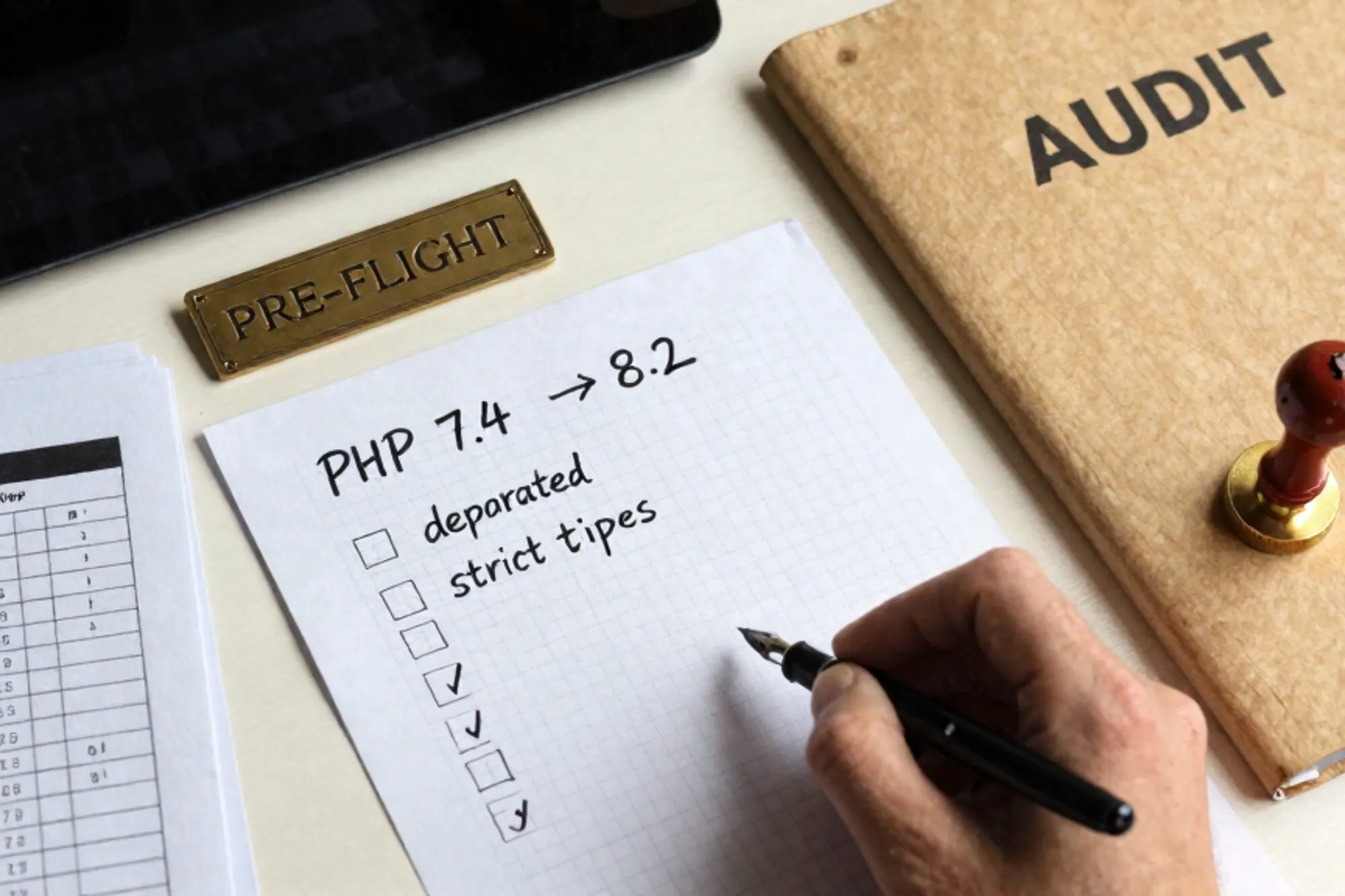
At 17:40 on a Friday a partner at a Dutch agency we work with pinged us with one line: "Hosting says they're forcing PHP 8.2 on Monday, what do we check first?" The site was a WordPress 6.4 install with twelve years of accreted theme code, two custom plugins last touched in 2019, and a Magento 1 sidecar nobody likes to discuss. The maintenance window was 90 minutes on Sunday night.
This post is the audit we ran. It is the same checklist we now hand to anyone about to take a legacy site from PHP 7.4 to 8.2 in one step, because most hosts will not let you stage 7.4 to 8.0 to 8.1 to 8.2 separately any more. You jump or you stay.
The four hours you actually need
The full PHP 7.4 to 8.2 audit takes roughly four hours on a single-site WordPress or Drupal install, plus another two hours if there is a custom plugin or module that writes to the database. Anyone telling you it can be done in fifteen minutes with a compatibility scanner has not read the output of that scanner.
Most of the cost is not the PHP code. It is the surrounding stack: the MySQL collation, the opcache config, the .htaccess directives that quietly assumed mod_php, the cron jobs that shell out to php without a version pin. Below is the order we run them in.
Deprecations that actually break
Forget the full list on php.net. On real legacy WordPress and Drupal codebases, four deprecation classes between 7.4 and 8.2 account for nearly every fatal we have ever seen on a PHP 7.4 to 8.2 cutover.
Implicit nullable parameters
This one is a deprecation now and a fatal soon. Any function like this:
function fetch_user(string $email, array $opts = null) {
    // ...
}
Emits a Deprecated notice in 8.1 and 8.2 because $opts is implicitly nullable. The fix is one character:
function fetch_user(string $email, ?array $opts = null) {
    // ...
}
Older WordPress plugins are riddled with this. Run a grep across the plugin directory before the cutover:
grep -rnE 'function[^(]+\([^)]*=\s*null' wp-content/plugins/Dynamic properties
PHP 8.2 deprecates setting a property on a class that did not declare it. Code that worked for fifteen years now warns:
class Cart {}
$c = new Cart();
$c->total = 99.50; // Deprecated in 8.2
Magento 1, half of WooCommerce's older payment integrations, and almost every "MVC framework written by one person in 2014" trip this. The pragmatic temporary fix is the #[AllowDynamicProperties] attribute. The proper fix is to declare the properties.
Null coalescing on offsets of non-arrays
If your legacy code did this:
$name = $maybe_user['name'] ?? 'guest';And $maybe_user was sometimes false instead of null or an array, 7.4 silently returned 'guest' and 8.0 and later throw Cannot access offset of type bool. Drupal modules that returned FALSE on cache miss are the worst offenders.
String-to-number juggling
The classic. 0 == "abc" used to be true. In 8.0 it is false. Any custom auth check that compared a hashed token loosely against a stringified input is now silently letting different things through, or rejecting valid ones. Grep for loose == against any code path that touches authentication or signed URLs and convert to ===.
Extension and SAPI inventory
The second-biggest cause of a botched 8.2 jump is not the code. It is an extension that did not come along. Before the maintenance window, run this on the live server with the 7.4 PHP binary:
php -m > /tmp/ext-74.txt
php --ri opcache > /tmp/opcache-74.txt
php -i | grep -E '^(PHP Version|Loaded Configuration|Scan this dir|Server API)'
Then on the 8.2 build (most hosts let you SSH and call php8.2 explicitly), run the same. Diff them. Look specifically for:
mysqliwith mysqlnd. WordPress will run on either driver, but if the 7.4 build had only the libmysqlclient variant, the 8.2 build will probably not. Plugins that callextension_loaded('mysqlnd')at runtime will hard-disable themselves.imagickversusgd. WooCommerce thumbnail regeneration assumes the same one is present on both sides of the move.opcache. If 7.4 was tuned withopcache.jit=1255, that exact flag changed semantics in 8.0. Leaving the directive inphp.iniproduces a startup warning, not a fatal, but it logs at every request.intl,bcmath,gmp. Magento 2 and any Drupal Commerce install need all three. Some hosts ship them as optional on 8.2 but defaulted-on on 7.4.
While you are in the SAPI section, check whether the host moved from mod_php to PHP-FPM in the same change. Many do, quietly. Your .htaccess might have a block like:
<IfModule mod_php7.c>
    php_value upload_max_filesize 64M
    php_value memory_limit 256M
</IfModule>
Under PHP-FPM, php_value directives in .htaccess do nothing. You need a .user.ini file in the docroot instead. This is the single most common cause of "the upload form silently stopped accepting big files after the upgrade".
The database side of the jump
PHP 8.0 changed how mysqli reports errors by default: exceptions on, warnings off. Any code path doing this:
$result = mysqli_query($link, $sql);
if (!$result) {
    log_error(mysqli_error($link));
    return [];
}
Now never reaches the if block. It throws. Wrap in try/catch or set mysqli_report(MYSQLI_REPORT_OFF) explicitly during the transition, then plan a proper exception path afterwards.
While you are auditing the database, check the collation. WordPress 4.2 and later use utf8mb4_unicode_520_ci by default. A site that ran on MySQL 5.5 in 2015 is probably still on utf8_general_ci with three-byte UTF-8. The 8.2 upgrade rarely forces a MySQL bump, but if your host also moves you from MySQL 5.7 to 8.0 in the same window, four-byte emoji in product descriptions go from working-by-accident to throwing. Run this against every text column you care about:
SELECT TABLE_NAME, COLUMN_NAME, CHARACTER_SET_NAME, COLLATION_NAME
FROM information_schema.COLUMNS
WHERE TABLE_SCHEMA = DATABASE()
  AND DATA_TYPE IN ('varchar','text','longtext','char')
ORDER BY TABLE_NAME;
You want one collation across the whole schema. Mixed collations cause silent WHERE mismatches that look like missing data.
A rollback you can run in 90 seconds
Every audit document we have ever seen ends with "make a backup". That is not a rollback plan. A rollback plan is a single command, tested before the cutover, that takes the site back to working in under two minutes. Here is the one we use:
#!/usr/bin/env bash
set -euo pipefail
SITE=/var/www/example.com
STAMP=$(date +%Y%m%d-%H%M)

# 1. snapshot the current state to a sibling dir
cp -al "$SITE" "${SITE}.pre82-${STAMP}"

# 2. dump the database in a single file, no locks on InnoDB
mysqldump --single-transaction --quick --routines \
  --databases example_db > "/var/backups/example-${STAMP}.sql"

# 3. write a one-liner that reverses both
cat > "/var/backups/rollback-${STAMP}.sh" <<EOF
#!/usr/bin/env bash
set -euo pipefail
rm -rf "$SITE"
mv "${SITE}.pre82-${STAMP}" "$SITE"
mysql example_db < "/var/backups/example-${STAMP}.sql"
echo "rolled back to ${STAMP}"
EOF
chmod +x "/var/backups/rollback-${STAMP}.sh"
echo "rollback ready: /var/backups/rollback-${STAMP}.sh"
The cp -al uses hardlinks, so the snapshot costs almost no disk space and takes seconds even on a 40GB site. Test the rollback script on a staging copy before the maintenance window, not during it.
The first hour after cutover
Once 8.2 is live, the first hour is not "browse the homepage". It is tailing the PHP error log and the slow query log together. Most deprecations and silent failures show up in the first 200 page-views, not in your smoke test.
tail -F /var/log/php-fpm/error.log /var/log/mysql/slow.log \
  | grep --line-buffered -E 'Deprecated|Fatal|Notice: Trying|Slow_query'
If a single Deprecated notice fires more than ten times in five minutes, it is almost certainly in a code path that runs on every request. Find it before the deprecation list grows into a log-flood that hides a real fatal.
When we built Pier we ran into this exact hour repeatedly with the agencies we work with. The way we ended up handling it was a chat-first editor that ties every save to a version history entry, plus a built-in MySQL editor for the collation and error-mode checks above, so the rollback target for a single file is one click rather than a re-run of the whole script.
If you do nothing else today, write the rollback-${STAMP}.sh script for the next site on your queue and run it once against staging. The audit can wait until tomorrow. The tested rollback cannot.
— Questions —
Can I skip 8.0 and 8.1 and go straight from 7.4 to 8.2?
Yes, most hosts force this. The audit is the same; you just hit all three releases' deprecations in one window instead of three. The risk is volume, not novelty.
How long does a proper PHP 7.4 to 8.2 audit actually take?
Four hours on a single-site WordPress or Drupal install, plus roughly two hours per custom plugin or module that writes to the database. Promised fifteen-minute audits are scanner output, not audits.
What is the single most overlooked thing in the upgrade?
PHP-FPM ignoring .htaccess php_value directives. Hosts often move from mod_php to PHP-FPM in the same window, and upload limits silently revert to defaults until you add a .user.ini file.
Does WordPress core itself break on 8.2?
Core is fine on current versions. The breakage is almost always in themes and plugins last touched before 2021, plus any custom code that relied on loose comparisons or implicit nullable parameters.