124 —Migration
osCommerce to WooCommerce: six weekends, no SEO loss
A 14-year-old osCommerce store moved onto WooCommerce in six weekends. The URL map, the specials-to-sale-price bridge, and the SEO that kept its rankings.
The first Friday in March, a Dutch agency we work with forwarded a screenshot of a Google Search Console graph that had finally bottomed out. Their client's osCommerce store had been running since 2010. The host had quietly nudged the box to PHP 7.4. Checkout was throwing fatals when customers paid with Apple Pay through Mollie. The agency had been waiting six months for a proper budget. The client called on a Thursday: pick a stack, give us a number, we ship before Black Friday.
We picked WooCommerce. Not because it is the right answer for every legacy site, but because the catalogue (about 2,400 products, 38 categories) was not large enough to justify a headless setup, the team already ran WordPress for marketing pages, and we had to preserve a decade of indexed product pages without anyone learning a new admin. Six weekends, two engineers, one staging clone. Here is what actually mattered in the osCommerce to WooCommerce migration.
The URL map
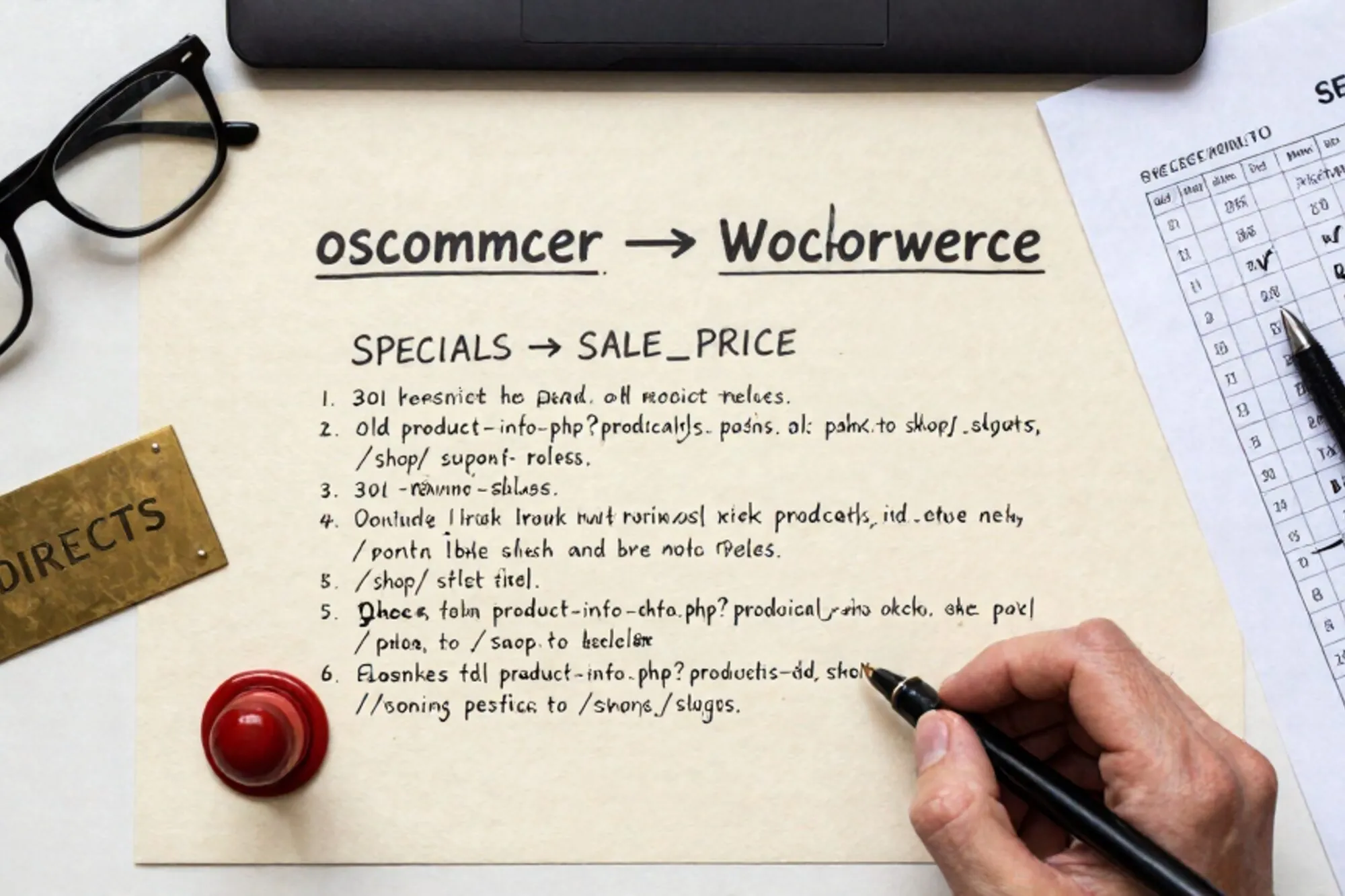
osCommerce URLs read like archaeology. /product_info.php?products_id=842 is a product detail page; /index.php?cPath=22_28 is a sub-category. Both are query-string-driven, both lose every signal of what the page is about, and both have been indexed at Google for fourteen years. You cannot redirect them to a 404 and absorb the bleed.
We dumped the products table on staging and built a CSV: products_id, products_name, the SEO-Booster-baked slug where it existed, categories_id, target Woo slug. About 100 lines of PHP read it; about 300 lines of judgement cleaned it up. Then the .htaccess block that went live, truncated:
RewriteEngine On

# Old product URLs
RewriteCond %{QUERY_STRING} ^products_id=([0-9]+)$
RewriteRule ^product_info\.php$ /redir/product/%1? [R=301,L]

# Old category URLs
RewriteCond %{QUERY_STRING} ^cPath=([0-9_]+)$
RewriteRule ^index\.php$ /redir/category/%1? [R=301,L]

# Old manufacturer URLs
RewriteCond %{QUERY_STRING} ^manufacturers_id=([0-9]+)$
RewriteRule ^index\.php$ /redir/brand/%1? [R=301,L]
Notice the redirects go into a /redir/ namespace, not directly to the live Woo slug. That namespace is a small WordPress route handler that looks up the legacy ID in a wp_options-backed map and 301s to the current URL. When a product slug changes after launch (one always does), we do not touch .htaccess; we update the map.
Three reasons for the indirection. The agency's managed WordPress host does not expose the main Apache config, so RewriteMap was off the table. The legacy IDs are not contiguous, and we wanted server-side analytics on which old URLs were still being hit six months in. When product 842 is discontinued in 2027, we want to 301 it to its category page, not to a thin 404.
Verifying the map
We ran the top 5,000 organic landing pages from the previous twelve months through a curl loop, expecting either a 301 to a 200 page or a deliberate 410. The first run had a 7% rate of 200-but-wrong-product, all in categories where the legacy admin had silently reassigned products_id values years earlier. Fixing it took an afternoon. We saved the final report as a CSV and committed it to the repo. Nobody likes finding out in October that a hero category quietly broke in May.
The price-rule bridge
osCommerce calls them "specials." A row in the specials table sets a fixed price and an expiry on a products_id. There is no concept of "10% off everything in this category until Friday." The store had 312 active specials at cutover and another 4,100 historical ones the marketing team wanted to keep for analytics.
WooCommerce uses _sale_price and _sale_price_dates_from / _sale_price_dates_to on the product post meta. The bridge is mechanically boring: map products_id to post_id, copy the special price across, copy the expiry.
INSERT INTO wp_postmeta (post_id, meta_key, meta_value)
SELECT
  m.wp_post_id,
  '_sale_price',
  s.specials_new_products_price
FROM legacy_specials s
JOIN id_map m ON m.legacy_id = s.products_id
WHERE s.status = 1;
The SQL was not the hard part. The hard part was the next conversation. The marketing manager wanted percentage rules going forward, because that is how she had been writing campaigns in her head for years. osCommerce never let her, so she had been hand-calculating sale prices in a spreadsheet for a decade. We pointed her at a small plugin that adds percentage rules at the category level and walked her through one campaign. The spreadsheet went into a folder called /archive/ and stayed there.
For the 4,100 historical specials, we wrote them into a custom table called legacy_specials_archive with a one-line admin view. Two months in, she had looked at it once. We left it; the migration was about getting her unstuck, not about being clever.
The SEO that survived
The brief from the client was unambiguous: do not lose the rankings. A 14-year-old domain with steady organic traffic is not the place to learn about Core Web Vitals on launch day. Three things mattered, in this order.
301s, not 302s, and not chained
Every redirect is a single hop. The /redir/ handler 301s straight to the live URL. We do not 301 to a search results page, we do not 302 because "we might change it later," and we do not chain through a www-to-apex rewrite that adds a second hop. We tested the whole top-5,000 set with a script that follows redirects and counts hops; anything above 1 got fixed before launch.
Canonical, schema, and the soft-launch sitemap
The legacy SEO Booster had been emitting Product schema with reasonably correct fields for six years. We mirrored the same offers.price, offers.availability and aggregateRating output in the Woo templates rather than letting the default theme write something different. Same canonicals, same Open Graph image sizes. The goal was to make every product page look identical to a crawler even though it had been rebuilt from scratch.
We kept both sites reachable for 36 hours on different hostnames. The new site's sitemap.xml went up first. We fetched a representative product as Googlebot through Search Console's URL inspection, watched for "Indexed," then flipped DNS. Full reindexing took about eleven days. Positions dipped 3 to 4 places on day two and were back above baseline by day fourteen.
Six weekends, in order
For anyone planning a similar timeline, this is what those weekends actually looked like.
- Weekend 1. Staging clone. Products, categories and customers imported via WP All Import. Slugs locked. No front-end theme yet.
- Weekend 2. Orders imported (15,400 historical orders into
wp_postsasshop_order). Mollie and iDEAL re-keyed against a sandbox. One real test order placed end-to-end. - Weekend 3. Theme rebuild from the previous template's HTML, not from a free WooCommerce theme. This was the longest weekend and the one most worth budgeting.
- Weekend 4. The URL map, the
/redir/handler, the.htaccessblock, the verification script. - Weekend 5. Specials bridge, tax rules (14 EU countries, full OSS VAT), shipping zones, transactional emails.
- Weekend 6. Content freeze on the legacy store. Final delta import of orders and new customers from the freeze window. DNS flip on a Saturday at 06:00 local. On call until Monday 18:00.
There was a Weekend 7, off the budget, for everything we had missed. There is always a Weekend 7.
Working with the old database while the new one is live
The part that is never in the plan is the next three months. You have a legacy MySQL database with the canonical historical data, a new database that is now writing, and a finance team who still asks questions in the old schema's vocabulary. You also have an .htaccess block that will keep growing as marketing redirects old campaign URLs to new landing pages.
We kept the legacy database on a read replica and gave the bookkeeper a small query console with five saved queries. Every other "can you look up X from before the migration" request went through that console. It saved roughly an afternoon a week and removed the temptation to sync a single table back into the live system, which is the kind of decision that becomes a Sunday-night incident a year later.
When we built Pier we ran into this exact shape on enough customer projects that we treated it as the core loop: dock into the live host's FTP root and the MySQL editor in the same window, run the saved queries next to the .htaccess you are editing, and keep version history on every change so a bad redirect is one click to undo. It is not a replacement for your editor; it keeps the legacy site and the new one in the same field of view while you finish the long tail of cleanup.
The smallest thing you could do today: export the last twelve months of organic landing pages from Search Console, paste them next to your new sitemap, and sort. The gaps are the project.
— Questions —
Why WooCommerce instead of Shopify for an osCommerce migration?
Catalogue under ~5k SKUs, an in-house WordPress habit, and a need to keep server-side control of redirects and PHP-level customisations. Shopify works; it just forces a different operating model.
How long should the legacy osCommerce site stay reachable after cutover?
36 to 72 hours on a different hostname is usually enough to verify sitemaps, schema parity and a representative crawl. Keep the database itself as a read replica for at least three months.
What is the single biggest risk in mapping old product URLs?
Reassigned legacy IDs. Old admins silently recycled products_id values, so a 301 can land on a real 200 page that shows the wrong product. Always crawl the top organic URLs after launch.