087 —Migration
Custom PHP CMS to WordPress shell: a four-week rebuild
A Dutch agency had four weeks to move a 2009 custom PHP CMS to WordPress, keep 14,000 URLs intact, and avoid touching the legacy database. Here's how.
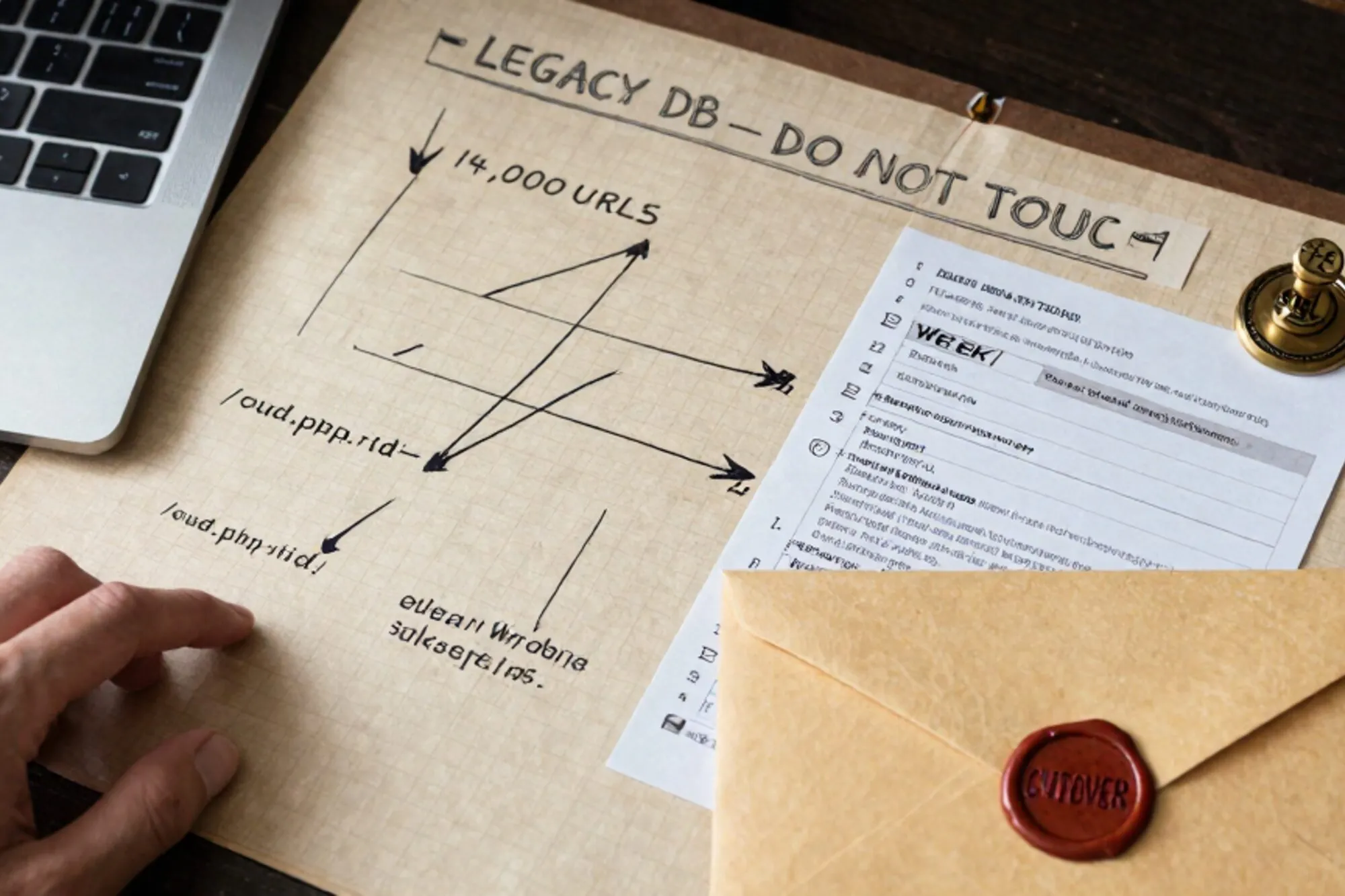
A Dutch agency we work with sent a Loom at 23:41 last March. Their client, a regional health-services group, had inherited a custom PHP CMS built in 2009 by a vendor that no longer exists. About 14,000 indexed URLs, four content types, an editorial team of six who refused to learn anything except WordPress, and a PHP 8.2 deadline staring at them from their host's status page.
The brief was the awkward kind. They wanted WordPress for the admin. They could not lose a single URL. The custom PHP CMS held a decade of editorial work in tables that looked nothing like wp_posts. And the budget covered four weeks, not four months. The four weeks was not arbitrary either: the host had given a hard date for dropping PHP 7.4, and the legacy CMS used create_function() in two hot paths that would fatal on 8.x.
We have done this kind of legacy site rebuild often enough that the answer was obvious by Tuesday: a thin WordPress shell over the legacy database, with a SQL bridge in the middle. This is the post-mortem.
The shape of the 2009 beast
The first week was reading. The CMS had no documentation, no tests, and no developer left who remembered it. We ran the database through a few audit queries and printed the schema as a wall poster.
The relevant tables looked like this:
cms_pages       (id, parent_id, slug, title, body, status, ts_created, ts_updated)
cms_articles    (id, category_id, slug, title, intro, body, author, published_at)
cms_sections    (id, page_id, position, kind, payload)
cms_categories  (id, slug, name, parent_id)
cms_users       (id, email, password_md5, role)
Two things jumped out. First, the slug strategy: cms_pages used nested paths reconstructed at runtime by walking parent_id recursively, which meant a page lived at /zorg/locaties/utrecht-noord/ but was stored as a flat row with slug = "utrecht-noord". Second, cms_sections.payload was a serialized PHP array, not JSON, because PHP 5.2 was the world when this was built.
The audit queries themselves were boring but load-bearing. SHOW TABLE STATUS for row counts. SELECT COUNT(DISTINCT slug) FROM cms_pages WHERE parent_id IS NULL for the top-level URL count. EXPLAIN on a homepage render to see what the legacy script actually asked the database for. The answer there was ugly: 47 queries on the front page, no index on cms_articles.published_at, and a function called build_breadcrumb() that recursed in PHP rather than SQL and ran once per page view.
If we had imported this into wp_posts the naive way, we would have lost the URL structure, broken every internal link, and forced an editorial team to learn a new content model on day one. None of that was acceptable. So we did the opposite. We left the legacy tables alone and built a translator.
The thin shell architecture
The design we settled on:
- WordPress runs alongside the legacy database, in a fresh installation with its own
wp_*tables. - The legacy
cms_*tables stay exactly as they are. No destructive migration, no schema rewrite. - A set of MySQL
VIEWs expose the legacy content as if it were a custom post type, with the joins and the slug-walking done in SQL. - A small mu-plugin teaches WordPress to read those views as
WP_Postobjects on the front end, while writes go back into the legacy tables through hand-written repository methods. - The editorial team only ever sees the WordPress admin. Under the hood, every save is a custom
save_posthook that updates the legacy schema.
The win was that the rollback story stayed trivial. If anything broke on cutover day, we could point Apache back at the old document root and the legacy CMS would keep working. The legacy database was never the migration target. It was the source of truth, period.
The SQL bridge
This is the bit that made the rest possible. We built three MySQL views that translated the legacy schema into something WordPress could consume.
The first view walked the parent chain to materialize the full URL path:
CREATE OR REPLACE VIEW v_page_paths AS
WITH RECURSIVE chain AS (
  SELECT id, parent_id, slug, CAST(slug AS CHAR(1024)) AS full_path
  FROM cms_pages WHERE parent_id IS NULL
  UNION ALL
  SELECT p.id, p.parent_id, p.slug,
         CONCAT(c.full_path, '/', p.slug) AS full_path
  FROM cms_pages p
  JOIN chain c ON p.parent_id = c.id
)
SELECT id, slug, full_path FROM chain;
Recursive CTEs require MySQL 8 (see the MySQL reference). The legacy host was on 5.7. So we upgraded MySQL first, which took three days of its own and is a separate story.
The second view shaped pages into something WordPress could read:
CREATE OR REPLACE VIEW v_wp_pages AS
SELECT
  p.id                AS ID,
  1                   AS post_author,
  p.ts_created        AS post_date,
  p.ts_updated        AS post_modified,
  p.title             AS post_title,
  p.body              AS post_content,
  vp.full_path        AS post_name,
  IF(p.status = 1, 'publish', 'draft') AS post_status,
  'legacy_page'       AS post_type
FROM cms_pages p
JOIN v_page_paths vp ON vp.id = p.id;
The third did the same for articles, with a join through cms_categories so the URL prefix came out as /nieuws/{category-slug}/{article-slug}.
We argued for half a day about materialized versus plain views. MySQL has no native materialized views, and the production database held about 22,000 rows across cms_pages and cms_articles combined. A single CTE-walked lookup measured around 4ms warm. We left them as plain views and leaned on a fragment cache inside WordPress for any view that touched more than three joins. Cold-cache page render dropped from 870ms on the legacy script to 110ms on the bridge, which surprised everyone in the room.
These were read-only views. We never tried to write through them. Writes went via plain PHP repository classes that knew the legacy schema by heart.
The .htaccess preservation layer
The client's SEO consultant had a list of about 200 high-value URLs they would not lose. The other 13,800 needed to keep their shape too, but those 200 were the ones with quarterly review attached.
The new WordPress install lived at the same document root. Apache had to choose between sending a request to the legacy script (during the transition window) or to index.php for WordPress. The mod_rewrite rules looked roughly like this:
# Legacy assets stay where they were
RewriteRule ^uploads/legacy/(.*)$ /uploads/legacy/$1 [L]

# Editorial preview tokens keep hitting the old script during cutover
RewriteCond %{QUERY_STRING} (^|&)preview_token=
RewriteRule ^(.*)$ legacy/index.php [L]

# Specific high-value redirects (200 entries, generated from a CSV)
RewriteRule ^oude-url/specifiek$ /nieuwe-url/specifiek [R=301,L]

# Everything else: WordPress
RewriteRule ^index\.php$ - [L]
RewriteCond %{REQUEST_FILENAME} !-f
RewriteCond %{REQUEST_FILENAME} !-d
RewriteRule . /index.php [L]
Rule order matters here more than people remember. Apache evaluates top-down and the first match with [L] halts processing, so the legacy preview-token rule had to sit above the WordPress catch-all. Anyone who has put RewriteRule . /index.php [L] above their static-asset bypass and watched every PNG return the homepage knows the feeling.
We kept the legacy uploads/ directory intact, mapped at the same path it had always lived at. None of the 12 years of editorial image links rotted.
Teaching WordPress to read the bridge
The mu-plugin was the smallest component. About 180 lines. The core was a posts_request filter that intercepted any query asking for post_type=legacy_page and rewrote it to hit v_wp_pages instead of wp_posts.
add_filter('posts_request', function ($sql, $query) {
    if ($query->get('post_type') !== 'legacy_page') {
        return $sql;
    }
    return str_replace(
        $GLOBALS['wpdb']->posts,
        'v_wp_pages',
        $sql
    );
}, 10, 2);
It is a horrible hack and we love it. WordPress's own query layer does the heavy lifting (pagination, sorting, basic WHERE) and we just swap the table name at the last moment. The view does the rest. The posts_request filter exists in core exactly because the maintainers knew somebody would do this eventually.
Writing back through the admin
Reads were the easy half. Writes had to go through PHP, because writeable joined views are a trap and because the legacy schema had constraints the view layer could not express (a cms_pages insert needs a matching cms_sections row, for instance).
The write path hooked save_post for the custom post type and called a repository class:
add_action('save_post_legacy_page', function ($post_id, $post) {
    if (defined('DOING_AUTOSAVE') && DOING_AUTOSAVE) return;
    if (wp_is_post_revision($post_id))            return;

    $repo = new LegacyPageRepository($GLOBALS['wpdb']);
    $repo->upsert([
        'id'         => (int) $post_id,
        'title'      => $post->post_title,
        'body'       => $post->post_content,
        'status'     => $post->post_status === 'publish' ? 1 : 0,
        'ts_updated' => current_time('mysql'),
    ]);
}, 10, 2);
The repository class was about 90 lines per content type. The most interesting trick was that we kept the WordPress post ID identical to the legacy row ID. Collisions were the obvious risk: WordPress assumes auto-increment integers for its own posts, and we did not want a new editorial page to land on top of a legacy one. We pre-reserved an ID range above any plausible cms_pages.id value by setting ALTER TABLE wp_posts AUTO_INCREMENT = 1000000 after install. Legacy IDs stayed below a million. WordPress-native posts started above. The bridge views map p.id directly to the ID column, and wp_postmeta stayed empty for legacy content because nothing in the editor wrote there.
Trying to make a SQL VIEW writable across joins is how weekends end. The repository pattern moved that complexity into PHP, where it was at least readable.
What broke on cutover day
We cut over at 06:00 on a Tuesday. By 06:14 the homepage rendered. By 06:22 the editorial team logged into the WordPress admin and panicked because the rich-text editor refused to load images.
Four real problems surfaced in the first 24 hours:
- Image URLs in legacy body fields. Old content stored absolute URLs like
http://www.client.nl/uploads/2014/foo.jpg, with the barewww. The new site was HTTPS-only with a redirect, which the editor treated as untrusted. Fix: a one-time SQL update normalizing protocol and host acrosscms_pages.bodyandcms_articles.body. - Character encoding. The legacy database was declared
latin1but had UTF-8 bytes shoved into it (the classic case). WordPress queried it asutf8mb4. Half the editorial copy rendered as mojibake. Fix: a temporarySET NAMES latin1on the bridge connection, then a one-pass conversion over the weekend. We ranCONVERT TO CHARACTER SET utf8mb4against a copy first, diffed the bytes-equal row count against bytes-changed, and only swapped in production once the diff stopped surprising us. - Search. WordPress's default search hits
wp_posts. The site search returned zero results for two hours. Fix: a separateWP_Querywith aposts_clausesfilter targeting the views, plus a small union to keep WordPress-native pages searchable too. - Stale OPcache. Apache served the legacy script for the first eleven minutes after cutover because PHP's OPcache held the old
index.phpin memory.opcache_reset()over a temporary admin endpoint cleared it. We should have wired that into the deploy script before the cutover, not during.
Total downtime across the four-week project: 31 minutes, for the database charset conversion. The legacy URL structure survived intact. Search Console reported a 4% lift in clicks over the next 60 days, which we attribute to performance gains the legacy script could not deliver (Apache plus object cache instead of an uncached single-file PHP CMS).
What we would do differently
Three things, mostly.
First, we underestimated the editorial training. The team got WordPress, but the custom save_post hooks meant some fields appeared in unfamiliar places. We should have spent a day shadowing an editor before writing a single line of code. The Loom at 23:41 was a busy team's idea of "we have a plan". It was not enough discovery.
Second, the SQL views ended up living in a separate repo. That was a mistake. The views are part of the application now. They belong in the same repository as the mu-plugin, in a db/views/*.sql directory, with a tiny runner that applies them on deploy. We have moved them since.
Third, we should have written an end-to-end test for the bridge before cutover, not after. The mu-plugin had unit tests around the filter logic, but no integration test that ran "create page in WP admin, write through bridge, render via legacy URL, match expected HTML". The mojibake bug would have caught itself in CI if such a test existed. Building it after the incident was twice the work and half the satisfaction.
When we built Pier we ran into this exact shape of problem. The way we ended up handling it was to have the MySQL editor talk to the live database over SSH and keep a version history of every view and stored procedure, so editing a recursive CTE in production stops being scary the second time.
The smallest thing you can do today: take one legacy table you have not touched in five years, write the recursive CTE that walks its parent chain, and save the output as a view. You will discover what your URL structure is actually made of in about twenty minutes.
— Questions —
Why not migrate the legacy content into wp_posts directly?
The URL structure was load-bearing and the editorial team had specific habits around the legacy save flow. A thin shell preserves both while letting you ship in weeks, not months.
Doesn't this leave two databases to maintain?
One database, two schemas inside it. The legacy tables remain the source of truth. WordPress writes its own admin metadata (sessions, users, options) but never duplicates the editorial content.
What MySQL version do you need for the SQL bridge?
MySQL 8.0 or later for the recursive CTE that materializes URL paths. On 5.7 you can substitute a stored procedure that walks the chain iteratively, but the views become harder to reason about.
How do you handle WordPress search across legacy content?
Default WP search queries wp_posts. Add a posts_clauses filter that swaps the table to your bridge view for queries scoped to the legacy post type, or run a parallel WP_Query and merge results.