078 —Migration
Migrating 600 PHP pages to WordPress without broken URLs
A 22-person Dutch agency moved 612 URLs of custom PHP onto WordPress in five weeks. No dead links. The crawl, the rewrites, the MySQL port, and what broke anyway.
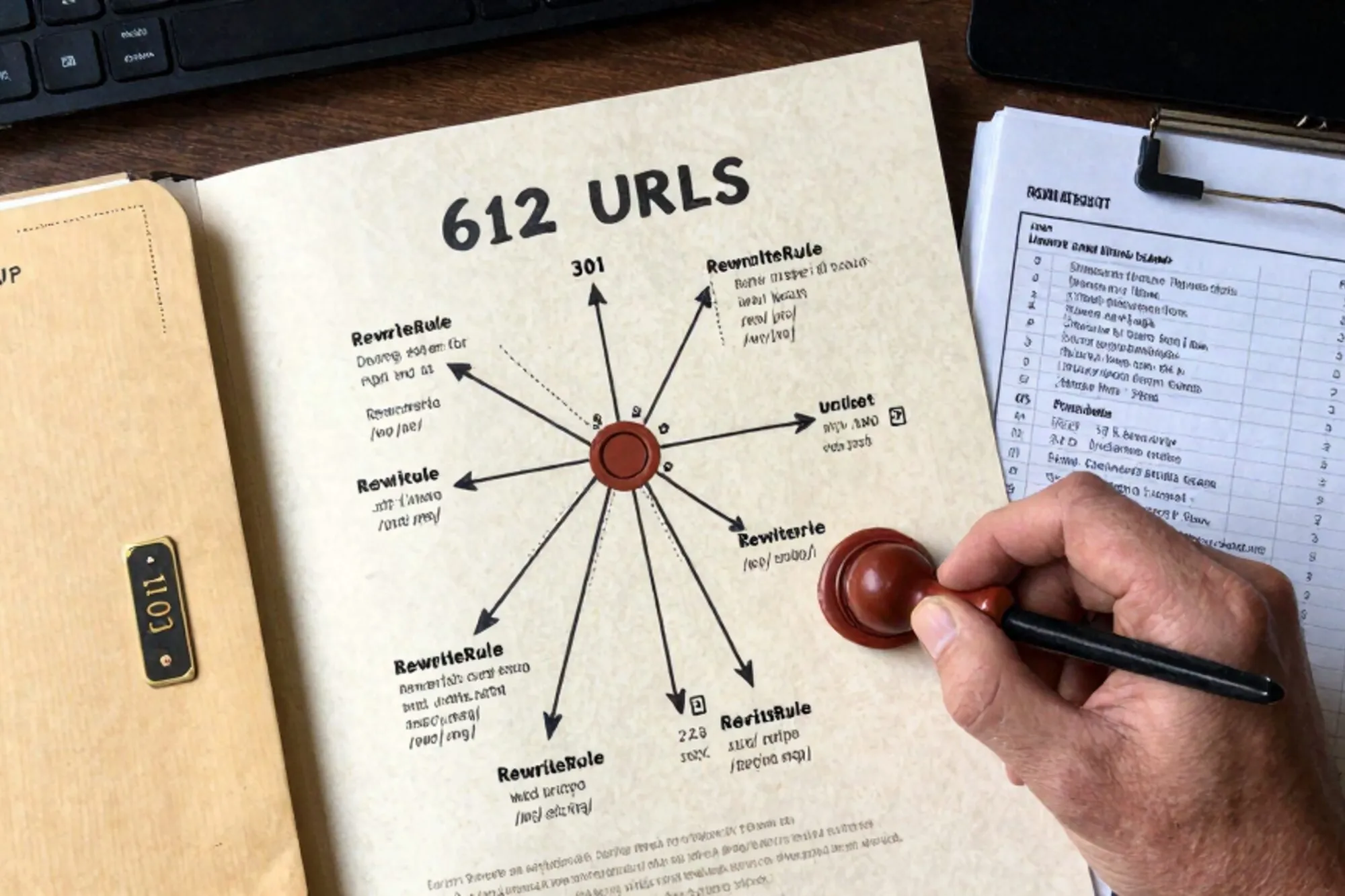
The brief landed in a shared Notion doc on a Tuesday afternoon. A 22-person agency we work with had inherited a furniture manufacturer's legacy site. 612 URLs of custom PHP from 2014, running on PHP 7.4, hosted on a single Strato VPS, with a mysql_real_escape_string()-era codebase that would not survive PHP 8.2's deprecation cliff. The client wanted WordPress. The non-negotiable: not one inbound link could break.
That sounds simple until you look at the link graph. Twelve years of organic backlinks. Trade publications linking to product pages by SKU. Retailer comparison sites deep-linking into category filters. Fourteen PDF datasheets sitting at /pdf/datasheet-*.pdf, two of which appeared in industry reports the manufacturer's sales team still emailed to procurement contacts every quarter. A 404 on any of those would not just hurt SEO. It would land in someone's inbox as a complaint.
What follows is the playbook the agency ran. Five weeks, zero broken URLs at cutover, and a handful of mistakes worth writing down. The whole job is a textbook PHP to WordPress migration, but the worth is in the small decisions made before the first WordPress plugin was installed.
Mapping every URL before touching the new build
The first job is not to build anything. It is to know exactly what you have. The CMS told us there were 612 published pages. The reality, after we pulled twelve months of Apache access logs, was closer to 700 URLs receiving real human traffic.
We started with a recursive crawl, then cross-referenced it with the logs:
wget --spider --recursive --no-parent \
  --domains=furniture-example.com \
  -o crawl.log https://furniture-example.com

# Then pull every URL ever hit in the last 12 months
awk '{print $7}' /var/log/apache2/access.log* \
  | sort | uniq -c | sort -rn > url-canon.txt
The crawl returned 612. The logs returned 47 more. Most of those 47 were old campaign landing pages the CMS had quietly orphaned but Google still indexed. Eight were query-string variants that carried real semantic load, like /products.php?cat=12&item=144, which a brochure-style PHP site from 2017 had treated as a real product URL.
We dumped the union into a spreadsheet with three columns: URL, 12-month hits, intent. The intent column was the real work. For each row, you decide: live on with a new slug, redirect to the closest match, or quietly retire. There is no automating that step. The agency lead spent two days on it. Those two days saved them three weeks downstream.
Designing the new permalink structure
WordPress defaults to /%postname%/ and that was where we landed. The old site used PHP file extensions everywhere: /products/oak-dining-table.php, /about-us.php, /pdf/datasheet-oak.pdf. Stripping .php on the way through Apache is the obvious move, but the PDFs needed a different decision.
The trade publications had linked to /pdf/datasheet-oak.pdf directly. WordPress would naturally want those files in /wp-content/uploads/2026/06/. That move would have invalidated every link in every article from 2017 onward. So we kept the legacy path. The PDFs live at /wp-content/uploads/legacy/datasheet-oak.pdf on disk, and an Apache rewrite catches the old path and serves them in place. No 301, no client-side blink, just a transparent map.
Of the 659 URLs the canon list contained, the breakdown looked like this:
- 547 became WordPress posts or custom post types with a one-to-one slug
- 51 were consolidated into a smaller set of new pages, with the old URLs 301-ing in
- 14 were the PDFs, preserved at the original path
- 47 zombie URLs were 301'd to the closest live equivalent
The .htaccess layer that holds it all together
The whole redirect map lives in a single .htaccess at the document root. Order matters. Legacy rules must come before the WordPress block, because WordPress's catch-all will swallow everything otherwise. The Apache mod_rewrite documentation is the canonical reference, but the shape is predictable.
# Legacy redirects. MUST come before the WordPress block.
RewriteEngine On

# Query-string product URLs: /products.php?cat=12&item=144
RewriteCond %{QUERY_STRING} ^cat=12&item=144$
RewriteRule ^products\.php$ /products/oak-dining-table/? [R=301,L]

RewriteCond %{QUERY_STRING} ^cat=12&item=145$
RewriteRule ^products\.php$ /products/oak-bench/? [R=301,L]

# Legacy PDFs: served in place from a frozen directory
RewriteRule ^pdf/datasheet-(.+)\.pdf$ \
  /wp-content/uploads/legacy/datasheet-$1.pdf [L]

# Specific .php pages
RewriteRule ^about-us\.php$    /about/      [R=301,L]
RewriteRule ^contact\.php$     /contact/    [R=301,L]

# Generic .php fall-through
RewriteRule ^(.+)\.php$ /$1/ [R=301,L]

# WordPress
RewriteRule ^index\.php$ - [L]
RewriteCond %{REQUEST_FILENAME} !-f
RewriteCond %{REQUEST_FILENAME} !-d
RewriteRule . /index.php [L]
The 51 individual product redirects sat in a generated block of the file, written by a small Node script that read the spreadsheet's redirect column. It is the kind of file you do not hand-edit at scale. We versioned the generator, not the output. When a stakeholder asked to change a redirect target two weeks after cutover, the edit was one row in the spreadsheet and one regeneration.
Porting content from the custom MySQL tables
The old site stored everything in three tables: products, categories, news. The bodies were HTML with inline styles, a decade of accumulated markup. Pulling those into wp_posts needed care, not because the import was technically hard, but because the import is the moment to throw away the cruft.
We used wp-load.php so that WordPress's own hooks fired during insert. Term assignments, slug uniqueness, ACF field saves, all of it works when you go through wp_insert_post() rather than writing direct INSERT statements. The WordPress reference for wp_insert_post covers the contract.
<?php
require_once '/var/www/wordpress/wp-load.php';

$old = new mysqli($host, $user, $pass, 'legacy_furniture');
$old->set_charset('utf8mb4');

$result = $old->query(
  "SELECT id, name, slug, body, category_id, created_at
   FROM products
   ORDER BY id"
);

while ($row = $result->fetch_assoc()) {
    $clean_body = sanitize_legacy_html($row['body']);

    $post_id = wp_insert_post([
        'post_title'   => $row['name'],
        'post_name'    => $row['slug'],
        'post_content' => $clean_body,
        'post_status'  => 'publish',
        'post_type'    => 'product',
        'post_date'    => $row['created_at'],
        'meta_input'   => [
            'legacy_id'          => $row['id'],
            'legacy_category_id' => $row['category_id'],
        ],
    ]);

    if (is_wp_error($post_id)) {
        fwrite(STDERR, "FAIL {$row['id']}: "
            . $post_id->get_error_message() . "\n");
        continue;
    }
    echo "imported {$row['id']} -> {$post_id}\n";
}
Three details worth lifting out. The post_date field gets the original creation timestamp, which keeps year archives sensible. The legacy_id meta lets you reconcile redirects later without guessing. And sanitize_legacy_html() was a 60-line function that stripped inline styles, normalised image paths from /img/products/ to the new media library, and ran the body through HTML Tidy. The OWASP guidance on cross-site scripting is worth re-reading before you copy a decade of untrusted HTML into a new database.
Testing the rewrite map against the canon
Before any of this went near production, we needed to know the redirect map actually did what the spreadsheet claimed. We built a staging copy of the new WordPress install on a subdomain, dropped the proposed .htaccess in, and ran a small loop that hit every URL in the canon and recorded the result.
while IFS= read -r url; do
  status=$(curl -s -o /dev/null \
    -w "%{http_code} %{redirect_url}" \
    "https://staging.furniture-example.com${url}")
  echo "${url} -> ${status}"
done < url-canon.txt > redirect-results.txt
The result file gave us the truth. Any 404 was a missing rule. Any 200 on an old URL meant a rewrite that should have been a 301 was being swallowed by WordPress. Any 301 pointing at a URL not in the new sitemap meant we had typed the destination wrong. We ran this loop seven times across three days. The seventh pass came back with zero 404s, zero unexpected 200s, and 612 clean 301s.
Cutover and the things that broke anyway
DNS switched at 06:00 local time on a Wednesday. The agency lead sat with a terminal open to the new server's Apache log and a second window tailing the old server, which we kept warm for 72 hours behind a different hostname in case rollback was needed. It was not.
Within four hours the new log surfaced 32 distinct 404s the URL canon had missed. They fell into three groups.
A vendor email template, still being sent monthly to wholesale buyers, hotlinked /img/hero-2018.jpg. We dropped a copy of the image at the old path and moved on. Three retailer portals had been polling /api/products.php?format=json for inventory. The agency wrote a 40-line PHP shim that lived at the legacy path and answered the same shape, backed by a WP REST query underneath. Two PDFs we had thought were retired turned out to be linked from an industry whitepaper Google had indexed in 2019. We restored them at the legacy path within an hour.
The Search Console coverage report wobbled for eight days, then settled. By day eleven the indexed-pages count was within three of the pre-migration number, and the new URLs were appearing in queries the old slugs had previously ranked for. That part is mostly Google catching up. There is no acceleration you can buy.
What we kept from this for our own work
When we built Pier we ran into this exact pattern more than once: a customer wants to refactor a legacy site's URL structure but cannot risk a single dead link. The way we ended up handling it was to make every .htaccess edit reversible from the version history and to give the MySQL editor a way to test a redirect map against a list of pasted URLs before anything ships.
The smallest version of this you can do today
If a PHP to WordPress migration is somewhere on your roadmap, do one thing this afternoon. Pull the last twelve months of access logs from your current host and run this:
awk '{print $7}' access.log* \
  | sort | uniq -c | sort -rn | head -200
The list that comes back is the URL canon you have to preserve. Everything else is decoration.
— Questions —
How long does a 600-page custom PHP to WordPress migration take?
Five weeks for the team described above. Two of those weeks went on URL mapping and content cleanup before any new WordPress install was touched. Skip that phase and you pay for it at cutover.
Do I need to keep the old .php URLs alive forever?
Yes, as long as inbound links still point at them. A 301 from the old path to the new is permanent in the sense that crawlers, bookmarks, and email templates will follow it for years.
Should I use a redirect plugin instead of .htaccess?
Plugins are useful for ongoing housekeeping. The initial migration belongs in .htaccess, because it runs before WordPress boots, is faster, and survives plugin deactivation or theme swaps.
How do I handle PDFs linked from external sites?
Keep them at the original path on disk. Use one Apache RewriteRule to serve them from a frozen directory. Do not move them into the WordPress media library where the URL changes by date.