083 —Magento
Reading a Magento 2 di.xml: the four nodes that matter
A class in your Magento 2 store behaves nothing like the vendor source. The answer is in di.xml. Four nodes do the real work; the rest is noise.
It is 16:20 on a Wednesday. You are staring at vendor/magento/module-catalog/Model/Product.php because a getPrice() call in a custom report is returning a number that does not match the database. The class looks innocent. The behaviour is not.
The class you are calling is not the class you are reading. Somewhere in the codebase, a di.xml file rewired it. Magento 2's dependency injection layer is powerful and almost entirely declarative, which means the answer to "why does this thing do that" hides in XML, not in PHP.
If you have ever opened a Magento 2 di.xml and felt your afternoon evaporate, this is the map. Four nodes explain ninety percent of every override you will meet. The rest is plumbing.
The four nodes that do the work
A Magento 2 di.xml lives in two places per module: etc/di.xml (global) and etc/<area>/di.xml where area is frontend, adminhtml, webapi_rest, webapi_soap, graphql, or crontab. The area-scoped file overlays the global one. The framework reads them in module-load order, merges the lot, caches the result under generated/metadata/, and serves a single resolved graph at runtime.
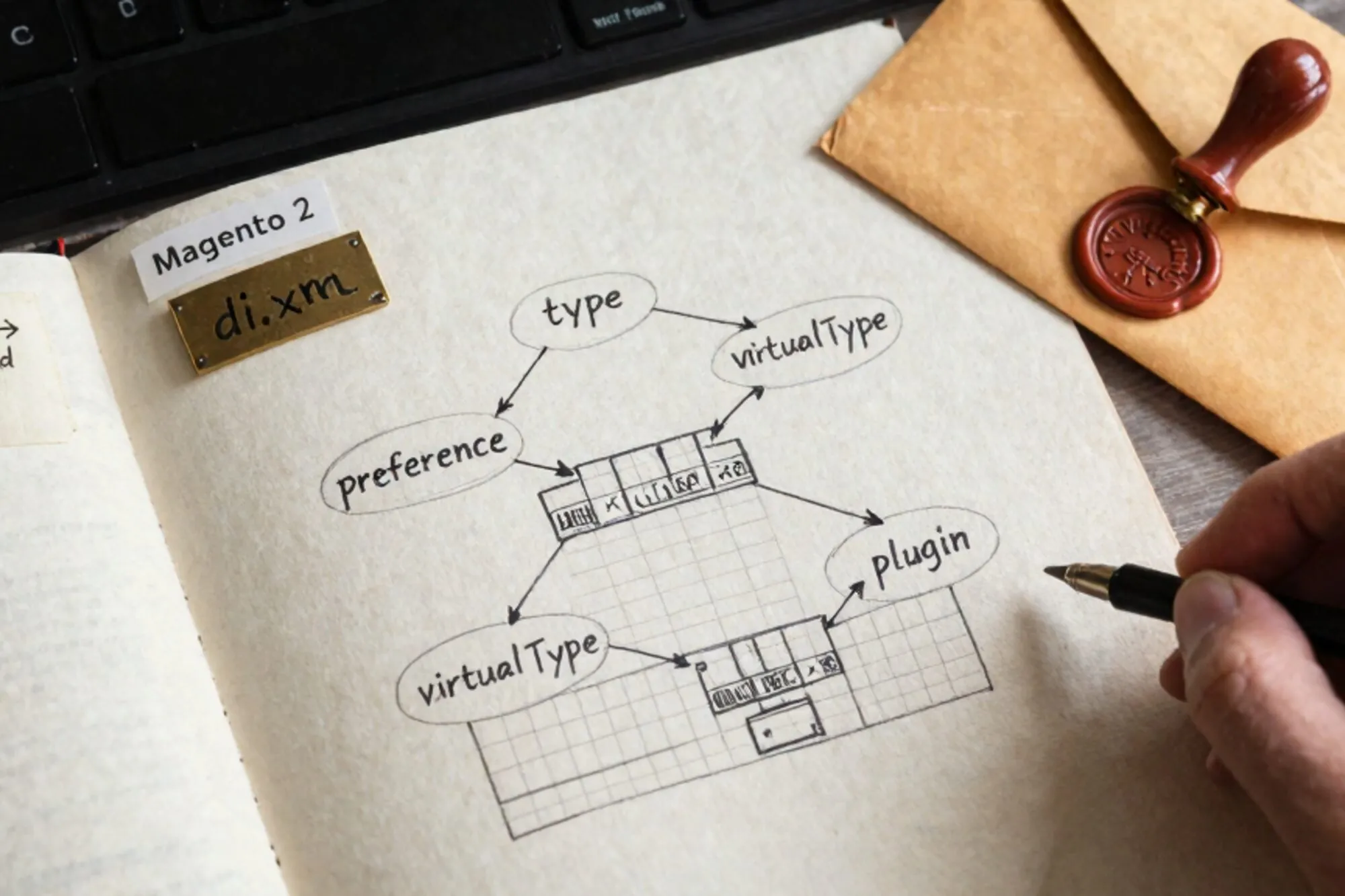
Inside that file, the four nodes you actually need to read are:
<preference><type><virtualType><plugin>(always nested inside a<type>)
Everything else is namespacing, sensitivity hints, or test fixtures. Learn these four and the file becomes legible.
preference: swap the implementation
A <preference> says: whenever someone asks for interface A, give them concrete class B.
<preference for="Magento\Catalog\Api\ProductRepositoryInterface"
            type="Acme\Catalog\Model\ProductRepository" />
After Magento's object manager resolves this, every constructor that type-hints ProductRepositoryInterface gets Acme\Catalog\Model\ProductRepository instead of the default. It is a flat, total replacement. There is no before and no after. The old class is gone from the graph.
Two things to remember. First, <preference> works on classes too, not only interfaces, which is how some third-party modules quietly hijack core implementations without you noticing. Second, the last preference loaded wins. Module load order is decided by app/etc/config.php and the sequence element in each module's module.xml. When two modules both preference the same interface, you get whichever module loaded later. Searching the codebase for preference for="Some\Class" is the only reliable way to find out who took over.
type: configure the constructor
A <type> node modifies how a specific class gets built. The most common use is to inject configured arguments into its constructor.
<type name="Magento\Framework\View\Element\UiComponent\DataProvider\CollectionFactory">
    <arguments>
        <argument name="collections" xsi:type="array">
            <item name="acme_invoices_listing_data_source"
                  xsi:type="string">Acme\Invoice\Model\ResourceModel\Invoice\Grid\Collection</item>
        </argument>
    </arguments>
</type>
This is how grid collections, validators, command lists, and event observer pools get extended. The class itself is not replaced. Its constructor argument named collections simply gets one extra entry merged in.
The <arguments> block supports xsi:type values for string, boolean, number, null, array, object, and init_parameter. The object type is the interesting one: it tells the object manager to resolve another class and pass that instance. That is the seam where one module can hand its own service to a core class without touching the core class file. The full list lives in the Adobe Commerce docs on dependency injection, worth bookmarking.
<type> is also where <plugin> declarations live, which is where this gets interesting.
virtualType: a clone with different arguments
A <virtualType> defines a new type name backed by an existing concrete class but configured with its own arguments. Nothing new is written to PHP. The name exists only inside the DI container.
<virtualType name="Acme\Invoice\Model\ResourceModel\Invoice\Grid\Collection"
             type="Magento\Framework\View\Element\UiComponent\DataProvider\SearchResult">
    <arguments>
        <argument name="mainTable" xsi:type="string">acme_invoice</argument>
        <argument name="resourceModel" xsi:type="string">Acme\Invoice\Model\ResourceModel\Invoice</argument>
    </arguments>
</virtualType>
You now have a class name (Acme\Invoice\Model\ResourceModel\Invoice\Grid\Collection) that points to Magento's SearchResult class with a different set of constructor arguments. Reference it anywhere a class FQN is expected. It will not appear in your IDE's class navigator because there is no file. Search by string match when you go looking.
This is the node that confuses people the most. If you grep for a class and find zero files but plenty of references, look for a virtualType with that name.
plugin: intercept the method
A <plugin> is the interceptor mechanism. It attaches before, after, or around methods to a public method of a target type. Plugins do not replace the target. They wrap it.
<type name="Magento\Catalog\Model\Product">
    <plugin name="acme_product_price_audit"
            type="Acme\PriceAudit\Plugin\Product\PriceLoggerPlugin"
            sortOrder="10"
            disabled="false" />
</type>
The plugin class declares methods named after the target's public methods, prefixed with before, after, or around:
public function afterGetPrice(
    \Magento\Catalog\Model\Product $subject,
    $result
) {
    $this->logger->info('product_price.read', [
        'sku'   => $subject->getSku(),
        'price' => $result,
    ]);
    return $result;
}
Plugins are the right answer when you want to observe or adjust behaviour without claiming the class for yourself. They are also the wrong answer when more than three modules have plugged the same method, because sortOrder becomes a quiet battlefield. The official guidance is in the Adobe Commerce docs on plugin interception, and it is worth a careful read before you write your fourth one.
around plugins are the most expensive at runtime and the most dangerous when chained. Default to before or after unless you have a reason. The reason is rarely "I want to skip the call". The reason is usually "I want to translate the arguments".
Reading order when you sit down with a real di.xml
When you open an unfamiliar Magento 2 di.xml, scan in this order:
- Every
<preference>. These are total replacements. Note which interfaces are taken over. - Every
<virtualType>. These are invisible classes. Add them to your mental class list. - Every
<type>with<arguments>. These are configuration injections, almost always either grids, validators, or command pools. - Every
<plugin>inside those<type>nodes. These are the runtime interceptors. NotesortOrderanddisabled.
Then run bin/magento setup:di:compile against a clean copy to see what the generated factories and interceptors look like under generated/code/. The compiled output is verbose, but it tells you the truth about which plugins actually wrapped which methods, in which order. Reading the XML tells you intent. Reading the generated code tells you reality.
After this afternoon
When we were building Pier for the kind of legacy site where a single Magento 2 store has eleven modules all overriding the same five classes, we ran into this exact thing: the XML is right there, but reading it in a normal editor means flipping between fifteen files to follow one override. The way we ended up handling it was a chat surface that resolves the whole graph for you, with full version history on every edit so you can revert any override the moment it goes sideways.
The smallest thing you can do today: open one di.xml you have been avoiding, grep your repo for every <preference for="" line, and write the list of taken-over interfaces in a comment at the top of the file. The next person on call, including you in three weeks, will get the afternoon back.
— Questions —
What is the difference between preference and plugin in Magento 2?
A preference replaces the class entirely for everyone who asks for the interface. A plugin wraps a single public method on the target without removing the original implementation from the graph.
Can I use a virtualType outside di.xml?
Yes, by string reference. The virtualType name only exists inside the DI container, but you can pass that name anywhere a class FQN is expected, including other XML files and factory calls.
Why does my plugin stop firing after a Magento upgrade?
The vendor likely changed the target method to private or marked the class final. Plugins only attach to public, non-final method signatures, so the override silently reverts with no error.
Where do area-specific di.xml files live?
Under etc/frontend/, etc/adminhtml/, etc/webapi_rest/, etc/webapi_soap/, etc/graphql/, or etc/crontab/ inside each module. They merge over the global etc/di.xml at the same level.