100 —Operations
LiteSpeed vs Apache vs Nginx: caching a tired WooCommerce store
A six-year-old WooCommerce store, 14k products, one VPS. We swapped the reverse cache three times and watched what actually moved the TTFB needle.
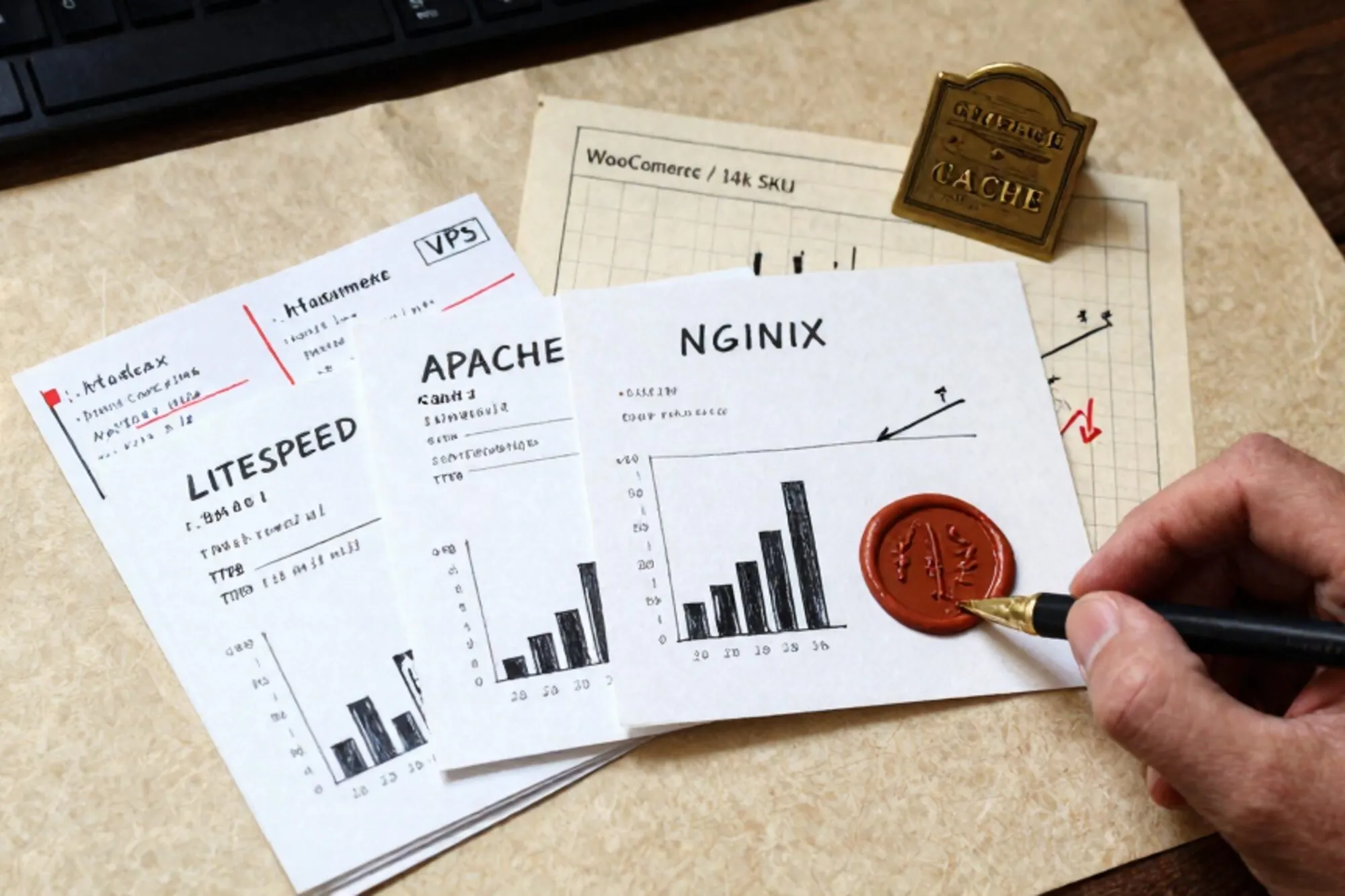
The site belongs to a Dutch agency we work with: a six-year-old WooCommerce store on a 4-vCPU Hetzner box, 14,000 products, an admin panel that takes nine seconds to open /wp-admin/edit.php?post_type=product, and a Friday-night sale coming up. The owner does not want to migrate to Shopify. He wants the cart to feel less like wet cardboard.
We had a free afternoon and root on the box, so we ran the obvious experiment: same site, same database, same plugins, three reverse caches. LiteSpeed Enterprise with LSCache, Apache 2.4 with mod_cache_disk in front of PHP-FPM, and Nginx with the FastCGI cache. Each got the same warm-up: wget --mirror over the top 200 product URLs from the last 30 days of GA, then ten minutes of wrk at concurrency 50.
This is what we saw, what surprised us, and the configs that produced the numbers. If you run a legacy site like this one and you are deciding what to put in front of PHP-FPM in 2026, the answer is less obvious than the LiteSpeed marketing suggests, but also less obvious than the "just use Nginx" Reddit consensus.
The store and the baseline
WooCommerce 8.4, WordPress 6.5, PHP 8.2-fpm, MariaDB 10.11, Redis for object cache, no CDN in front (intentionally, because the agency wanted to measure the origin honestly). The theme is a heavily-modified Flatsome. There are 41 active plugins. Yoast, WPML, a custom shipping calculator, a B2B pricing plugin, and the usual cohort of "this was urgent in 2021" abandonments.
Cold TTFB on the homepage with no reverse cache, just PHP-FPM behind Apache: 1,840 ms. Cold TTFB on a product page: 2,210 ms. Under wrk -t4 -c50 -d60s the box flat-lined at 7.2 req/s and the load average climbed to 18 before PHP-FPM started 502-ing. This is the baseline. Everything below is measured against it.
LiteSpeed Enterprise + LSCache
LiteSpeed Enterprise costs roughly $26/month for a 4-CPU VPS license. The agency was already paying for it. LSCache is a plugin that lives in the wp-content directory and talks to the LiteSpeed server over a private cache API, so purges happen on post save, on order completion, on cart change. That last bit matters for WooCommerce: a naive page cache will serve a stale mini-cart, which makes customers refresh and refresh and then leave.
The relevant block in .htaccess after enabling LSCache:
<IfModule LiteSpeed>
  CacheLookup on
  RewriteEngine On
  RewriteRule .* - [E=Cache-Control:no-cache,L] [E=cache-control:no-cache]
  RewriteCond %{REQUEST_URI} !^/(wp-admin|wp-login|cart|checkout|my-account)
  RewriteCond %{HTTP_COOKIE} !(wp-postpass|wordpress_logged_in|woocommerce_items_in_cart) [NC]
  RewriteRule .* - [E=Cache-Control:max-age=300]
</IfModule>
Warm TTFB on the homepage: 71 ms. Warm TTFB on a product page: 88 ms. Under the same wrk run: 4,910 req/s, load average 1.1. The cart still updated correctly because LSCache vary-keys on the cart-hash cookie, which is the part that nginx_fastcgi_cache makes you build by hand.
The downside is what you would expect: it is a closed, paid product, the cache directory has its own permission quirks (it lives under /usr/local/lsws/cachedata/, not in your site root, which makes debugging permissions confusing the first time), and the moment you move to a host that does not ship a LiteSpeed license you are rewriting everything.
Apache 2.4 + mod_cache_disk
The Apache native story is mod_cache_disk in front of mod_proxy_fcgi. It is the option you reach for when the host gives you Apache and you do not want to add a second daemon to the diagram.
CacheQuickHandler off
CacheLock on
CacheLockPath /tmp/mod_cache-lock
CacheLockMaxAge 5
CacheRoot /var/cache/apache2/woo
CacheEnable disk /
CacheDirLevels 2
CacheDirLength 1
CacheIgnoreHeaders Set-Cookie
CacheIgnoreNoLastMod On
CacheDefaultExpire 300
CacheMaxExpire 600

<LocationMatch "^/(cart|checkout|my-account|wp-admin|wp-login)">
  CacheDisable on
</LocationMatch>
Warm TTFB on the homepage: 148 ms. Product page: 171 ms. Under wrk: 2,140 req/s, load average 3.4. The Apache documentation for mod_cache is genuinely good and worth reading once before you tune anything.
The honest issue with this configuration is invalidation. mod_cache_disk does not know that you just published a post. We wired up a tiny WordPress mu-plugin that does htcacheclean -p /var/cache/apache2/woo -t on save_post and woocommerce_update_product, which works, but it is the kind of glue you forget about until a customer calls about a price that did not update. There is a CacheSocache backend that uses shared memory and is faster on hits, but it does not survive a restart, which we did not want for a Friday sale.
The Set-Cookie trap
WooCommerce sets a cookie on almost every uncached page view (woocommerce_cart_hash, the session cookie, the recently-viewed-products cookie). By default Apache will refuse to cache any response that includes a Set-Cookie header, which means your cache hit rate sits at zero and you assume the cache is broken. CacheIgnoreHeaders Set-Cookie is the line that fixes it, paired with a careful LocationMatch for the pages that genuinely need per-user state.
Nginx + FastCGI cache
The Nginx config that produced our numbers, trimmed to the cache-relevant lines:
fastcgi_cache_path /var/cache/nginx/woo levels=1:2 keys_zone=WOO:100m
                   inactive=60m max_size=2g use_temp_path=off;
fastcgi_cache_key "$scheme$request_method$host$request_uri";

map $http_cookie $skip_cache {
  default 0;
  "~*wordpress_logged_in"        1;
  "~*woocommerce_items_in_cart=1" 1;
  "~*wp_woocommerce_session"     1;
}

map $request_uri $skip_cache_uri {
  default 0;
  "~*/(cart|checkout|my-account|wp-admin|wp-login)" 1;
}

location ~ \.php$ {
  fastcgi_pass unix:/run/php/php8.2-fpm.sock;
  fastcgi_cache WOO;
  fastcgi_cache_valid 200 301 302 5m;
  fastcgi_cache_bypass $skip_cache $skip_cache_uri;
  fastcgi_no_cache    $skip_cache $skip_cache_uri;
  add_header X-Cache $upstream_cache_status;
}
Warm TTFB on the homepage: 62 ms. Product page: 74 ms. Under wrk: 6,380 req/s, load average 0.9. This is the fastest result of the three, and on paper it should be the answer.
What the numbers do not show is that we spent two hours getting here. The cookie map above is the third version. The first ignored the cart-items cookie and served signed-in users each other's mini-carts (we caught it in staging, barely). The second cached the checkout endpoint because we did not anchor the regex. The third is the one we now copy into every Nginx + WooCommerce setup, and we still re-read it before shipping it.
The three numbers, side by side
Cold homepage TTFB / warm homepage TTFB / sustained req/s under wrk -t4 -c50 -d60s:
- LiteSpeed + LSCache: 1,840 ms / 71 ms / 4,910 req/s
- Apache + mod_cache_disk: 1,840 ms / 148 ms / 2,140 req/s
- Nginx + FastCGI cache: 1,840 ms / 62 ms / 6,380 req/s
Nginx wins on raw throughput. LiteSpeed wins on time-to-correctness, because the WooCommerce-aware vary logic ships with the plugin instead of being a regex you wrote at 22:00. Apache loses on both counts, but it is the only one of the three that does not require introducing a new daemon or a paid license, and for a site doing 30k pageviews a day, 148 ms TTFB is genuinely fine.
What to pick when
If you already have LiteSpeed because your host bundles it (a lot of cPanel hosts do now), keep it. The LSCache plugin is the least-bad cache-invalidation story in the WordPress world and you will spend your afternoons on other problems. The LSCache docs are unusually honest about the trade-offs.
If you are on a VPS you control and you have an ops person who reads regex without flinching, Nginx + FastCGI cache gives you the best throughput and the most levers. Budget the two hours. Read the cookie map twice before you push it. Add add_header X-Cache $upstream_cache_status and leave it on in production: you will thank yourself the first time a customer reports a stale price.
If you are stuck on Apache because the host or the existing .htaccess tangle makes a swap risky, mod_cache_disk plus a small mu-plugin for invalidation is genuinely workable. It is slower than the other two, but the gap to baseline is enormous and the gap to Nginx is, for most stores, invisible to the customer.
The part we did not measure
None of these numbers include database queries. The reverse cache hides the database when the page is hot. The moment a logged-in customer hits checkout, or the admin opens edit.php?post_type=product, the cache steps aside and you are back to Woo's query plan. That is where most "my store is slow" tickets actually live, and no amount of reverse-cache tuning fixes it.
When we built Pier we ran into this exact thing repeatedly: the cache is fast, the front-end looks great, and then someone opens the admin and the site falls over because wp_postmeta has no index on the column WooCommerce keeps filtering by. The way we ended up handling it was giving the operator a chat-attached MySQL editor right next to the file tree and a version history for every schema change, so the "add an index, see if it helps, revert if it doesn't" loop takes thirty seconds instead of a maintenance window.
The smallest thing you can do today: SSH into your box, run curl -w "%{time_starttransfer}\n" -o /dev/null -s https://yoursite/ ten times against your homepage, write down the median. Then do it against a product page. Those two numbers tell you whether the next thing to touch is the reverse cache, the database, or neither.
— Questions —
Does LSCache work outside of LiteSpeed servers?
No. The plugin talks to a private cache API in the LiteSpeed server. Install it on Apache or Nginx and the page-cache features silently no-op, though the object cache still works.
Why not just put Cloudflare in front and skip the origin cache?
Cloudflare helps anonymous traffic but does not cache logged-in WooCommerce sessions or admin pages. You still need an origin cache, because the slow path is the one your customers complain about.
Is mod_cache_disk safe under high write load?
Yes, as long as CacheLock is on and CacheLockPath points to a fast filesystem. Under heavy purge load the lock files can pile up, so run htcacheclean on a cron or via a save_post hook.
Will any of this help the wp-admin product editor?
No. The admin is uncacheable by design. Admin slowness is almost always a database problem, usually a missing index on wp_postmeta or a slow plugin query in the all_admin_notices hook.