063 —Tooling
phpMyAdmin in 2026: the three settings that keep it safe
Half the senior engineers we work with want phpMyAdmin gone in 2026. The other half use it weekly. The three settings that resolve the argument.
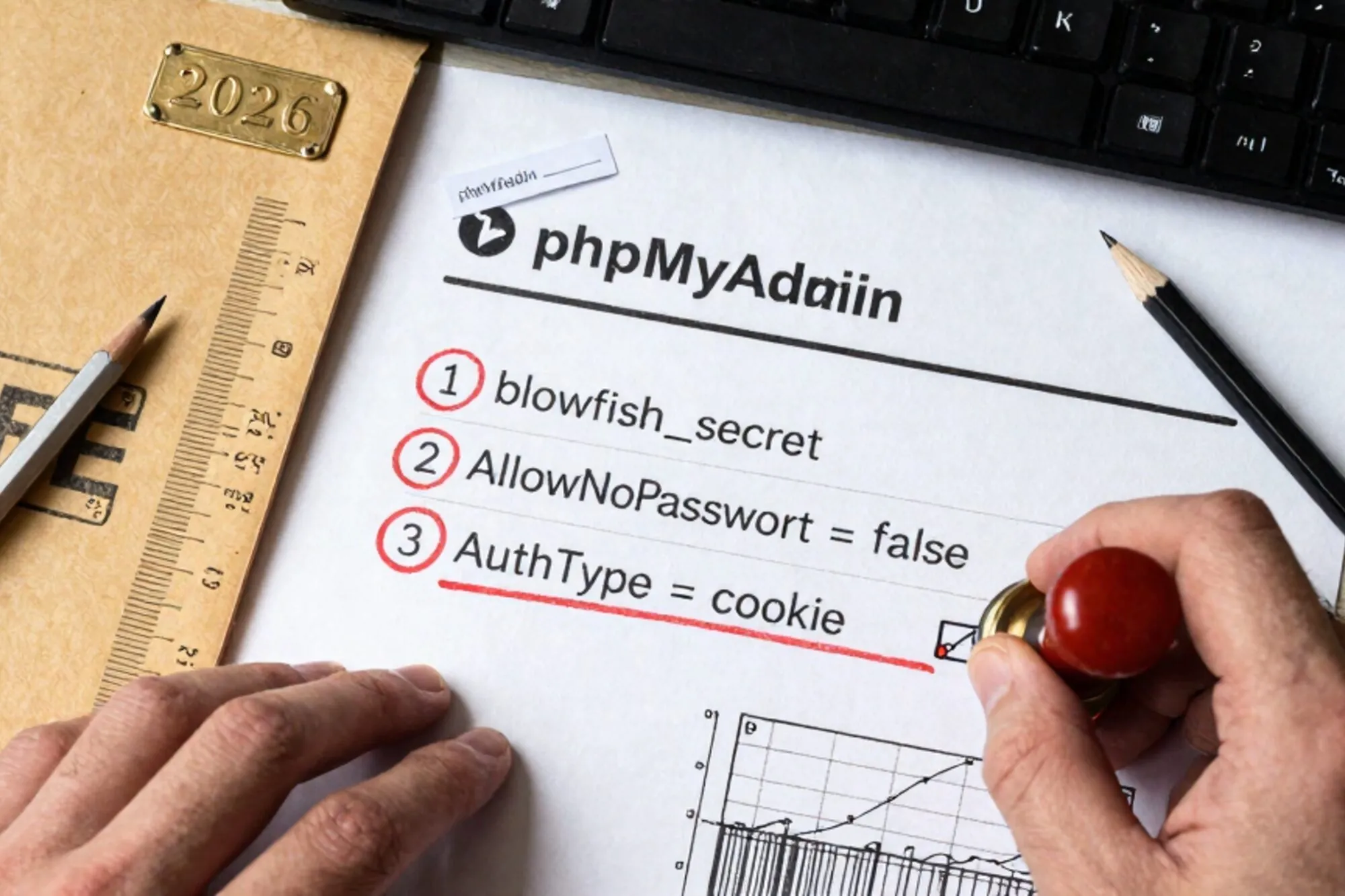
A Friday afternoon last month. An agency we work with picks up a call from a Dutch retailer: checkout on a WooCommerce shop has stopped working, conversions are flat for the last forty minutes, and the support inbox is filling up. The senior dev SSHs in and reaches for wp-cli. The host enforces a 64MB memory limit on CLI processes; wp option update dies before it finishes parsing the autoloaded options. He opens phpMyAdmin, runs a single UPDATE wp_options, and checkout is back inside two minutes.
The post-incident discussion was the one you would expect. The CTO wanted phpMyAdmin removed from the server "because it is 2026". The dev who fixed the outage pointed out that nothing else on that box would have done it that fast. Both were right, in different ways, and that argument is exactly the one this post is about.
The case against is mostly correct, and still wrong
The standard objections to phpMyAdmin in 2026 are real. It is one of the most reliably scanned URLs on the public internet. Default installs at /phpmyadmin get hammered with credential stuffing within hours of going live. Its own changelogs include a long string of CVEs, including the occasional unauthenticated remote code path. Its UI lets you do things no production human should be doing one click away from a "Go" button, like dropping the wp_users table or running an arbitrary file import.
None of that is an argument to remove it. It is an argument to configure it. The same can be said of SSH, which we keep open on every box, and of WordPress itself, which has a worse historical CVE record than phpMyAdmin and which we run anyway because the alternative is to not have a website.
On a legacy stack, phpMyAdmin is the only browser-based interface that survives whatever bizarre PHP version, missing extension, or kernel-level oddity the server presents. It runs where Adminer runs. It runs where MySQL Workbench refuses to tunnel. It runs at 23:41 on a Saturday when the ops engineer is on a phone in a rural area with no mysql client installed. Keeping it around is a hedge against the future being weirder than you hoped.
The three settings below are what we have ended up applying to every server we operate. Two are at the Apache layer, one is in phpMyAdmin's own config. None of them are clever. All three together make the difference between "we are keeping phpMyAdmin" and "we are keeping a public attack surface".
Setting one: move it off the obvious path
The first thing every scanner does is request /phpmyadmin, /pma, /dbadmin, /sql, and roughly forty variants. Sitting at the default path means your access log is permanently full of probes, and your auth layer is permanently doing work to reject them. Every probe is also a chance for a future CVE to land before you have patched.
The fix is an Apache Alias to a path that has no relationship to a dictionary word. Generate a short random suffix once, write it down in your password manager, and never speak of it in chat:
Alias /__pma_4f7a2c91 /usr/share/phpmyadmin
<Directory /usr/share/phpmyadmin>
    Options None
    AllowOverride None
    Require all granted
</Directory>

# Block the default paths so scans return 404 from Apache before PHP runs.
RedirectMatch 404 ^/(phpmyadmin|pma|dbadmin|sql|mysql)/?$
This is not security through obscurity in the sneering sense. It is load reduction. The probes still arrive; they hit a 404 at the web server and never reach PHP, never touch your auth code, never appear in your application logs. Apache's mod_alias documentation covers the corner cases if you need slash-handling beyond the basic case above.
Setting two: two auth layers, not one
phpMyAdmin's own login is fine. It rate-limits, it salts, it logs. What it does not do is stop a future authentication bypass CVE from giving an attacker the run of your database. So you put a second, completely separate layer in front of it, and you accept that two passwords is the cost of keeping the tool.
The cheap version is HTTP Basic Auth at the Apache layer. The credentials live in a file the database user does not control, the prompt happens before PHP starts, and any phpMyAdmin-internal bypass has to clear Basic first:
<Location /__pma_4f7a2c91>
    AuthType Basic
    AuthName "Restricted"
    AuthUserFile /etc/apache2/.pma_htpasswd
    Require valid-user
</Location>
Generate the file with htpasswd -B -c /etc/apache2/.pma_htpasswd opsadmin. The -B forces bcrypt; the default is still MD5, which is now actively bad. If you have a VPN or office IP block, an Require ip line is stricter and worth using on top.
Setting three: turn off what the GUI should not let you do
The third setting is the one most people miss because phpMyAdmin works fine without it. Out of the box, the interface lets a logged-in user import SQL from anywhere on the server's filesystem, execute shell commands through a few legacy plugins, change the MySQL user's own password, and run multi-hour queries that hang the box. None of that is reachable from the public internet, but it is reachable from a stolen session, and it is reachable from a future CVE.
The fix lives in /etc/phpmyadmin/config.inc.php, or config.user.inc.php on Debian-based installs:
// Lock the server-side file import/export.
$cfg['UploadDir'] = '';
$cfg['SaveDir']   = '';

// Stop the GUI from offering "change password" links.
$cfg['ShowChgPassword'] = false;

// Cap query runtime so a fat join cannot pin a CPU for an hour.
$cfg['ExecTimeLimit'] = 300;

// Refuse to authenticate any MySQL account without a password,
// even if one slips into your grants table.
$cfg['Servers'][$i]['AllowNoPassword'] = false;

// Pin which MySQL users can log in via phpMyAdmin at all.
$cfg['Servers'][$i]['AllowDeny']['order'] = 'deny,allow';
$cfg['Servers'][$i]['AllowDeny']['rules'] = array(
    'deny  % from all',
    'allow opsadmin from all',
);
The last block is the one that earns the most. It means that even if an attacker phishes a developer's root MySQL password, phpMyAdmin will refuse to log them in unless the username also matches your allow rule. Combined with setting two, that is three separate credentials the attacker has to control before they touch a SQL prompt. Worth reading the full config reference once; there are a half-dozen more flags worth flipping for your specific environment.
What stays after the three settings
After this, phpMyAdmin is no longer the bright red dot on your attack surface map. It is one of several tools behind two auth layers at a non-guessable path with a constrained GUI. The remaining residual risk is the same as for any web app you keep running: a 0-day, a backup of the box leaking the htpasswd file, a developer with shoulder-surfing problems on a train. That risk profile is normal. It is the same shape as the WordPress admin sitting next door.
The reason we kept arguing for this on customer servers, instead of replacing phpMyAdmin with a fresh tool, was that the alternatives do not survive the environment. Adminer is one file and good, but its single-page UI hides multi-table operations behind several clicks. The MySQL client over an SSH tunnel is the right answer when it works and a 45-minute setup problem when the host blocks port forwarding. None of that helps the developer at 23:41 on a Saturday.
When we built Pier for editing legacy sites over chat we ran into this exact pattern from the other direction: half the agencies we onboarded had already given up on phpMyAdmin and were doing surgery through the WordPress admin's tools and database screens, which is worse on every axis. The MySQL editor we ship inside Pier is what we wished phpMyAdmin had been by default, with the version history we always wished it had, but on a legacy stack the right move is usually to keep phpMyAdmin and harden it rather than rip it out.
Before you close this tab, open your own server, check whether phpMyAdmin still sits at /phpmyadmin, and if it does, do setting one. The other two can wait until tomorrow. The path change buys you the largest single drop in scanner load and takes about four minutes.
— Questions —
Why not just use Adminer instead?
Adminer is excellent for quick lookups, but its single-page UI hides multi-table edits, foreign-key tracing, and import flows behind extra clicks. On legacy estates phpMyAdmin still has the broader feature surface.
Is moving phpMyAdmin to a random path just security through obscurity?
Partly, but the real benefit is load reduction. Probes hit a 404 at Apache before PHP runs, so your auth layer stops doing work for scanners and your logs stop drowning in noise.
Does phpMyAdmin have its own two-factor option?
Yes, since 4.8 it supports TOTP and hardware keys per account. It is worth turning on, but it does not replace the Basic Auth layer in front, since 2FA only kicks in once PHP is already executing.
What about running phpMyAdmin only over a VPN?
Best option if you have a VPN already. Add Require ip in the Location block and you can keep the Basic Auth layer as a second factor for the rare day the VPN is down and you need emergency access from elsewhere.