109 —Security
Curl recon for legacy sites: seven one-liners before quoting
An agency drops a URL into the brief at 23:41 and asks for a hardening quote by morning. Seven curl one-liners take five minutes and size the work honestly.
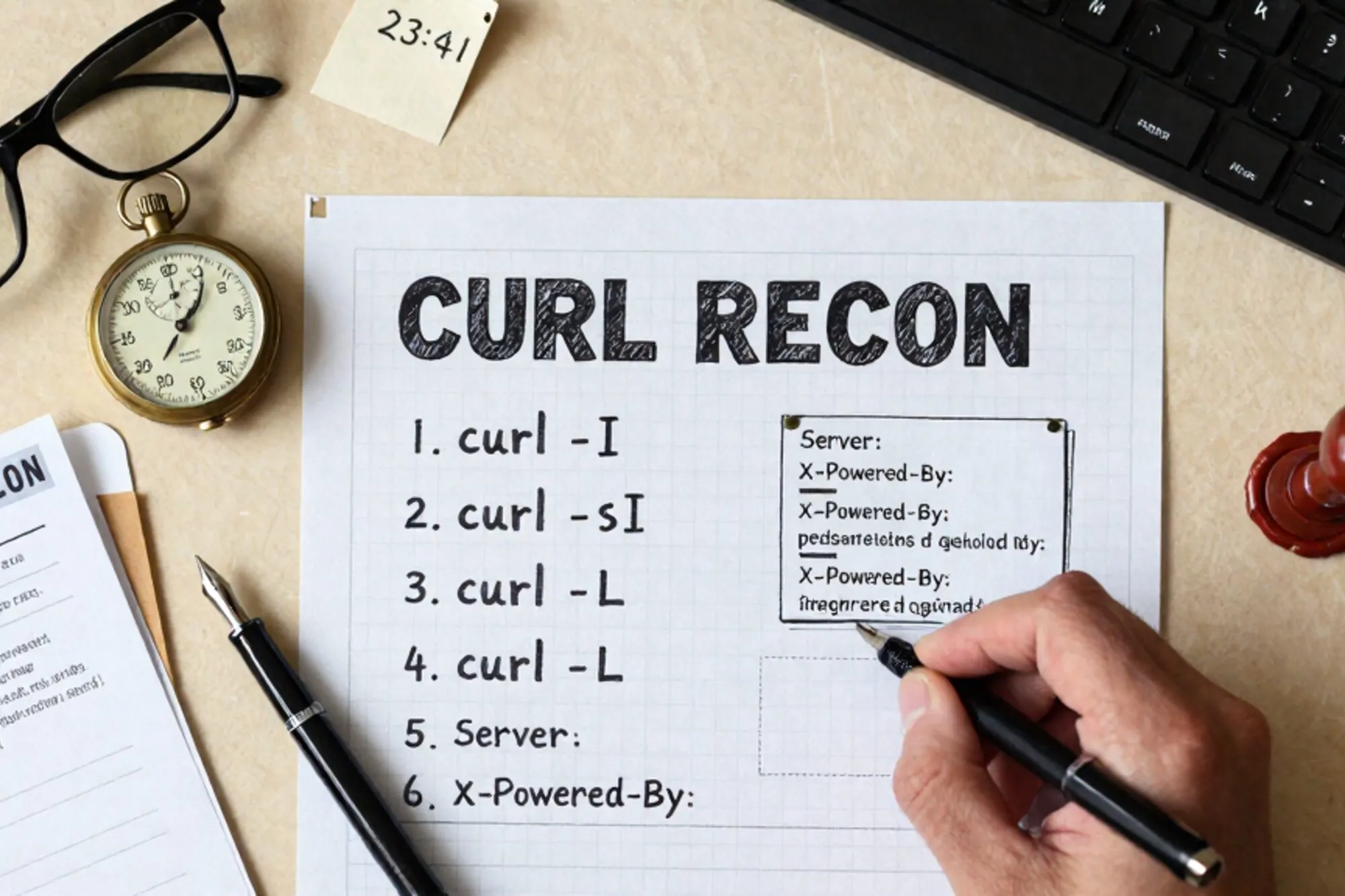
An agency lead drops a URL into the brief at 23:41 and asks for a hardening quote by morning. Before opening the proposal template we run seven curl commands. They take about five minutes, return enough signal to size the work honestly, and leave no trace in any vendor dashboard.
The site is usually a legacy site on PHP 7.4 or 8.0, running WordPress, Drupal 7, Joomla 3 or a hand-rolled CMS that someone's brother wrote in 2014. The patterns repeat. So do the curl one-liners.
The five-minute recon
None of the commands below need authentication, a VPN, or a paid scanner. Every one of them runs against a public URL with the same kind of request the browser already makes. Read the output as a starting point, not a verdict. A missing header on the home page might be set on /wp-admin. An open .git/config might be a symlink to a sandbox. Treat the numbers as a triage list for a real audit, not as the audit itself.
Set the target once so each command stays short:
T=https://target.exampleHeader posture
The first command pulls the response headers and grep filters for the security-relevant ones. If the grep returns nothing, the site is shipping browser defaults, which on a legacy stack usually means no HSTS, no CSP, and no frame protection.
curl -sI "$T" | grep -iE 'strict-transport|content-security|x-frame|x-content-type|referrer-policy|permissions-policy'Use this output to scope a header block in .htaccess or the nginx server block. The MDN reference for Strict-Transport-Security is the document we paste into the proposal when the client asks why the line item exists.
The second command checks for fingerprinting headers that quietly tell every scanner which PHP version is in play:
curl -sI "$T" | grep -iE '^(server|x-powered-by|x-generator|x-drupal-cache|x-aspnet-version):'A response that says Server: Apache/2.4.29 (Ubuntu) and X-Powered-By: PHP/7.2.34 is doing the attacker's homework. We quote a line to suppress these in the same hardening block and move on. On Apache 2.4 the lines are short:
Header unset Server
Header unset X-Powered-By
ServerTokens Prod
ServerSignature Off
The first two need mod_headers enabled; the last two belong in the vhost or top-level config, not .htaccess. On nginx the equivalent is server_tokens off; in the http block, plus more_clear_headers 'Server' 'X-Powered-By'; if ngx_headers_more is compiled in.
Exposed paths
The third command walks a short list of paths that should never return a 200. Version control metadata is the canonical example: a deploy script that ran git pull in document root leaves .git/ on the wire, and the entire repo can be reassembled from .git/objects.
for p in .git/config .git/HEAD .svn/entries .env .DS_Store backup.sql; do
  printf '%-18s %s\n' "$p" "$(curl -s -o /dev/null -w '%{http_code}' "$T/$p")"
done
Anything that returns 200, 301 or 302 to a real file goes straight into the quote. The fix is two lines in .htaccess:
RedirectMatch 404 /\.git
RedirectMatch 404 /\.env$
The fourth command targets the most common operator mistake we see, which is leaving an editor swap file or a quick backup next to wp-config.php:
for ext in .bak .old .orig .save .swp '~' .gz .txt; do
  printf 'wp-config.php%-5s %s\n' "$ext" "$(curl -s -o /dev/null -w '%{http_code}' "$T/wp-config.php$ext")"
done
A 200 on wp-config.php.bak hands over the DB credentials in plain text. We have found this on a Magento 1 install we were hired to migrate, on a Drupal 7 site that had been audited the year before, and on more WordPress installs than is comfortable to write down. The fix is a single FilesMatch block dropped into .htaccess:
<FilesMatch "wp-config\.php(\.(bak|old|orig|save|swp|gz|txt))?$">
  Require all denied
</FilesMatch>CMS endpoints and version leaks
The fifth command probes the WordPress endpoints that get most of the abuse traffic in the access log. xmlrpc.php is the canonical brute-force amplifier and wp-login.php the canonical credential-stuffing target.
curl -sI -X POST "$T/xmlrpc.php" | head -1
curl -s -o /dev/null -w '%{http_code} wp-login\n' "$T/wp-login.php"
curl -s "$T/?rest_route=/wp/v2/users" | head -c 400
The third line of that block enumerates users through the REST API if the site has not disabled it. A response that includes "slug":"admin" is the difference between a one-hour fix and an incident.
The sixth command reads the generator meta from the home page, which on most CMS installs leaks an exact version number:
curl -s "$T" | grep -iE 'meta name=.generator' | head -1A response that reads content="WordPress 5.8.1" tells us the site is roughly five years behind on point releases, that the OWASP entry for vulnerable and outdated components applies, and that the quote needs a core update line item before anything else. On WordPress, the meta tag is removed with remove_action('wp_head', 'wp_generator'); in a small mu-plugin. Drupal 7 and Joomla expose the same string through the same meta tag and want the same treatment.
TLS posture
The seventh command does not check for vulnerabilities directly. It checks whether the server still negotiates protocol versions that browsers have long since dropped.
for v in 1.0 1.1 1.2 1.3; do
  printf 'TLS %s  %s\n' "$v" "$(curl -sI --tlsv$v --tls-max $v "$T" -o /dev/null -w '%{http_code}' 2>&1)"
done
A 200 on TLS 1.0 or 1.1 means the site still accepts connections that no current browser will make, which is usually the symptom of a missed nginx or Apache config update during a server move. The minimum we ship is:
SSLProtocol all -SSLv2 -SSLv3 -TLSv1 -TLSv1.1or, on nginx, ssl_protocols TLSv1.2 TLSv1.3; inside the server block. Mozilla's server side TLS guide is the reference we paste into the proposal alongside it.
Turning the output into a quote
The seven commands above generate maybe forty lines of terminal output. We paste those into a scratch file, sort the findings into three buckets (one-line fixes in .htaccess, config changes that need a deploy, and structural work that needs scheduled downtime) and price each bucket separately. Clients tend to approve the first bucket on the same call.
When we built Pier we ran into this exact loop on every quote, and the way we ended up handling it was to bake the recon into the app: the same seven probes run against the docked FTP target the moment you connect. The findings sit alongside the file tree and the MySQL editor with one-click version history on every change you make in response.
If you ship one thing today, run the second command on a site you maintain. If the response includes a Server: header with a version number, open the vhost config and add ServerTokens Prod and ServerSignature Off. Five lines of work, one less free finding in the next attacker's recon.
— Questions —
Will running these commands against a client site cause problems?
No. Every request is a single unauthenticated GET or POST against a public URL with browser-equivalent traffic. The access log will see it but no rate limiter trips on seven probes.
What about Drupal, Joomla and Magento?
The xmlrpc and wp-login probes do not apply, but the header, generator, .git, backup and TLS checks all do. Swap wp-config.php for sites/default/settings.php, configuration.php or app/etc/local.xml.
Do these need to run from a specific IP?
No. Run them from a laptop on any network. If the result depends on the source IP, there is a WAF in front of the site and that warrants its own line item in the quote.
Why curl and not a scanner like Nikto?
Scanners are useful for the long tail, but the first conversation with a client is short. Seven copy-pasteable commands fit on one screen, run in under a minute, and produce output the client can read.