104 —Security
TLS handover checklist: cert, chain, cron, four hidden traps
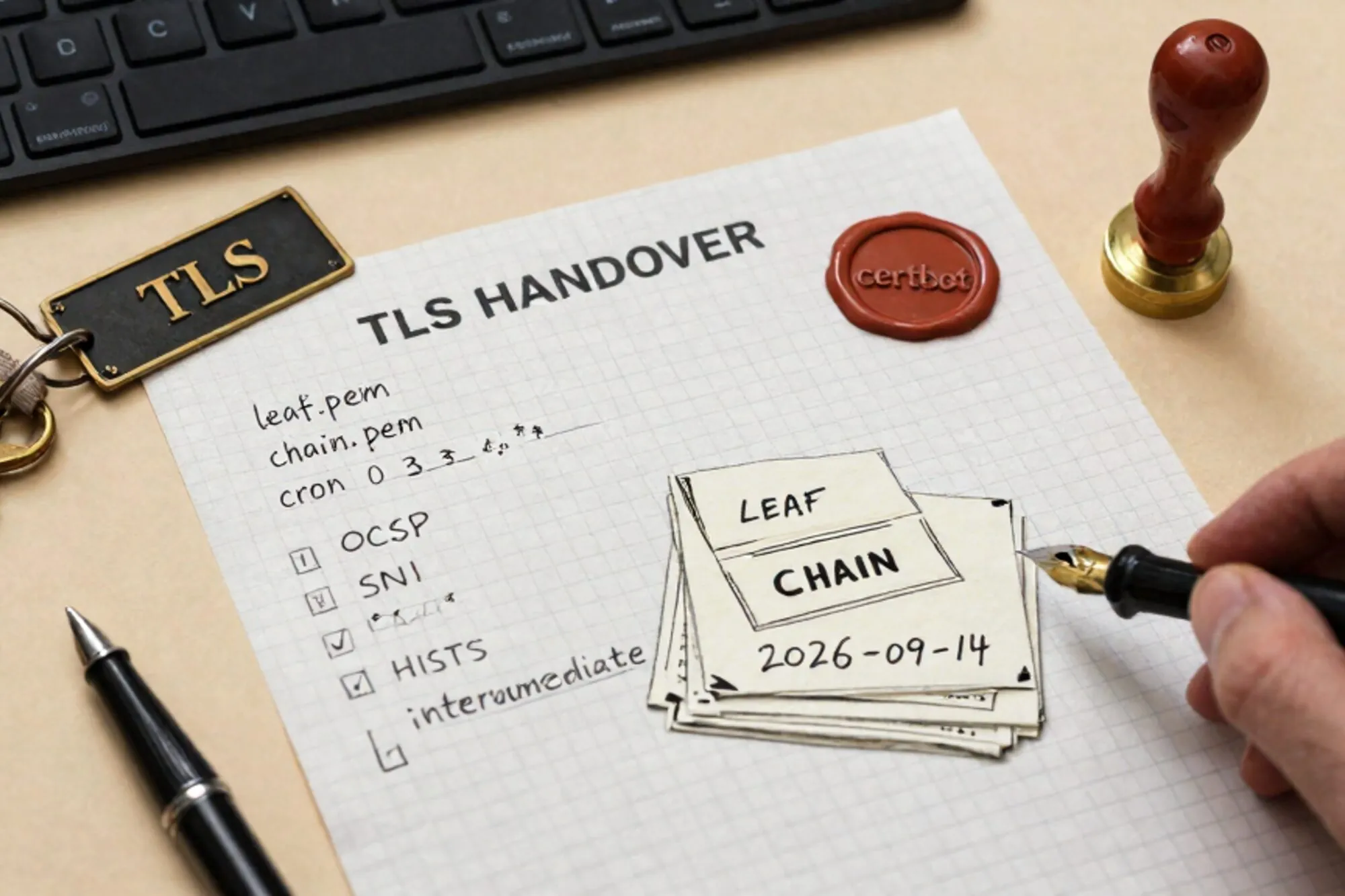
A one-page TLS handover checklist for inherited sites. The leaf, the chain, the cron and the four hidden traps hosts forget to mention at handover.
The handover doc said "SSL is handled by the host, auto-renew is on." Three weeks later, at 06:12 on a Sunday, the iOS app stopped talking to the WordPress API and the agency's phone started ringing. The leaf TLS certificate had renewed cleanly. The intermediate had not. Safari on iOS was the only client strict enough to notice, and only because Apple had quietly stopped trusting the old cross-sign that morning.
This is the third time this year we have walked into the same incident on an inherited legacy site. So we wrote it down. What follows is the TLS handover checklist we now run on every site we take over, in the order we run it, with the commands and the four things hosts forget to mention.
The one-page TLS handover checklist
Before you accept the keys to a site, run this top to bottom. It takes about fifteen minutes on a single domain and surfaces ninety percent of the ticking bombs.
- Leaf certificate: issuer, expiry, SANs, key type.
- Chain: every intermediate present, in order, no self-signed root appended.
- OCSP stapling: enabled, and the staple is fresh.
- Renewal mechanism: who runs it, where it lives, when it last ran successfully.
- Reload hook: does the web server actually pick up the new cert without a human.
- HSTS: header present, max-age sane, preload status known.
- Redirect chain: one hop from
http://tohttps://, canonical host only. - Mixed content: no
http://assets in the rendered HTML or in the database. - Subdomains and mail:
www,api,mail,cdnall covered or explicitly excluded. - Private key: where it lives, who can read it, is it in a backup tarball somewhere.
The rest of this post walks the first five in detail, then the four traps. Items 6 through 10 each deserve their own post and will get one.
Leaf, chain and OCSP, from the outside in
Start from the public internet, not from the server. What the world sees is what matters. One command tells you almost everything:
openssl s_client -connect example.com:443 -servername example.com -showcerts </dev/null \
  | openssl x509 -noout -issuer -subject -dates -ext subjectAltName
You are looking for four things in the output. The issuer line should name a real CA, not the host itself. The notAfter date should be more than thirty days out. The subjectAltName list should include every hostname the site actually serves, including www if you redirect to it. And the key type, visible with -text, should be id-ecPublicKey or RSA at 2048 bits or more. RSA 1024 still shows up on sites that were last touched in 2014.
The chain is the part that broke our Sunday morning. Re-run the same command without </dev/null and read the Certificate chain block at the top. You want the leaf, then one or two intermediates, then nothing. If you see a self-signed root at the bottom, the server is sending the root certificate down the wire. This is not harmful, just wasteful, but it is also a tell that whoever set it up copy-pasted a fullchain.pem they did not understand. If you see only the leaf and no intermediate, you have found a bomb. Modern desktop browsers will fetch the missing intermediate via AIA and survive. Older Android, some Java clients, and any strict pinning library will not.
For OCSP, the quickest check is SSL Labs, which will also flag chain order problems and weak ciphers in one report. If you prefer the terminal:
openssl s_client -connect example.com:443 -servername example.com -status </dev/null 2>&1 \
  | grep -A 5 'OCSP Response'
You want to see OCSP Response Status: successful and a This Update timestamp within the last few days. If the response is missing, stapling is off. If This Update is two months old, the cron that refreshes the staple is broken and you are one revocation away from a soft outage.
The renewal and reload story
Auto-renewal is the line every host puts in the handover doc. It is almost never the full story. The question you actually need answered is: which process, on which machine, writes which file, and which other process reloads which daemon to pick it up.
On a cPanel or Plesk box, the answer is usually "the panel handles it," which is true until someone disables AutoSSL for a domain that failed a DCV check six months ago and nobody noticed. Log in, find the SSL/TLS status page, and look for any domain in a yellow or red state. Those are your bombs.
On a plain VPS with certbot, the renewal lives in one of three places. Check all three:
systemctl list-timers | grep -i certbot
cat /etc/cron.d/certbot 2>/dev/null
crontab -l -u root | grep -i certbot
Then check it actually ran:
journalctl -u certbot.timer --since '60 days ago' | tail -20
ls -la /var/log/letsencrypt/ | tail -5
A renewal that has not run in 80 days on a 90-day certificate is not auto-renewing. It is coasting. The same goes for the reload hook. Certbot's --deploy-hook should restart or reload the web server after a successful renewal. If you find a deploy hook that runs service nginx restart but the site is on Apache, or that targets a container that no longer exists, the cert will renew on disk and never reach the listening process.
The four traps hosts forget
These are the items that almost never make it into a handover document, in rough order of how often we hit them.
1. The www variant nobody renewed
The leaf covers example.com. The redirect sends users to www.example.com. The www SAN was on the cert when the site launched in 2019. Someone re-issued the cert in 2023 without the www SAN, because they tested with curl and curl followed the redirect silently. Browsers do not. Always check both apex and www, and any subdomain that ever appeared in a marketing email.
2. The forgotten subdomain on a different server
Sites accrete. shop.example.com on a Magento box, blog.example.com on the WordPress box, api.example.com on a small Node service somebody set up for the iOS app. Each one has its own certificate, its own renewal cron, its own way to fail. The handover doc covers the WordPress box. Run a quick DNS sweep and check every A and CNAME record that points somewhere you control.
dig +short example.com ANY
dig +short example.com TXT | grep -i spf
for sub in www shop blog api mail cdn staging; do
  echo "--- $sub.example.com ---"
  openssl s_client -connect $sub.example.com:443 -servername $sub.example.com </dev/null 2>/dev/null \
    | openssl x509 -noout -subject -dates 2>/dev/null
done
3. The HSTS preload commitment
If a previous developer set Strict-Transport-Security: max-age=63072000; includeSubDomains; preload and submitted the domain to the HSTS preload list, you have inherited a promise that every subdomain, forever, will serve valid HTTPS. The day you spin up internal.example.com on plain HTTP for a quick test, it will be unreachable from preloaded browsers. Check the current header and check the preload list before you accept the keys.
4. The .htaccess redirect that loops behind a proxy
The classic block looks innocent:
RewriteEngine On
RewriteCond %{HTTPS} off
RewriteRule ^(.*)$ https://%{HTTP_HOST}/$1 [R=301,L]
Behind a load balancer or a Cloudflare-style proxy that terminates TLS and forwards plain HTTP to origin, %{HTTPS} is always off. The browser sees a redirect loop. The fix is to trust the forwarded header instead:
RewriteEngine On
RewriteCond %{HTTP:X-Forwarded-Proto} !https
RewriteRule ^(.*)$ https://%{HTTP_HOST}/$1 [R=301,L]
Do this only if you have verified the proxy strips inbound X-Forwarded-Proto from clients. Otherwise an attacker can forge the header and bypass the redirect. Apache's mod_rewrite docs have the full story.
What we ended up building for ourselves
The Sunday morning incident was the third time we ran this checklist from a notepad and the second time we wished the database step was one click instead of a wp search-replace dry run followed by a real run followed by a cache flush. When we built Pier we ran into this exact thing. The way we ended up handling it was to put the FTP file tree and the MySQL editor behind the same chat surface, so a TLS handover audit and the siteurl rewrite that always follows it both live in the same version history.
The smallest thing you can do today: pick one site you inherited in the last twelve months and run the openssl s_client command from the top of this post. Read the chain. If it looks wrong, you have found your next hour of work.
— Questions —
How often should I run a TLS handover audit on an inherited site?
Once at handover, then once a year, and after any infrastructure change: CDN swap, host migration, panel upgrade or DNS provider change. Renewal cron is not a substitute.
Why does the chain matter if browsers fetch missing intermediates via AIA?
Desktop browsers do. Older Android, Java HTTP clients, some IoT firmware and any strict pinning library do not. A missing intermediate breaks mobile apps before it breaks websites.
Is HSTS preload safe to enable on a legacy site?
Only if you control every current and future subdomain and can serve valid HTTPS on all of them forever. Removal from the preload list takes months. When in doubt, skip the preload flag.
What is the safest way to fix a redirect loop behind Cloudflare?
Switch the .htaccess condition from %{HTTPS} to %{HTTP:X-Forwarded-Proto}, and confirm your proxy strips that header from inbound client requests so it cannot be spoofed.