042 —AI
AI-assisted SQL: when to trust the suggested JOIN clause
AI will hand you a six-table JOIN in two seconds. Half of them are right. Here is how to tell which half before you press run on production.
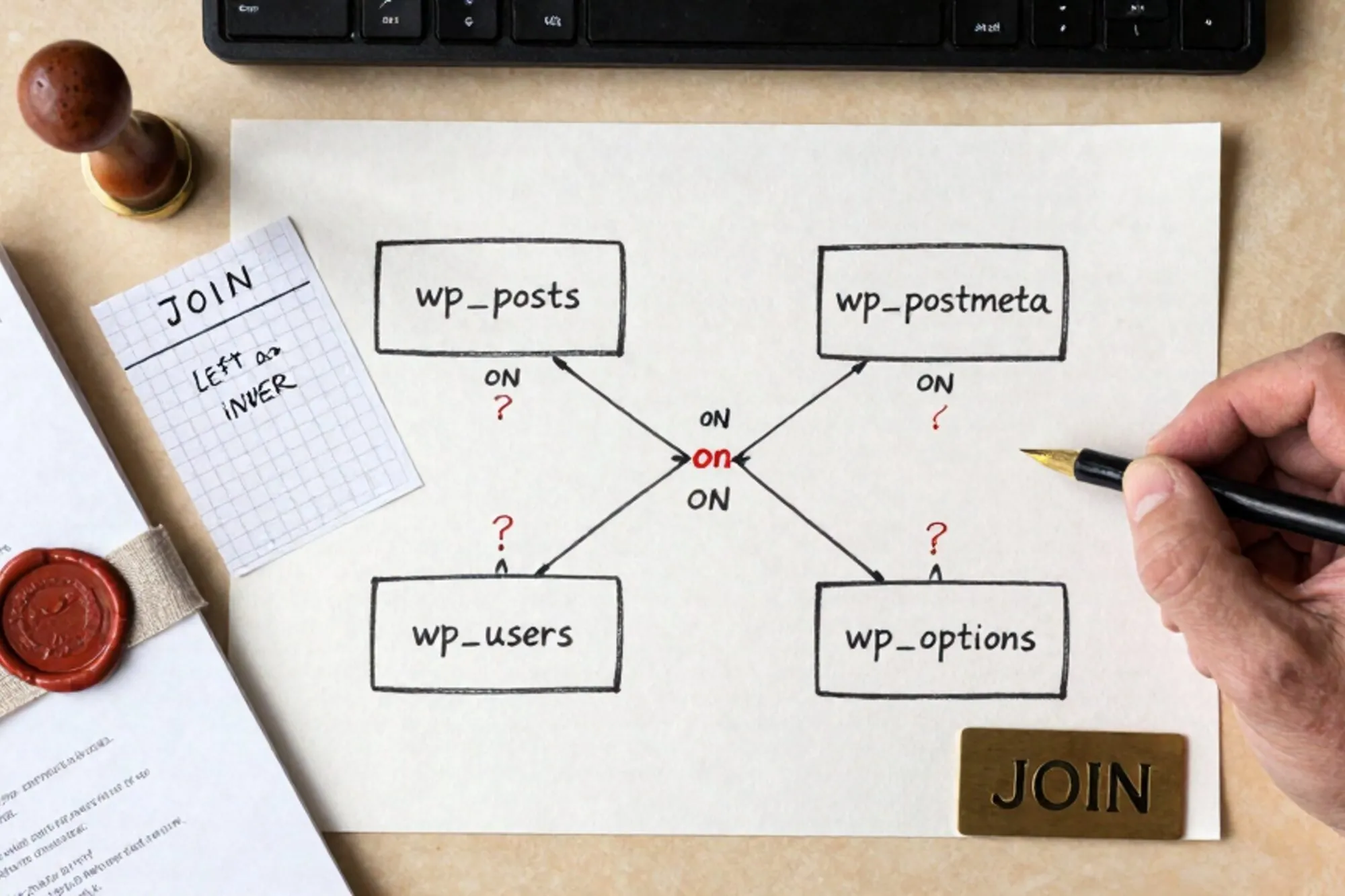
A Dutch agency we work with sent over a Loom at 23:41 on a Sunday. The lead developer had asked an AI assistant for a query that returned every order in the last 90 days with the customer's billing email and the SKUs they bought, against a Magento 1.9 database inherited from a previous freelancer. The AI-assisted SQL came back as a confident eight-table JOIN. It ran. It returned 412,000 rows. The store had done about 9,000 orders that quarter.
This post is about the gap between ran and correct. AI-assisted SQL is genuinely useful against a legacy site schema (WordPress, Drupal, Joomla, Magento, the bespoke PHP CRM somebody's cousin built in 2014), but the suggestions fail in a specific, predictable way. Once you can spot the failure pattern you can keep the speed without the 412,000-row surprise.
The shape of a wrong JOIN
Almost every bad AI-suggested SQL query against a legacy schema fails for one of three reasons, and they're worth naming because they look identical at a glance.
The first is a cardinality blowout. The assistant joined a one-to-many onto another one-to-many without a deduplication step, and you got the cartesian product of both. That's what happened to the Magento query above: sales_flat_order_item joined to sales_flat_order_payment joined to sales_flat_order_address with no WHERE address_type = 'billing' filter. Three rows per order on the address side, four to six on the items side, multiplied across 9,000 orders.
The second is a silently wrong key. WordPress is the canonical example. An assistant will happily write:
SELECT p.post_title, u.user_email
FROM wp_posts p
JOIN wp_users u ON u.ID = p.post_author
WHERE p.post_status = 'publish';
That looks fine. It runs. It returns sensible-looking data. But if the site uses a membership plugin that stores authorship in wp_postmeta under _original_author after an editorial workflow, every byline is wrong by one editor. The assistant has no way to know that, and the query gives no warning.
The third is the EAV trap, which is mostly a Magento and Drupal 7 problem. The assistant writes a clean JOIN against catalog_product_entity and then pulls name from a column that doesn't exist, because the name lives in catalog_product_entity_varchar keyed by attribute_id from eav_attribute. You either get nulls everywhere or, if the assistant tries to compensate, a fourteen-line subquery that's almost right and silently drops products with no default-store value.
The two-minute audit
Before running any AI-suggested JOIN against a production database, walk it through this. It takes about two minutes and catches roughly 80% of what would otherwise embarrass you.
Count the source tables. Take the query, list each table on the FROM and JOIN lines, and write the expected cardinality next to each one. If you can't say in plain English "this is one row per order" or "this is many rows per product", you don't understand the schema well enough to run the query. Stop and read the table.
Run it with COUNT(*) first. Wrap the whole thing:
SELECT COUNT(*) FROM (
  -- paste the AI's query here, but SELECT 1 instead of the columns
) AS audit;
Compare the count to what you'd estimate from memory. For the Magento case, the developer knew the quarter had about 9,000 orders. 412,000 is a 45x overshoot. That number alone tells you the JOIN is wrong before you've read a single line of it.
Look for a missing DISTINCT or GROUP BY. If the assistant joined onto anything with "items", "meta", "address", "option", or "variant" in the name and the outer query doesn't aggregate, you probably have row multiplication. Either add GROUP BY on the parent key or restructure as a subquery.
Read the WHERE clause backwards. Start with the most specific filter and work outward. Most silently-wrong queries are missing a single condition: address_type = 'billing', store_id = 0, meta_key = '_customer_user', language = 'en'. The assistant rarely volunteers these. You have to know they exist.
What to write yourself, every time
Some categories of query are not worth asking an AI for, because the cost of getting them subtly wrong dwarfs the time saved. Write these by hand.
Anything that writes. UPDATE, DELETE, INSERT, ALTER. An assistant that hallucinates a column in a SELECT just gives you an error. An assistant that hallucinates a column in a WHERE on an UPDATE silently updates every row in the table. OWASP's SQL injection page is worth re-reading for the same reason: assistant or not, the failure modes for write queries are catastrophic where read queries are merely annoying.
Anything that touches money. Order totals, invoice line items, tax calculations, refunds. The Magento sales_flat_order table has columns called grand_total, base_grand_total, total_paid, total_refunded, and base_total_invoiced, and they mean five different things in five different currencies. An assistant will pick whichever one was most common in its training data. That's a coin flip you don't want to take.
Anything involving soft-deletes or status flags. WordPress's post_status can be publish, draft, private, trash, auto-draft, inherit, or whatever a plugin invented. Drupal's node_field_data.status is 0 or 1 but the meaning depends on whether the node is also published in the moderation workflow. If the assistant doesn't ask which states you want, it picked one. You have to verify which.
What to let the AI do
The flip side is that there's a real category of work where AI-assisted SQL is faster than writing it yourself, and refusing to use it is just stubbornness.
Boilerplate joins where the schema is well-known and the keys are obvious: wp_posts to wp_postmeta on post_id, users to orders on customer_id, the standard Drupal node-to-field-table pattern. Pivot queries where the SQL is annoying to write but easy to verify. Date-bucketing with DATE_FORMAT or window functions where you'd otherwise have to look up the syntax. Translating a schema you've already read into a query you've already imagined. That's where it earns its keep.
The rule of thumb: if you could write the query in five minutes but you can't be bothered, the assistant is fine. If you'd need to read the schema first to write it, the assistant probably needs to read it too, and it can't.
A workflow that survives Monday morning
The agency from the opening scene now runs every AI-suggested query through a three-step ritual before it touches production. EXPLAIN first, to see what the planner is actually going to do and catch the cartesian product before it costs anything. COUNT(*) wrapped around the query, to sanity-check the row count against memory. Then the real query, but on a read replica or a recent dump first, never the live database, even for SELECTs. A badly-shaped JOIN against a 40GB orders table will pin the box for ten minutes whether or not it's read-only.
None of this is new advice. EXPLAIN has been in MySQL since before any of us were writing PHP for a living. What's new is that the volume of queries you're tempted to run has gone up, because the friction of writing them has gone down. The discipline has to scale with the throughput.
When we built Pier we ran into this exact thing. The chat suggests a JOIN, we run it, the result is wrong in a way that takes ten minutes to debug. The way we ended up handling it was to show row counts and EXPLAIN output inline inside the MySQL editor before a statement commits, and to keep every executed query in version history so a wrong UPDATE is one click back.
The smallest thing you can do today: open whichever legacy database you're closest to, write down the cardinality of its three biggest tables on a sticky note, and stick it next to your monitor. Next time the assistant hands you a query, you'll catch the blowout before you press run.
— Questions —
Is it safe to let an AI write SQL against a production database?
Reads, with a COUNT(*) wrapper and a quick EXPLAIN first, usually fine. Writes, never without reading every clause yourself. Test on a recent dump or read replica.
Why does AI get Magento and Drupal queries wrong more often than WordPress?
Both use EAV schemas where attribute values live in side tables keyed by attribute_id. Assistants miss the join to eav_attribute and either return nulls or silently filter rows.
What's the fastest way to spot a cartesian product in an AI-suggested JOIN?
Wrap the query in SELECT COUNT(*) FROM (...) AS audit and compare to the row count you'd estimate from memory. A 10x overshoot means a missing filter or DISTINCT.
Should I use AI to write UPDATE or DELETE statements?
No. A hallucinated column in a SELECT throws an error; a hallucinated column in a WHERE on an UPDATE quietly updates every row. The failure modes are not symmetric.