102 —Databases
wp_users SQL: three queries that show who actually logs in
412 rows in wp_users does not mean 412 people log in. Three SQL queries against wp_usermeta turn the dump into a real picture of active, stale, and dangerous accounts.
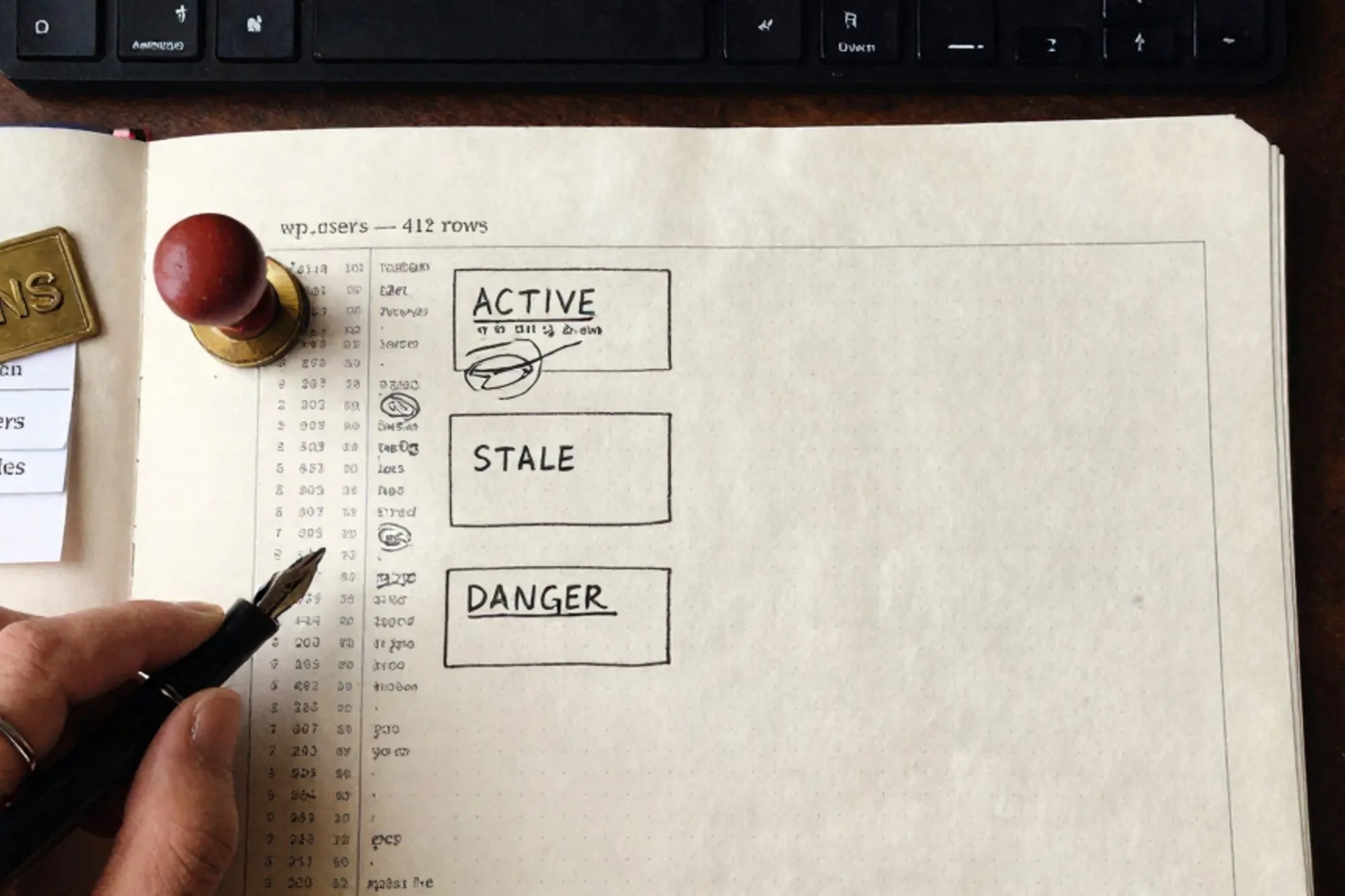
A Dutch agency we sometimes help inherited a WordPress install from a predecessor. The handover document said "three admins, the rest are subscribers from the old newsletter." A quick SELECT COUNT(*) FROM wp_users; returned 412 rows. They asked the obvious question: of those 412, who actually logs in?
The wp_users table does not answer that. It tells you who exists, when they registered, and what their email was at signup. It tells you nothing about whether they ever came back. To find that out you have to walk into wp_usermeta, where WordPress quietly stores per-user session tokens, expiry timestamps, and the role-and-capability blob that decides what each account can do.
This post is three SQL queries. Run them in order against any WordPress database (single-site or multisite, just swap the wp_ prefix). Together they turn a wp_users dump into a real picture of who is using the site.
The wp_users schema, and what it omits
The wp_users schema is intentionally sparse. The columns you get are ID, user_login, user_pass, user_nicename, user_email, user_url, user_registered, user_activation_key, user_status, and display_name. Notice what is missing: there is no last_login, no current_role, no last_seen_ip. WordPress core has never written those columns. Everything dynamic about a user lives in wp_usermeta as key-value pairs, most of them PHP-serialized.
Two meta keys carry the weight for this investigation. The first is session_tokens, added to core in 4.0, which holds a serialized array of every active session with its expiry, IP, user agent, and login timestamp. The second is wp_capabilities, which holds a serialized array of role assignments. The first answers "is this person actually using the site." The second answers "should we care."
If you want the formal description of the user object, the developer reference for WP_User covers the API. The schema itself is laid out on the Database Description page.
Query 1: who has a live session right now
The cheapest cut first. A user with a non-empty session_tokens row has at least one session WordPress still considers valid. Expired sessions are pruned lazily, so this is not a perfect "logged in right now" answer, but it filters the table down by 80 to 95 percent on a typical five-year-old site.
SELECT u.ID,
       u.user_login,
       u.user_email,
       u.user_registered,
       LENGTH(um.meta_value) AS session_blob_bytes
FROM   wp_users u
JOIN   wp_usermeta um ON um.user_id = u.ID
WHERE  um.meta_key   = 'session_tokens'
  AND  um.meta_value <> ''
  AND  um.meta_value LIKE 'a:%'
ORDER  BY u.user_registered DESC;
The LIKE 'a:%' check is paranoia. The value should always be a PHP serialized array (a:N:{...}), but sites that have been migrated by hand sometimes have empty strings or a stray b:0; sitting in the column. Skip them.
On the agency's 412-row table this returned 38 rows. That alone changes the conversation. There are not 412 people using the site. There are 38, and almost all of them are subscriber-level.
Query 2: the last actual login per user
A session row tells you someone has been here recently. The login integer inside the serialized blob tells you when. WordPress writes a fresh Unix timestamp into each session at the moment of authentication, which makes it the closest thing to a real last_login_at column the database has.
You cannot un-serialize PHP from MySQL directly, but you can fish the timestamp out with a regex. This needs MySQL 8.0 or MariaDB 10.0.5+ for REGEXP_SUBSTR:
SELECT u.ID,
       u.user_login,
       u.user_email,
       FROM_UNIXTIME(
         MAX(
           CAST(
             REGEXP_REPLACE(
               REGEXP_SUBSTR(um.meta_value, '"login";i:[0-9]+'),
               '"login";i:', ''
             ) AS UNSIGNED
           )
         )
       ) AS last_login_at
FROM   wp_users u
LEFT JOIN wp_usermeta um
       ON um.user_id  = u.ID
      AND um.meta_key = 'session_tokens'
GROUP  BY u.ID, u.user_login, u.user_email
ORDER  BY last_login_at DESC;
A NULL in last_login_at means the user has no current session and you have no timestamp at all. They have not logged in since the most recent session purge, which for most users means never.
On the same table this produced a clean split. 38 users with a real timestamp inside the last 60 days. 14 users with timestamps somewhere between six months and three years old, sessions long expired whose meta rows nobody cleaned up. 360 with NULL. Those 360 are the "newsletter subscribers from 2019" the handover doc was vague about.
Query 3: privileged accounts that never showed up
This is the one that makes people quiet. WordPress stores role assignments in wp_capabilities as a serialized array like a:1:{s:13:"administrator";b:1;}. A LIKE '%administrator%' substring match is good enough for an audit. Worry about false positives only if you have a custom role whose name contains the word. Combine it with the absence of a session row to find the dangerous shape: accounts with admin power and no evidence anyone is using them.
SELECT u.ID,
       u.user_login,
       u.user_email,
       u.user_registered,
       um_caps.meta_value AS roles
FROM   wp_users u
JOIN   wp_usermeta um_caps
       ON um_caps.user_id  = u.ID
      AND um_caps.meta_key = 'wp_capabilities'
LEFT JOIN wp_usermeta um_sess
       ON um_sess.user_id  = u.ID
      AND um_sess.meta_key = 'session_tokens'
WHERE  (um_caps.meta_value LIKE '%administrator%'
    OR  um_caps.meta_value LIKE '%editor%')
  AND  (um_sess.meta_value IS NULL OR um_sess.meta_value = '')
ORDER  BY u.user_registered ASC;
For the agency this returned seven rows. Two were the predecessor agency's own accounts, still administrator, registered 2018. One was a former employee. One was a wp_admin_backup account whose origin nobody could explain. Three were editor-level accounts attached to email domains that no longer existed.
None of those rows are inherently malicious. But every one of them is a credential that, if it ever leaks, lands directly in the back office of a production site, and nobody is going to notice because nobody is watching that account. That is the entire premise of OWASP A07: Identification and Authentication Failures. Most of the damage comes from accounts that should not still exist.
Typical ratios on a five-year-old site
Run on a five-year-old WordPress site, the ratio is almost always the same. Roughly 5 to 15 percent of wp_users rows have a live session. Another 5 to 10 percent have expired session metadata sitting around. The rest are inert subscribers, abandoned customer accounts, or imports from a long-forgotten plugin. Of the privileged rows, 1 to 3 percent of the table is usually administrator-level, and somewhere between a third and half of those have never been touched since the year they were created.
The decision is not automatic. You do not bulk-delete the silent users. Some of them are real customers who log in once a year to download an invoice or a download token. But you should know they exist, and you should know which ones hold administrator capability. The three queries above let you put a number on it in five minutes.
When we built Pier we kept running into exactly this pattern: agencies wanted to audit wp_users on a legacy site and ended up bouncing between phpMyAdmin tabs to read serialized blobs by eye. The MySQL editor reads session_tokens and wp_capabilities inline, and every write lands in version history so a junk-account cleanup is one click to undo.
The smallest thing to do today
Open your production database against a read-only user (or run a fresh dump locally) and run query three. If the count of unused admin and editor accounts comes back higher than you can name from memory, you have your week's work cut out.
— Questions —
Why does WordPress not have a last_login column?
Core has kept wp_users minimal since 2.0. Dynamic state lives in wp_usermeta. The session_tokens row added in 4.0 is the closest equivalent to a last-login timestamp.
Will REGEXP_SUBSTR work on MariaDB?
Yes, from MariaDB 10.0.5 onward, and on MySQL 8.0+. On MySQL 5.7 or older MariaDB you can extract the login integer with nested SUBSTRING_INDEX calls, or parse the blob in PHP.
Can I just delete the silent users?
Don't bulk-delete. Some silent rows are real customers who only return once a year for an invoice or a license file. Audit first, archive second, delete third, and keep a rollback path.
Does this work on WooCommerce sites?
Yes. WooCommerce customers still live in wp_users with their session and capability data in wp_usermeta. Their wp_capabilities will read 'customer' instead of 'subscriber'.