125 —WordPress
WordPress nonces: what wp_verify_nonce actually does
The form works in the morning, breaks in the afternoon, and nobody can reproduce it on demand. The bug is in how you read what wp_verify_nonce returns.
The Slack message lands at 14:02 on a Wednesday. "Our submission form works in the morning and randomly breaks after lunch. Nothing in the error log." We open the plugin file and find this:
if (wp_verify_nonce($_POST['_wpnonce'], 'submit_form') === 1) {
    process_form();
}
The plugin worked in the morning because the WordPress nonce was less than 12 hours old. By 14:02 some users were submitting nonces from yesterday afternoon, and wp_verify_nonce was returning 2 instead of 1. With the strict === 1 comparison, only fresh nonces pass, and the form starts dropping requests at random. The author never noticed because their own browser session always sat in the fresh half of the window.
This is what happens when you copy wp_verify_nonce from Stack Overflow without reading what the function actually does. So let us read it.
What WordPress calls a nonce
A nonce in cryptography is a number used once. A WordPress nonce is not that. It is a hash tied to a user session, an action string, and a 12 or 24 hour window. The same user, hitting the same action, will get the same nonce twice in a row if they reload within the window. That is not a bug. It is the design.
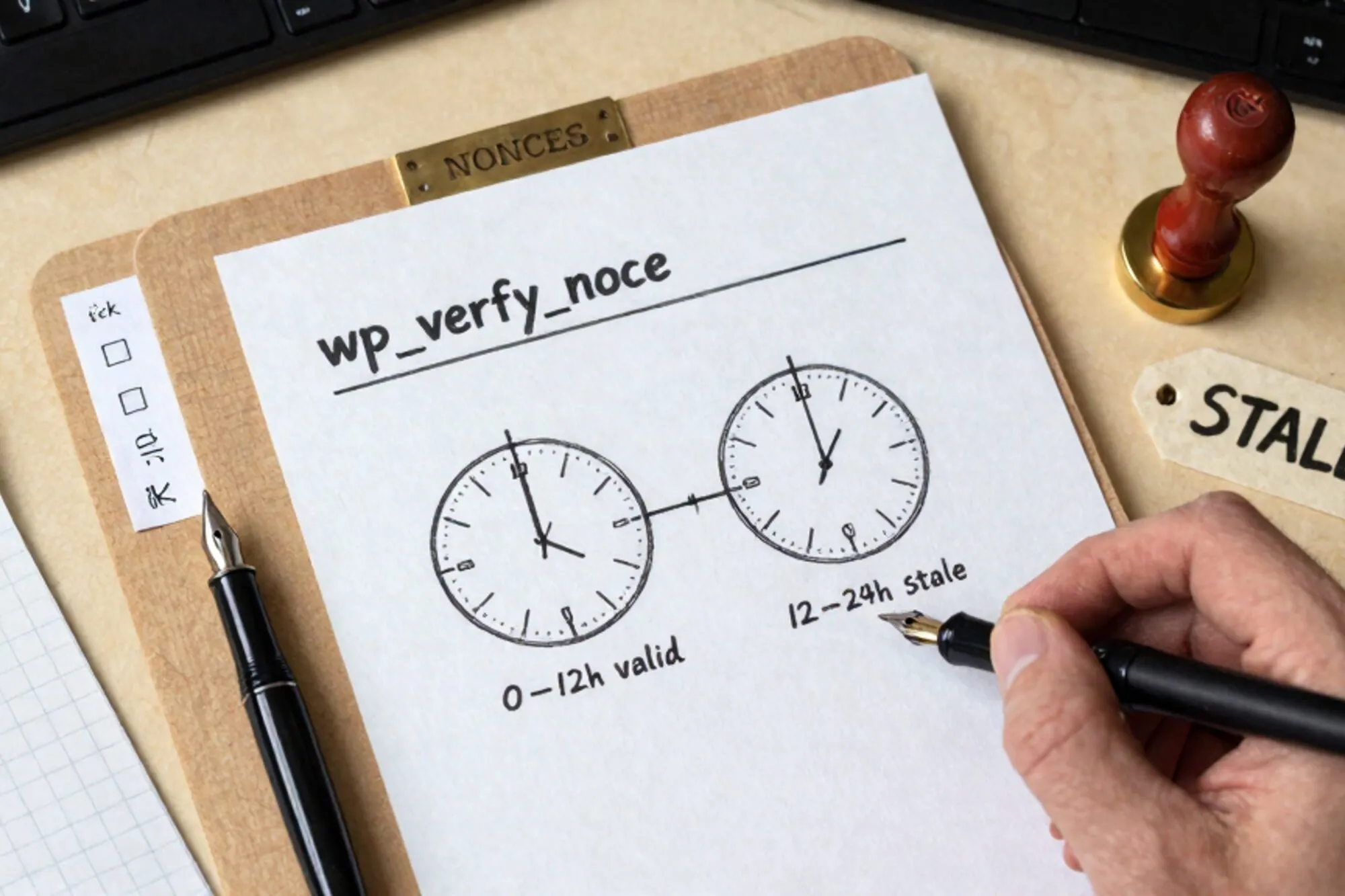
The hash is generated by wp_create_nonce(), which under the hood calls wp_hash() over $tick|$action|$uid|$token. $tick is ceil(time() / (nonce_life / 2)). By default nonce_life is 86400 seconds, so $tick rolls over every 12 hours. Two nonces are valid at any moment: the one for the current tick, and the one for the previous tick.
That is why wp_verify_nonce can return three different things:
1if the nonce was generated in the last 0 to 12 hours2if the nonce was generated in the last 12 to 24 hoursfalseif it doesn't match either
If your code treats the return as boolean with a loose == or with if(), both 1 and 2 pass. If your code does === 1, the second half of the window silently fails. Both patterns are common in legacy plugins. Neither is a correct security gate on its own. The official reference documents the three-state return, but it is buried under the example and most readers skim past it.
What a nonce is actually defending
A WordPress nonce is not a CSRF token in the strict OWASP sense. It does protect against CSRF, because the hash depends on the user's session token and an attacker on a different origin does not know it. But it also doubles as a session lock: a nonce minted for user A is not valid for user B, and a nonce minted while logged in does not survive a logout.
That leaves two things a nonce does not do.
It does not check capability. A subscriber with a valid nonce for the action delete_post will still pass wp_verify_nonce. You need current_user_can('delete_post', $post_id) afterwards. And it does not authorize. It confirms the request came from somewhere that knew the right session token. It does not confirm the request should be allowed to do what it is asking for.
The action string is the contract
Here is the second copy-pasted mistake. The plugin generates this:
$nonce = wp_create_nonce('update');And verifies this:
wp_verify_nonce($_REQUEST['_wpnonce'], 'update');The action string 'update' is shared across every form in the plugin. Any valid nonce for any update form passes any other verification check that uses the same string. A nonce minted for updating user metadata will pass on the form that updates billing addresses. The protection collapses to "did you come from somewhere on this site that did something recently."
The fix is to namespace the action with the object it acts on:
$nonce = wp_create_nonce('update_invoice_' . $invoice_id);Now the nonce is tied to that specific invoice. A nonce for invoice 14 cannot be replayed against invoice 15. This matters more than people think. It is the difference between protecting the form and protecting the row.
A working pattern for admin-post.php
This is the shape we land on for almost every admin form. It separates the four checks that need to happen in this order: authentication, intent, capability, payload.
add_action('admin_post_save_invoice', function () {
    if (!is_user_logged_in()) {
        wp_die('Not signed in.', 403);
    }

    $nonce      = $_POST['_wpnonce']    ?? '';
    $invoice_id = absint($_POST['invoice_id'] ?? 0);

    if (!wp_verify_nonce($nonce, 'save_invoice_' . $invoice_id)) {
        wp_die('Nonce expired or invalid.', 403);
    }

    if (!current_user_can('edit_post', $invoice_id)) {
        wp_die('Not allowed.', 403);
    }

    // payload validation, then the actual write
});
Three things to notice. The nonce check uses if (!wp_verify_nonce(...)), which treats 1, 2, and any non-false value as pass. The capability check is separate and runs after. And the action string carries the invoice id, so the nonce cannot be lifted from one form and replayed on another.
For the form side, wp_nonce_field() does the right thing:
<?php wp_nonce_field('save_invoice_' . $invoice->id); ?>For AJAX endpoints, check_ajax_referer() returns the same three-state value and exits with 403 on false if you pass true as the third argument. Same rules, different wrapper.
Lifetimes, salts, and what you can safely tune
Two filters and two constants do most of the tuning. The nonce_life filter controls the window. Some plugins shorten it to one hour for high-security flows:
add_filter('nonce_life', function () {
    return HOUR_IN_SECONDS;
});
Be aware that this shortens the window globally, including for any tab the user left open. If they spent 90 minutes on a checkout page, the nonce on their submit button is now stale and the form will refuse them.
NONCE_SALT and NONCE_KEY in wp-config.php seed the hash. If you rotate them, every nonce in flight becomes invalid immediately. That is the right move after a credential leak. It is the wrong move on a Tuesday morning, because the next thousand form submissions in the wild will all fail with no useful error.
Where this work usually goes wrong
Most of the nonce bugs we see in legacy WordPress sites are not in the verify call. They are in the code around it.
- A nonce check that runs after the database write, not before.
- A nonce check that runs but throws away the result with
@or a swallowed exception. - A nonce check tied to a generic action string like
saveorupdatereused across the plugin. - A nonce check commented out because "the form kept breaking," and nobody knew about the 12-hour window.
These are not subtle bugs. They are also not visible from the outside, which is why they survive for years in production.
When we built Pier, a chat-driven editor for legacy WordPress and WooCommerce sites, we kept hitting these patterns inside the first week of every audit. What we ended up doing was teaching the audit pass to grep for every wp_verify_nonce call and read the surrounding five lines: the action string, the return-value handling, and whether a current_user_can sits next to it. Three lines of context catches most of them, and the version history means a botched fix is a single click back.
What to do today
Open one plugin in the site you maintain. Search for wp_verify_nonce. For each hit, check three things: the action string carries the id of the object being acted on, the result is not strict-compared to === 1, and a current_user_can check sits within five lines of it. If any of the three is missing, you have found a real bug, and it is the kind that does not show up in a log file until someone reports a form they cannot submit at 14:02 on a Wednesday.
— Questions —
Is a WordPress nonce the same as a CSRF token?
It overlaps but is not the same. It protects against CSRF because it depends on the user's session token, and it also acts as a session lock tying the request to one user and one action window.
Why does wp_verify_nonce return 1 or 2 instead of true?
1 means the nonce was minted in the last 12 hours, 2 means in the previous 12 hours. WordPress keeps two valid ticks so a user who reloads a long-open form is not locked out.
Can I reuse the same action string across forms?
You can but you should not. A shared action string means any valid nonce for one form passes verification on another. Namespace the action with the object id, like save_invoice_14.
Should I shorten nonce_life for sensitive admin actions?
Only if you understand that it applies globally. Cutting nonce_life to an hour will break long-open tabs across the whole site, including the dashboard pages your editors leave open all day.