113 —Workflow
Statamic migration freeze: a five-day editorial playbook
The staged content-freeze playbook for a five-day legacy-to-Statamic cutover: editorial lock, three diff checkpoints, the .htaccess that ships.
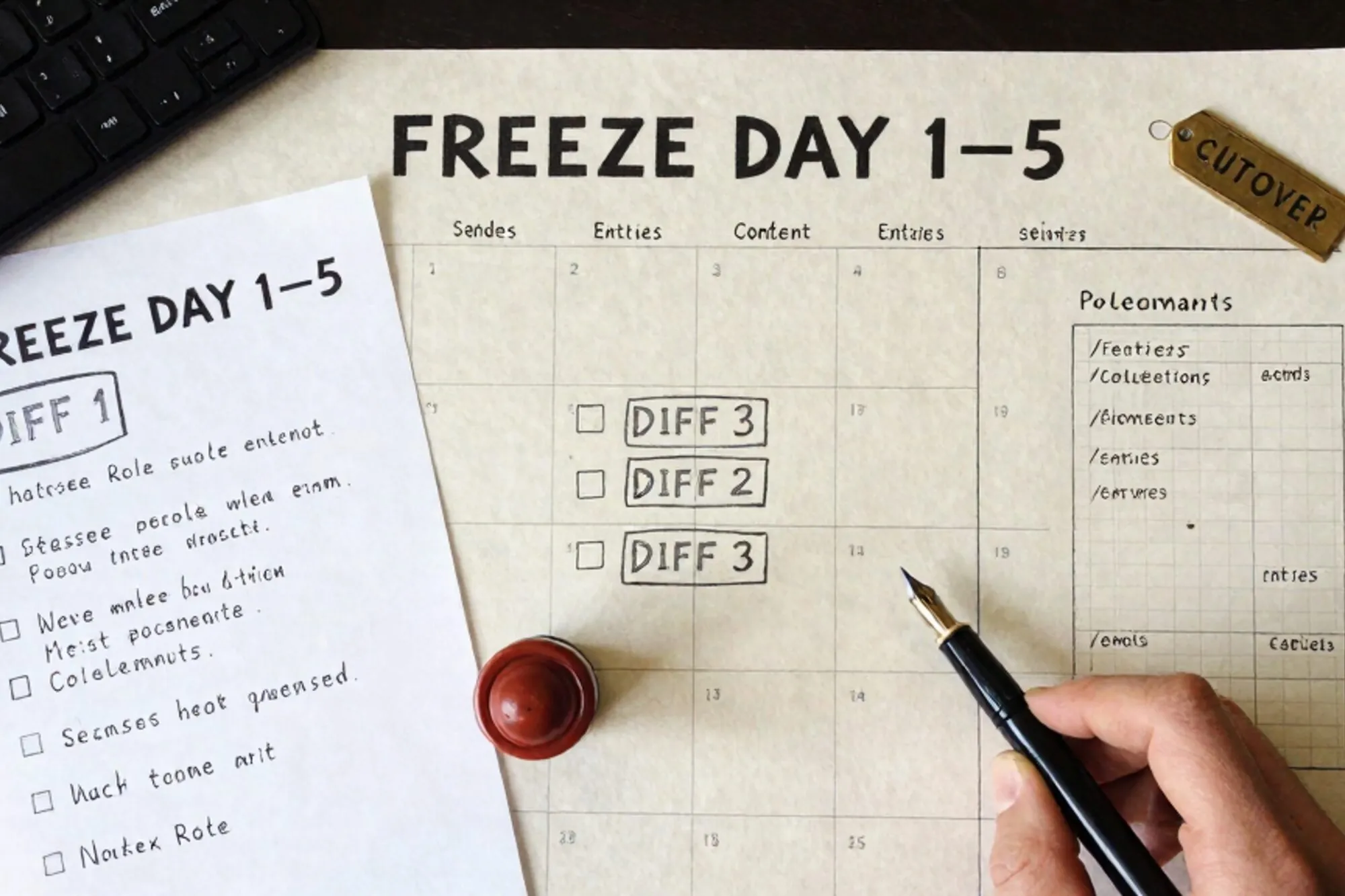
At 23:41 on a Sunday, an agency lead in Eindhoven sent a Loom. Her five-day Statamic migration was due to cut over the next morning, and an editor had just messaged in panic. Three posts the editor had published on Friday afternoon, after the agency had taken its baseline export, were nowhere in the staging build. The 301 map was already locked. The DNS TTL was already at 60 seconds. And the content freeze, on paper, had held since Wednesday.
This is the failure mode every Statamic migration hits eventually. A single hard freeze treats an editorial team like a database, and editorial teams are not databases. They have a meeting on Tuesday, a campaign on Thursday, and a press release that has to go up before the embargo lifts. A staged freeze, with diff checkpoints and one narrow publishing window, lets the migration finish without quietly eating the work that landed in the gaps.
What follows is the playbook we use for a five-day cutover from a legacy site (most often WordPress, occasionally Drupal) onto Statamic. Real commands, real file paths, and real concessions to the fact that the editorial team has its own deadlines to hit.
The case against a single hard freeze
The textbook approach is: freeze the source CMS on day one, migrate the content, cut over on day five. It fails for three reasons that you only notice on day six.
First, editorial workflows have promises baked in. A post scheduled for Wednesday cannot be moved without an explanation to whoever scheduled it, so by Thursday someone will quietly unpublish and republish to work around the freeze, and the post will sit in your baseline export with a different ID than the live one.
Second, the technical team treats the freeze as a checkpoint and the editorial team treats it as a request. By day three someone will have published a draft, edited a published post, or uploaded a 47 MB hero image into wp-content/uploads/2026/06/ that is not in your last rsync.
Third, the diff between what you exported and what is live grows linearly with freeze length. After 24 hours it is reconcilable by hand. After five days it is not.
The staged freeze inverts this. Instead of one blackout, you take three snapshots and one short publishing window, and you make the diff itself the artifact you migrate.
Day minus one: announce, then snapshot
The announcement matters more than the snapshot, because the snapshot is mechanical and the announcement is political. Send it 48 hours before the freeze begins, to a named list, with three things in it: the exact window when publishing will be blocked, the name of the person who can grant an exception, and the URL of a shared form for capturing posts that must go live during the window. Do not send a Slack message. People scroll past Slack.
Once the email lands, take the baseline. For a WordPress source, that is three artifacts:
wp export --dir=/tmp/baseline --skip_comments
mysqldump --single-transaction --quick \
  --databases wp_prod \
  -u root -p > /tmp/baseline/wp_prod.sql
rsync -av --delete \
  /var/www/html/wp-content/uploads/ \
  ./baseline/uploads/
Commit the baseline directory into a private git repo. Git is the diff tool you will need on day three. Tag the commit baseline-day-0. Do not skip this. The temptation to keep snapshots as dated folders is strong, and dated folders make a three-way diff harder than it needs to be.
For Drupal sources, swap in drush ard or a node-export module plus a files/ rsync. For Joomla, dump the database and rsync images/. The shape stays the same: a database dump, a content export, and the uploaded assets, all in one committed tree.
Days one and two: build the target shape before any content
The mistake on day one is to start porting posts. The right move is to build the Statamic shape first: blueprints, collections, taxonomies, asset containers. The transform script that takes a WordPress post and writes a Statamic entry needs the target schema to exist, and the target schema is where most of the editorial decisions actually live.
A minimal blueprint for a blog post on Statamic 5 looks like this:
title: Post
tabs:
  main:
    sections:
      - fields:
          - handle: title
            field: { type: text, required: true }
          - handle: hero
            field: { type: assets, container: hero, max_files: 1 }
          - handle: body
            field: { type: bard, save_html: false }
          - handle: legacy_id
            field: { type: integer, listable: hidden }
The legacy_id field is the one most teams forget on the first pass and regret on the third. It is the only reliable join key between the WordPress post that exists today and the Statamic entry that exists tomorrow. Without it, the day-three diff is impossible.
The transform script then reads the WXR export, walks each item, and writes a Markdown file with YAML front matter into content/collections/posts/. Keep it idempotent. Re-running it should overwrite, not append, because you will run it three times before Friday.
The asset rewrite is where it goes wrong
Inline images in WordPress posts reference /wp-content/uploads/2024/03/hero.jpg. Those URLs will return 404 on the new site unless you do one of two things. The cleaner option is to rewrite every inline reference to Statamic's /assets/ path during the transform and copy the files into the new asset container. The faster option, fine for small sites, is to keep /wp-content/uploads/ live on the new server as a static directory and add an Apache rule that serves it untouched:
<Directory /var/www/statamic/public/wp-content>
    Options -Indexes
    Require all granted
</Directory>
The cleaner option is what you want long term. The faster option is what you ship on Tuesday so the diff on Wednesday is meaningful.
Day three: the diff that decides what you ship
Wednesday morning, re-run the baseline capture into a second directory and tag it baseline-day-3. Then run git diff between the two tags, but only against the database dump and the content export. The uploads diff is noise: editors add featured images constantly and almost none of it matters.
git diff baseline-day-0 baseline-day-3 -- '*.sql' '*.xml' \
  | grep -E '^(\+|-)' \
  | grep -v '^(---|\+\+\+)'
You will get three categories of change. New posts published since Monday. Edits to posts that were already in the baseline. Metadata updates: changed slugs, new categories, edits to the homepage layout. Triage them in that order.
For new posts, re-run the transform script against the day-3 export. The legacy_id field ensures the new entries land at the right place in content/collections/posts/ without duplicating anything already migrated.
For edits, you have a choice. Either re-transform the edited posts and overwrite their Statamic entries, or accept that those edits will be lost and notify the editor. We almost always re-transform. The script is already written; running it on a subset is cheap.
For metadata, do it by hand. Slug changes need a row in your redirect map. Category renames need a blueprint update. Homepage layout changes need an editorial conversation, because Statamic and WordPress do not model homepages the same way, and pretending they do is how you ship a launch with a broken hero.
Day four: the soft freeze with one publishing window
Thursday is the hardest day for the editorial team. The hard freeze starts at 09:00 and lasts 24 hours. But because you announced it 48 hours in advance, and you have a named exception process, you give back one window: 16:00 to 17:00 Thursday, with the rule that anything published in that window goes into a captured ledger.
The ledger is literally a Google Sheet with four columns: URL, author, published_at, and a checkbox for ported. During the window, your transform script polls the WordPress REST API every five minutes:
curl -s "https://oldsite.example/wp-json/wp/v2/posts?after=2026-06-11T16:00:00&per_page=20" \
  | jq '.[] | {id, slug, title: .title.rendered}'
Each post that comes back gets transformed and added to the Statamic build. The author gets a Slack message confirming the post made it. The checkbox gets ticked. At 17:01 the soft freeze becomes a hard freeze, and the diff on Friday morning should be empty.
Day five: cutover, redirects, and the 404 audit
The DNS TTL should already be at 60 seconds, lowered on Tuesday. Friday morning the order is: final transform, final build, switch the upstream, watch the 404s.
The 301 map is the artifact that takes the longest to get right and the shortest to deploy. For most WordPress sites, the rule set is small enough to live in .htaccess on the new server:
RewriteEngine On

# Old WordPress dated permalinks to Statamic flat slugs
RewriteRule ^([0-9]{4})/([0-9]{2})/([0-9]{2})/([^/]+)/?$ \
  /blog/$4 [R=301,L]

# Author archives are gone, send them to /blog
RewriteRule ^author/[^/]+/?$ /blog [R=301,L]

# Old uploads stay where they are
RewriteCond %{REQUEST_URI} ^/wp-content/uploads/
RewriteRule ^ - [L]

# Feed compatibility for subscribers
RewriteRule ^feed/?$ /feed.xml [R=301,L]
Test the redirect rules against a list of the top 500 URLs from Google Search Console before you cut over, not after. The Apache mod_rewrite documentation is the canonical reference and worth re-reading every time you write a rule with a regex backreference. The first hour after cutover is when crawlers test every redirect rule you wrote, and they do it in parallel.
Run a 404 audit every two hours for the first 48 hours. The fastest path is to tail the access log and bucket the misses:
tail -F /var/log/apache2/access.log \
  | awk '$9 == "404" {print $7}' \
  | sort | uniq -c | sort -rn | head -20
Anything in the top 20 with more than 50 hits in two hours gets a redirect rule. Anything below that threshold can wait until Monday.
The version-history backstop
The last piece of the playbook is not a step, it is a posture. Every change to the new site between day one and day five should be recoverable. The Statamic content tree is already in git, so that part is free. The .htaccess file should be in git too. The MySQL database that powers anything dynamic should have a snapshot before the cutover and another at 17:00 on Friday.
When we built Pier we kept hitting the same thing on Statamic migrations like this: the team needs a fast way to see what changed on the live server between two points in time, and to undo one specific change without rolling back the whole site. The way we ended up handling it was a built-in version history that snapshots every saved file and every database write, with a one-click undo per row, so the Loom at 23:41 becomes a five-minute fix instead of a Saturday spent in mysql.
One thing to do today
If you have a Statamic migration on the calendar, write the freeze-announcement email this afternoon and send it 48 hours before day one. Everything else in this playbook hinges on that email landing in editors' inboxes early enough that the exception process feels like a service, not a workaround.
— Questions —
How short can the editorial freeze realistically be?
24 hours, from 09:00 Thursday to 09:00 Friday, with a one-hour soft-publish window inside it. Anything shorter and the cutover diff stops being reconcilable.
What if the editorial team refuses to freeze at all?
Run the day-3 and day-4 diff scripts hourly through cutover morning and feed the changes straight into the transform. It is slower and noisier, but it works.
Should I migrate WordPress comments?
Usually no. Most sites get under 1% of comments in the last year. Export them to a static archive and link from the post footer instead of porting into Statamic.
How long before cutover should I lower the DNS TTL?
At least 48 hours. Set it to 60 seconds on Tuesday so Friday's switch propagates fast and any rollback is also fast.
Do I need a staging environment that matches production exactly?
Same PHP version, same MySQL version, same Apache modules. The transform script will surface schema differences, but mod_rewrite quirks will not show up until cutover.