086 —Operations
SFTP backups for legacy sites: a rotating snapshot recipe
Shared hosts often kill mysqldump and SSH but leave SFTP wide open. Here is a rotating snapshot recipe that still gives you a clean weekly restore point.
The ticket landed on a Tuesday afternoon: a Dutch agency we work with had inherited a WooCommerce store from a client who had fired their previous developer. The site ran on a budget shared host that bragged about SFTP access in the sales page and quietly disabled mysqldump, mysql, ssh, cron and anything else that could touch a shell. The hosting panel had a “backup” button that produced a 14 MB tarball missing two of the four databases. The agency had three days before a product launch and no clean restore point.
This is the recipe we wrote that afternoon and have refined for half a dozen legacy site rescues since. It is not glamorous. It is a rotating snapshot built out of SFTP, a single PHP script and a cron job running on a laptop in Utrecht. It produces a usable, restorable backup of both files and database, and it does not need the host’s permission to run.
Why mysqldump goes missing
Three flavours of shared host block mysqldump. The first disables shell access entirely, so there is no binary to invoke. The second leaves SSH on but locks the MySQL user to localhost connections only, which makes remote dumps impossible. The third, the most annoying, leaves everything technically available but kills any process that takes longer than 30 seconds of CPU, which is exactly what a dump of a 4 GB wp_postmeta table will do.
The result is the same: you cannot pull a clean SQL file the normal way. You can usually still read the database from a PHP script running inside the document root, because that is how the site itself works. So we use the site as the dump tool, and SFTP as the transport.
The shape of the rotation
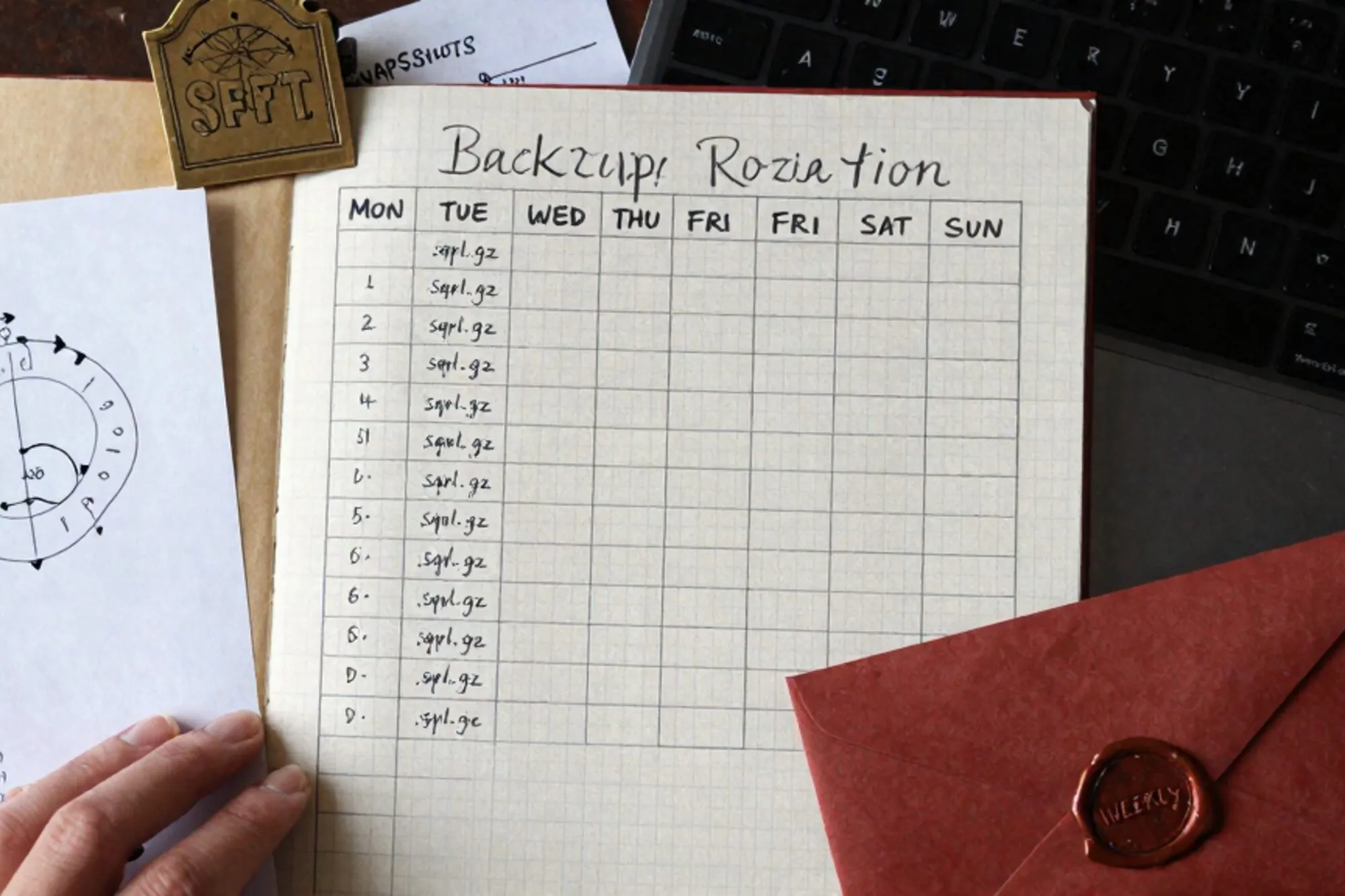
The recipe writes to a tree of dated folders on your local disk (or a NAS, or a cheap Hetzner box, whichever you trust). It keeps daily snapshots for a week, weekly snapshots for a month, and monthly snapshots indefinitely. Anything older falls off. You end up with something like this:
backups/example.com/
  daily/2026-06-04/
  daily/2026-06-05/
  daily/2026-06-06/
  daily/2026-06-07/
  daily/2026-06-08/
  daily/2026-06-09/
  daily/2026-06-10/
  weekly/2026-W21/
  weekly/2026-W22/
  weekly/2026-W23/
  monthly/2026-04/
  monthly/2026-05/
  monthly/2026-06/
Each folder contains two things: a files/ mirror of the document root and a db/ folder with one gzipped SQL file per table. Splitting per table matters more than people expect. When the host kills long-running PHP processes, a single 800 MB wp_options dump will die halfway through and leave you with a corrupted archive. Per-table dumps fail gracefully: the script retries the broken table on the next run, and everything else is already on disk.
The PHP dump endpoint
Upload a small PHP file into a private folder inside the document root, protected by a long random token and an .htaccess IP allowlist. It reads the WordPress / Drupal / Magento config to find the database credentials, then writes per-table SQL files into a sibling folder that you will pull over SFTP.
<?php
// _ops/dump.php  -- gated by .htaccess + token
if (($_GET['t'] ?? '') !== getenv('DUMP_TOKEN')) { http_response_code(403); exit; }
require __DIR__ . '/../wp-load.php';

@set_time_limit(25);            // stay under the host's 30s killer
@ini_set('memory_limit', '256M');

global $wpdb;
$out = __DIR__ . '/snapshots/' . date('Y-m-d');
if (!is_dir($out)) mkdir($out, 0700, true);

$only = $_GET['table'] ?? null; // resume one table at a time
$tables = $only ? [$only] : $wpdb->get_col('SHOW TABLES');

foreach ($tables as $t) {
  $file = "$out/$t.sql.gz";
  if (file_exists($file)) continue;        // already done today
  $gz   = gzopen($file . '.part', 'wb6');
  gzwrite($gz, "DROP TABLE IF EXISTS `$t`;\n");
  $create = $wpdb->get_row("SHOW CREATE TABLE `$t`", ARRAY_N);
  gzwrite($gz, $create[1] . ";\n");
  $offset = 0; $chunk = 500;
  while ($rows = $wpdb->get_results("SELECT * FROM `$t` LIMIT $offset,$chunk", ARRAY_A)) {
    foreach ($rows as $r) {
      $vals = array_map(fn($v) => is_null($v) ? 'NULL' : "'" . esc_sql($v) . "'", $r);
      gzwrite($gz, "INSERT INTO `$t` VALUES (" . implode(',', $vals) . ");\n");
    }
    $offset += $chunk;
  }
  gzclose($gz);
  rename($file . '.part', $file);          // atomic finish
}
echo 'ok';
Three details earn their keep here. The .part rename is atomic on every POSIX filesystem, so an SFTP poll never sees a half-written archive. The 25-second self-timeout lets the host’s 30-second killer find nothing to kill. And the file_exists skip means you can curl the endpoint in a loop without redoing work, one table per call if the host is particularly aggressive about CPU time.
The local puller
On the laptop or VPS that owns the backups, a small shell script does three things in order: trigger the dump endpoint table by table, pull the resulting snapshots/YYYY-MM-DD/ folder over SFTP, and mirror the document root. wget handles the first job, rsync over SSH handles the second and third where the host allows it, and lftp picks up the slack on hosts that only speak SFTP.
#!/usr/bin/env bash
set -euo pipefail
SITE=example.com
TODAY=$(date +%F)
DEST="$HOME/backups/$SITE/daily/$TODAY"
mkdir -p "$DEST/files" "$DEST/db"

# 1. ask the site to dump itself, one table per call
for t in $(curl -s "https://$SITE/_ops/tables.php?t=$DUMP_TOKEN"); do
  curl -fsS --max-time 30 \
    "https://$SITE/_ops/dump.php?t=$DUMP_TOKEN&table=$t" > /dev/null || true
done

# 2. pull the gzipped SQL files
lftp -u "$SFTP_USER,$SFTP_PASS" -e "\
  mirror -e /home/$SFTP_USER/public_html/_ops/snapshots/$TODAY $DEST/db; bye\
" sftp://$SITE

# 3. mirror the document root (skip cache + uploads if you already have them)
lftp -u "$SFTP_USER,$SFTP_PASS" -e "\
  mirror --only-newer --exclude-glob=wp-content/cache/* \
         /home/$SFTP_USER/public_html $DEST/files; bye\
" sftp://$SITE
Run it from cron at 04:10 every morning. Add a second cron at 04:30 on Sundays that hardlinks the daily into weekly/, and a third on the first of the month that hardlinks into monthly/. Hardlinks are the trick that makes the rotation cheap: a year of monthly snapshots costs you the disk of one snapshot plus the deltas.
Verifying the restore
An unverified backup is a rumour. Every Sunday, the same machine should spin up a throwaway MariaDB container, load the previous night’s db/ folder into it, count rows on three tables you care about (wp_posts, wp_users, wp_woocommerce_order_items) and email you if any count is more than 5% below last week’s. The script is twelve lines of bash and it has caught a silent wp_options truncation twice in the last year.
Restoring is the inverse of the dump. zcat db/*.sql.gz | mysql rebuilds the database; rsync pushes the files/ mirror back into public_html. Test the restore on a staging subdomain at least once before you need it. The first time you discover your wp-config.php had a hard-coded site URL is not the day the site is down.
Where Pier fits
This recipe is the bare-metal version, and it works. When we built Pier we kept running into the same shape of problem on customer servers, so the app now ships a one-click “snapshot before edit” that takes the per-table dump and the file mirror without you writing the PHP, and stamps it into the version history alongside whatever change you were about to make. The MySQL editor reads from the same snapshot when you want to diff a row against last Tuesday.
Today, the smallest useful step is the dump endpoint. Drop the PHP file into a token-gated folder on one site you care about, curl it once by hand, and see what comes back. The rotation, the rsync and the verification cron can wait until tomorrow. The endpoint is the only piece that has to live on the host.
— Questions —
Why split the dump per table instead of one big SQL file?
Shared hosts kill long-running PHP processes, usually at 30 seconds. A single large dump dies halfway and leaves a corrupt archive. Per-table dumps fail gracefully and resume on the next run.
Is it safe to put a dump script inside the document root?
Only if it is behind a long random token, an IP allowlist in .htaccess, and a folder name an attacker would not guess. Rotate the token whenever a contractor offboards.
What about hosts that block outbound SFTP from my machine?
Run the puller on a cheap VPS in the same region as the host. Hetzner CX11 or a Scaleway DEV1-S is enough for a dozen sites and costs less than a coffee per week.
How do I know the backup actually works?
Restore it on a weekly cron into a throwaway MariaDB container and count rows on three tables you care about. Email yourself if any count drops more than 5% from last week.