029 —Frontend
Retiring jQuery from a legacy theme: a working playbook
Most legacy themes still ship jQuery for two lines of code: a hamburger toggle and a smooth scroll. Here is how we retire it without spending a Saturday on rollbacks.
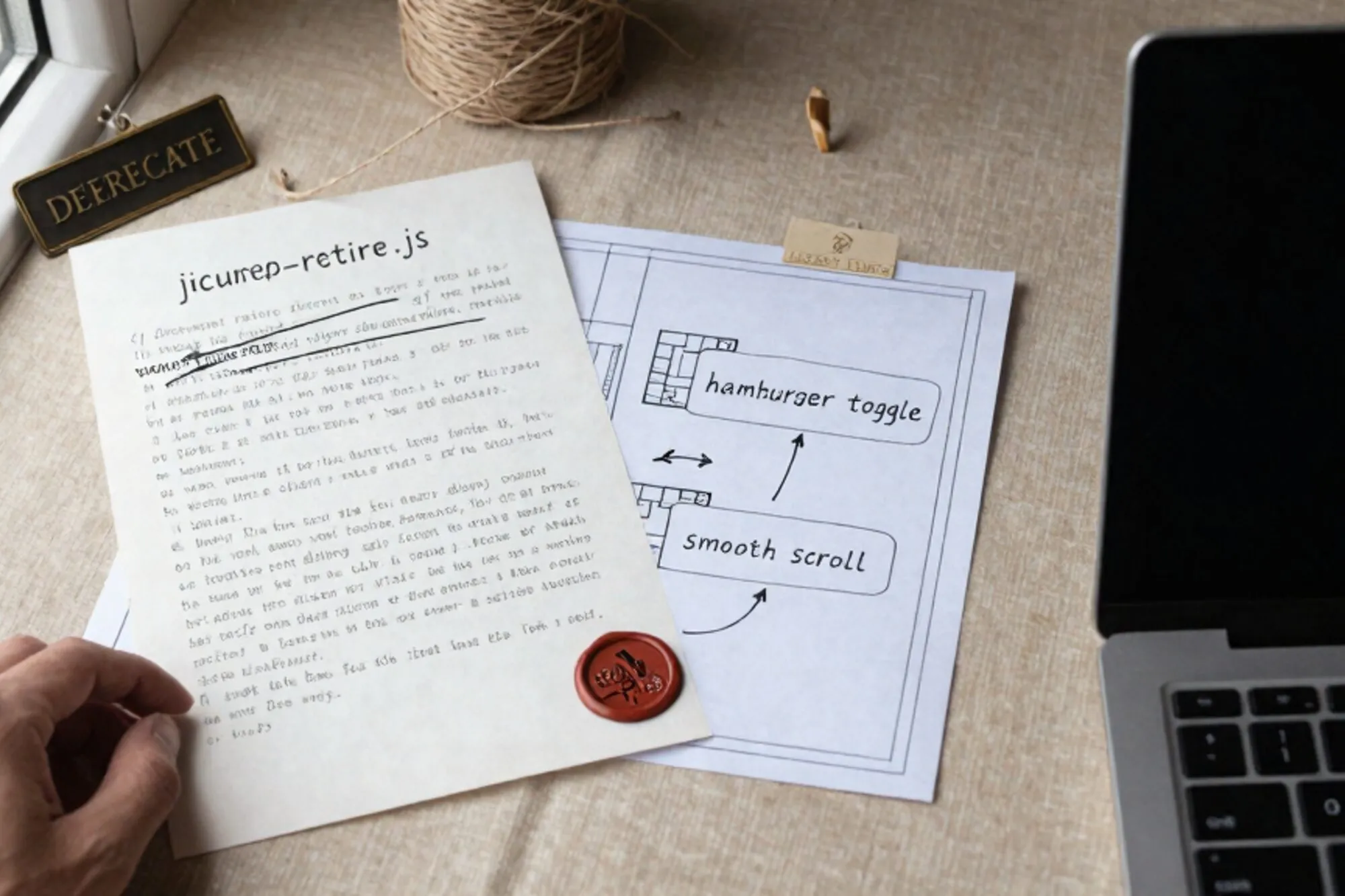
An agency we work with forwarded a header.php last week. The site is a 2017 build for a regional logistics company in the south of the Netherlands. The theme loads six JavaScript files. Four are jQuery plugins (slick, fancybox, a sticky-header library, and one nobody can remember adding). Two are eleven-line snippets that toggle a mobile menu and fade in the hero. Total work the page actually performs: a hamburger button, a footer accordion, and a hero fade. Total payload: 87 KB of JavaScript, of which 32 KB is jQuery itself, plus another 18 KB of plugins it drags along.
This is the ordinary shape of a 7-year-old WordPress theme. The interesting question is not whether to retire jQuery. The interesting question is how to do it without spending a Saturday on rollbacks. What follows is the playbook we use on a typical legacy site, in the order we use it. It applies equally to a Drupal 7 theme, a Joomla 3 template, or any other PHP-rendered site that learned about JavaScript through jQuery.
Audit before you touch anything
Before deleting a single wp_enqueue_script call, find every place jQuery is actually invoked. Two greps cover most themes:
cd wp-content/themes/your-theme
grep -rn "jQuery" --include="*.js" --include="*.php" .
grep -rn '\$(' --include="*.js" .
grep -rn "wp_enqueue_script.*jquery" --include="*.php" ../..
The first two greps tell you what the theme actually does with jQuery. The third tells you who else on the site has declared a dependency on it: plugins, the parent theme, a child theme, a page builder. You cannot fully remove jQuery as long as anything else is pulling it in, and that is fine. The first pass is about removing your own usage. Plugin-introduced jQuery is a separate decision, made later.
Catalogue every call. A spreadsheet is enough. We do it in three columns: the file and line, the jQuery feature in use, the equivalent in modern JavaScript. After half an hour you will have something like this:
header.js:14·$('.menu-toggle').on('click', ...)·document.querySelector('.menu-toggle').addEventListener('click', ...)footer.js:8·$('.faq').slideToggle()· CSS transition ongrid-template-rowsplus a class togglehero.js:22·$.ajax({...})·fetch(...)slider.js:1· slick plugin · keep for now, replace in a second pass
The point of the matrix is that you will see, almost immediately, that 80 percent of the calls are events, selectors, and class toggling. All of those have had native equivalents for over a decade. The remaining 20 percent is animation, AJAX, and the occasional plugin. Each of those gets a specific decision, not a blanket rewrite.
The replacement matrix
For most legacy themes the substitutions are mechanical. The list below covers the calls we see on roughly nine out of ten audits.
Selectors and events
// jQuery
$('.menu-toggle').on('click', function () {
  $(this).toggleClass('is-open');
  $('.site-nav').slideToggle(200);
});

// Modern
document.querySelector('.menu-toggle').addEventListener('click', (e) => {
  e.currentTarget.classList.toggle('is-open');
  document.querySelector('.site-nav').classList.toggle('is-open');
});
The slideToggle becomes a CSS transition on max-height or, on modern browsers, grid-template-rows interpolation. The behaviour is identical, the bundle is gone, and the animation actually runs on the compositor instead of being driven by setInterval.
DOM traversal
// jQuery
$('.card').each(function () {
  $(this).find('.title').text($(this).data('label'));
});

// Modern
document.querySelectorAll('.card').forEach((card) => {
  card.querySelector('.title').textContent = card.dataset.label;
});
The mental model is the same. find becomes querySelector, each becomes forEach, .data('x') becomes .dataset.x. Most teams write better code on the second pass because the native API forces them to think about whether they want one element or many, instead of letting jQuery quietly paper over the difference.
AJAX
fetch is the obvious replacement, but $.ajax has one habit that catches people out: it sends an X-Requested-With: XMLHttpRequest header, which WordPress's admin-ajax.php and several custom REST endpoints check for. Set it explicitly:
const res = await fetch('/wp-admin/admin-ajax.php', {
  method: 'POST',
  headers: {
    'Content-Type': 'application/x-www-form-urlencoded',
    'X-Requested-With': 'XMLHttpRequest',
  },
  body: new URLSearchParams({ action: 'get_posts', cat: '4' }),
});
const data = await res.json();
Almost every legacy theme also wraps its bootstrap in jQuery(document).ready(). The native equivalent is document.addEventListener('DOMContentLoaded', fn), and in most cases you do not need it at all: putting the script tag at the end of <body>, or marking it defer, has the same effect.
Ship the change behind a feature flag
This is the part most write-ups skip. You do not deploy a jQuery removal in one push. You ship the new code, leave the old code in place, and toggle between them with a query parameter or a cookie. The smallest version of this in WordPress is a handful of lines in functions.php:
function pier_use_modern_js() {
  return isset( $_GET['modernjs'] ) || isset( $_COOKIE['modernjs'] );
}

add_action( 'wp_enqueue_scripts', function () {
  $dir = get_template_directory_uri() . '/assets/js';
  if ( pier_use_modern_js() ) {
    if ( ! is_admin_bar_showing() ) {
      wp_dequeue_script( 'jquery' );
    }
    wp_enqueue_script( 'theme-modern', $dir . '/modern.js', [], '1.0', true );
  } else {
    wp_enqueue_script( 'theme-legacy', $dir . '/legacy.js', [ 'jquery' ], '1.0', true );
  }
}, 100 );
Now you can browse the site at ?modernjs=1 and see the new code path. QA the menu, the accordions, the contact form, the search, the cookie banner. When you are satisfied, flip the default and keep the cookie path open for rollback. A week later, delete the legacy branch entirely.
Catch the regressions you did not predict
The visible regressions (menu does not open, form does not submit) you will catch in five minutes of clicking. The invisible ones are what take down a Saturday. Three habits help.
Diff the rendered HTML. Before and after the cutover, save the rendered HTML of ten representative pages with curl and run diff. Most differences will be nonces and timestamps. Anything else is worth a second look.
Watch the console in production. Wire window.onerror to a one-line endpoint that writes to a log file. For the first 48 hours after the cutover, every $ is not defined coming from a third-party widget will show up there, in the order it happens, with the URL and the line number. That signal is worth more than any synthetic test.
Keep jQuery loadable on demand. If a third-party plugin still needs it, you do not need to fight that battle today. Leave wp-includes/js/jquery/jquery.min.js registered, just not enqueued by your theme. Plugins that declare a dependency will still pull it in. Pages that do not, will not. The browser caches it once for the few pages that need it, and the rest of the site is clean.
The harder cases
Three patterns deserve their own thinking. The first is jQuery UI: datepickers, sortables, dialogs. The native <input type="date"> covers most pickers, the Drag and Drop API covers sortables, and the native <dialog> element covers modals with focus trapping included. The second is jQuery Migrate, which papers over APIs removed between jQuery 1.x and 3.x and is itself worth deleting; if you depend on what it patches, fix the code instead. The third is jQuery-dependent page builders such as older Visual Composer or pre-3.0 Elementor: those will keep jQuery alive on your site regardless of what the theme does. Accept that and move on.
For the slider plugins (slick, owl carousel, fancybox), a like-for-like replacement is rarely necessary. CSS scroll-snap covers a horizontal carousel in roughly forty lines. The <dialog> element covers a lightbox in twenty. We have replaced four-hundred-line slick configurations with sixty lines of CSS more than once. The slider rarely needed half of what jQuery was doing for it.
The point of the exercise is not zero jQuery on the page. The point is zero jQuery in code you own, so that the next time you open this theme it is a normal JavaScript file and not an archaeological dig.
The smallest thing you can do today
Open the theme. Run the three greps from the top of this post. Paste the results into a text file. That is the audit, done. The replacements are mechanical once the list is in front of you, and the feature-flag scaffolding is twelve lines of PHP.
When we built Pier we ran into this exact pattern across customer sites: every legacy theme has a slightly different jQuery footprint, and you want the audit, the live diff, and the rollback in one place. The way we ended up handling it was to keep file version history next to the running edit, so a one-click revert is always there if the cutover surprises you on a Tuesday morning.
— Questions —
Can I just delete jQuery from wp_enqueue_scripts and reload?
Not safely. Plugins, the admin bar, and page builders may still declare a dependency. Audit who needs it first, then dequeue conditionally for anonymous front-end traffic.
Is the bundle size saving worth the work on a small site?
On its own, 32 KB is marginal. The real payoff is that the next developer to open the theme reads native JavaScript instead of a 2014-era plugin stack written by someone long gone.
What about jQuery Migrate?
Delete it. It exists to paper over APIs removed between jQuery 1.x and 3.x. If your code does not need those APIs, Migrate is dead weight; if it does, fix the code instead.
Should I keep jQuery for plugins I cannot replace?
Yes. Leave it registered. Plugins that declare a dependency will pull it in. Your goal is removing jQuery from code you own, not zero jQuery on the page.