034 —Databases
Recovering a corrupted MyISAM table: incident walkthrough
A WooCommerce wp_options table crashed on a shared host at 23:41. Ninety minutes, no SSH, only phpMyAdmin and FTP. Here's the incident in order.
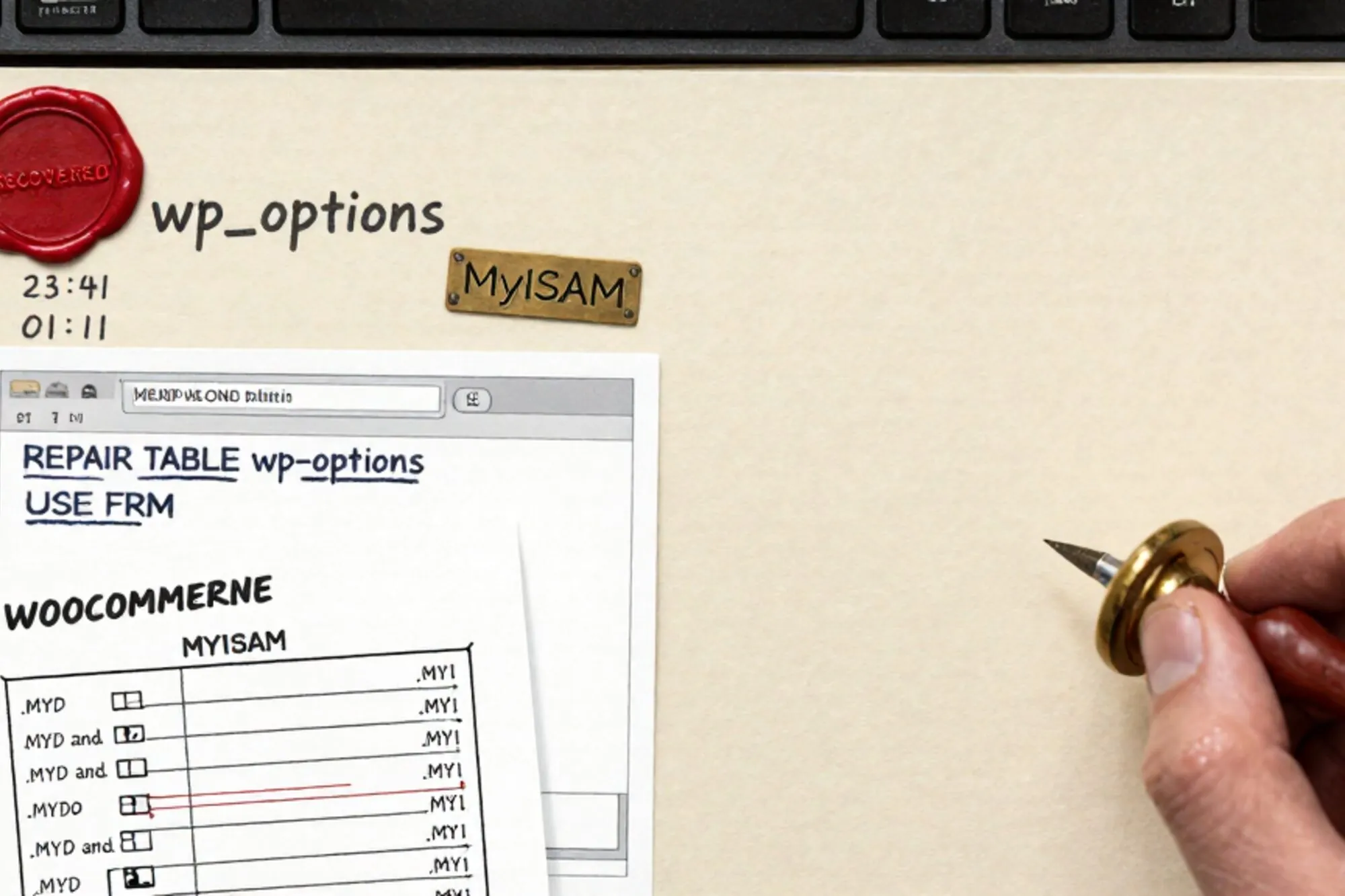
A 23:41 message lands from a Rotterdam agency lead we work with regularly. Their client's WooCommerce shop, a tile retailer turning about €40k a week, is white-screening. The hosting panel is one of those budget Dutch resellers that does not hand out SSH. When she finally finds the PHP error log, it reads:
mysqli_real_connect(): (HY000/144): Table './shop_db/wp_options' is marked as crashed and last (automatic?) repair failedThis is MyISAM corruption. The kind that used to happen every other Tuesday in 2008 and now only happens to legacy sites nobody is paying attention to. The next ninety minutes were a walkthrough of what to do when you cannot SSH, cannot restart mysqld, and cannot afford to lose the row count. None of it required anything fancier than FTP and phpMyAdmin.
Triage in the first five minutes
Before touching anything, separate symptoms from cause. A WordPress white screen can come from at least five places: a fatal PHP error, an exhausted memory limit, a misbehaving plugin update, a database failure, or DNS pointed at the wrong server. The error log in this incident already pointed at MySQL, but the agency lead's first instinct had been to deactivate plugins by renaming wp-content/plugins via FTP. That would have done nothing for a crashed index and might have masked the real cause. Read the log first.
If wp-config.php has WP_DEBUG_LOG off and the host has not surfaced a PHP error log in the panel, two lines at the top of the file restore visibility:
define( 'WP_DEBUG', true );
define( 'WP_DEBUG_LOG', true );
Refresh the failing URL once. wp-content/debug.log will now contain whatever the PHP fatal looks like. Remove those two lines as soon as you have your error string; leaving them in production logs every notice every plugin emits, and the log file balloons fast on a busy shop.
Reading the wreckage
The phrase "marked as crashed and last (automatic?) repair failed" tells you two facts. First, the server's own myisam-recover-options already fired and gave up. Second, the table is now locked in a needs-repair state, so every subsequent query returns the same error rather than reading garbage on top. That is merciful; it means new data is not still being written into a corrupted index while you investigate.
Confirm which engine the table is on. Every shared host puts phpMyAdmin somewhere; open the database and look at the Engine column. If wp_options shows MyISAM, this post applies. If it has been quietly migrated to InnoDB by some previous developer, you are dealing with a different problem and the playbook below will mislead you.
Before doing anything destructive, run a check:
CHECK TABLE wp_options EXTENDED;If the result is status: OK the table is fine and the corruption was transient, which sometimes happens after a brief disk-cache flush failure. More commonly you will see Corrupt, Size of indexfile is: 12345 Should be: 67890, or Found block with too small length at position N. All three mean the same thing in practice: the index is out of sync with the data file, and a repair is required.
Putting the site into maintenance
Do not repair while the site is taking traffic. Each pageview that hits wp_options while you are working keeps a lock contested and may interrupt the repair mid-rebuild. Two minutes with an .htaccess file at the document root buys a clean room:
RewriteEngine On
RewriteCond %{REMOTE_ADDR} !^203\.0\.113\.45$
RewriteCond %{REQUEST_URI} !^/maintenance\.html$
RewriteRule .* /maintenance.html [R=503,L]

ErrorDocument 503 /maintenance.html
Header always set Retry-After "1800"
Replace 203.0.113.45 with your own IP. The 503 with a Retry-After header is correct HTTP semantics; Google's crawler will treat the downtime as planned and will not drop the site from the index. The official Google guidance on planned downtime has been the same since 2011 and remains the right answer.
Upload a one-page maintenance.html via FTP alongside the rule. The agency lead in this incident used a single styled paragraph in Dutch: "Onze webshop is even offline voor onderhoud. We zijn rond middernacht weer open." Five minutes, total.
While the maintenance page is live, send the client one short message explaining what they are looking at. "Database table needs a repair, site is paused so we do not lose orders, ETA midnight" is enough. The shop owner who notices the 503 before you tell them is a shop owner whose trust now needs rebuilding alongside the table.
Repairing through phpMyAdmin first
phpMyAdmin's "Repair table" link runs REPAIR TABLE under the hood. It is safe to retry, so always try it before doing anything file-level:
REPAIR TABLE wp_options;Three outcomes matter.
status: OK. The table is fixed. Drop the maintenance .htaccess block, hit the homepage, watch the access log for two minutes, and you are done.
Number of rows changed from 4421 to 4378. Rows were lost. For wp_options this is usually survivable because most of those rows are autoloaded transient cache values that WordPress will rebuild on the next request. Run a sanity query against the site URL and admin email so you know nothing critical evaporated:
SELECT option_name, option_value
FROM wp_options
WHERE option_name IN ('siteurl', 'home', 'admin_email', 'blogname', 'template', 'stylesheet');
Cannot create file './shop_db/wp_options.TMD' (Errcode: 28). The host's tempfs is full. This is depressingly common on cheap shared hosting. Email the host, or empty an oversized error_log in the document root via File Manager, then run the repair again.
For deeper corruption, use the extended form:
REPAIR TABLE wp_options EXTENDED;This rebuilds the index row by row. It is slower than the default pass and sometimes recovers what the default cannot. About four times out of five, one of these two commands ends the incident.
File-level recovery with myisamchk
The fifth case is the awkward one. REPAIR TABLE returns an error so early that it cannot even read the .MYI header, or it loops returning the same row-count without progress. That is when you go file-level.
The engine stores each table as three files in the database directory:
wp_options.frm: the schemawp_options.MYD: the datawp_options.MYI: the index
On shared hosting these live at something like /home/clientuser/var/lib/mysql/shop_db/ or are buried behind a cPanel abstraction. If you can FTP into the database directory directly, take all three files down. If not, ask the host to ship you a hot copy; most will if you reference the table name and explain you need raw MYD/MYI access. The ticket wording that consistently works is "we have a confirmed corruption on table X, can you SCP the three table files from /var/lib/mysql/dbname/ to my FTP space so we can run myisamchk locally". Naming the tool by name signals you know what you are doing and bypasses the first-tier script.
Locally, install a MySQL-compatible toolchain. On macOS:
brew install mariadbThen run the repair against the index file, not the data file:
myisamchk -r -f --sort_buffer_size=512M wp_options.MYI-r is recover, -f forces past minor errors, and a generous sort buffer prevents the rebuild from thrashing on a large table. If that pass fails, fall back to the slower but more forgiving safe-recover:
myisamchk -o --safe-recover wp_options.MYI-o uses the old recovery method, which reads each data row individually instead of trusting the index. It can rescue tables that -r writes off. Verify the result:
myisamchk wp_options.MYI
# Checking MyISAM file: wp_options.MYI
# Data records: 4421   Deleted blocks: 0
# myisamchk: MyISAM file wp_options.MYI is usable
Re-upload all three files. Watch your FTP client; some hide uppercase extensions and only upload the lowercase .frm, leaving the database in a worse state than before. After upload, run a flush through phpMyAdmin so MySQL drops its cached file handles and re-opens the freshly written copies:
FLUSH TABLES wp_options;Why this engine fails like clockwork
MyISAM dates to 1996 and was MySQL's default storage engine until version 5.5 in 2010. It has no crash recovery, no transactions, and table-level locking. When mysqld dies mid-write, and on a shared host with twenty noisy neighbours mysqld dies more often than the hosting marketing pages admit, there is no journal to replay. The .MYI index file is left pointing at offsets that the .MYD data file no longer agrees with. MySQL notices on the next read and flags the table as crashed.
The corruption is therefore not the sign of a unique disaster. It is the engine doing what the engine does when interrupted. Every legacy site still on this storage engine is one mysqld restart away from the same incident, which is why hardening matters more than the recovery itself.
Hardening after recovery
Do not leave the table on MyISAM. The original corruption almost always traces to one of three causes: the shared host's mysqld crashed, the host had a power blip, or two writes raced against the engine's table-level lock during a plugin update. InnoDB survives all three. Convert it:
ALTER TABLE wp_options ENGINE=InnoDB;For a WordPress database with many legacy MyISAM tables, generate the full sweep from information_schema:
SELECT CONCAT('ALTER TABLE `', table_name, '` ENGINE=InnoDB;') AS stmt
FROM information_schema.tables
WHERE table_schema = 'shop_db'
  AND engine = 'MyISAM';
Copy the output rows, paste them back into the SQL tab, and run them as a batch. Most WordPress installs from before 2013 still have a few such tables hanging on because every mysqldump-restore cycle since then has preserved the original engine. The WordPress developer notes on database engines have recommended InnoDB by default for over a decade.
Then add offsite backups. cPanel's built-in Backup Wizard usually runs weekly at best and stores the backup on the same physical disk that just failed you. UpdraftPlus for WordPress and Akeeba for Joomla both push to S3, Dropbox or Backblaze for a few euros a month. Set the schedule to nightly for the database and weekly for files. Without offsite copies, the next corruption costs the client a number you do not want to write in an apology email.
The Rotterdam incident ended at 01:09. The extended REPAIR TABLE pass recovered the table cleanly with no row loss; the file-level path stayed in reserve and was never needed. The ALTER TABLE ... ENGINE=InnoDB sweep ran on twelve tables in under a minute. The agency lead sent the shop owner a screenshot of the homepage at 01:11 and went to sleep.
When we built Pier we kept running into this exact pattern, agencies cleaning up someone else's mess at midnight with nothing but FTP and phpMyAdmin to hand. The way we ended up handling it was to give the MySQL editor a repair action that runs CHECK TABLE first, shows the row-count diff before you commit, and snapshots the .MYD and .MYI into the version history so the repair itself becomes reversible.
The smallest thing today: open phpMyAdmin on one client site you have not touched in a year, run SELECT table_name, engine FROM information_schema.tables WHERE table_schema = DATABASE();, and convert any remaining MyISAM tables to InnoDB before they crash on you at 23:41 on someone else's birthday.
— Questions —
Why did MySQL's auto-recovery fail before I got there?
Auto-recovery runs with limited memory and a strict timeout. A large table or a deeply corrupted index will exceed both. Manual REPAIR TABLE EXTENDED or myisamchk often succeeds where the automatic pass gave up.
Can I repair the table without taking the site offline?
No. Every pageview that touches a crashed MyISAM table contests the lock and risks interrupting the repair. A 503 maintenance page for ten minutes is cheaper than a half-rebuilt index and a second incident.
Should I convert every MyISAM table to InnoDB afterwards?
For WordPress, Joomla and Drupal in 2026, yes. InnoDB has row-level locking and crash recovery. The only old reason to keep MyISAM was full-text search on legacy MySQL, and InnoDB has supported FULLTEXT since 5.6.
My host will not give me FTP access to the database directory. What now?
Open a ticket asking for the .MYD and .MYI of one specific table, citing the corruption error. Most hosts will SCP them out within an hour. If they refuse, run REPAIR TABLE EXTENDED via phpMyAdmin and accept the row loss.