052 —PHP
Reading phpinfo() output: a topographic map of the host
Drop a phpinfo.php in the docroot and the wall of beige tables you get back is a topographic map of the host. Here is how to read it section by section.
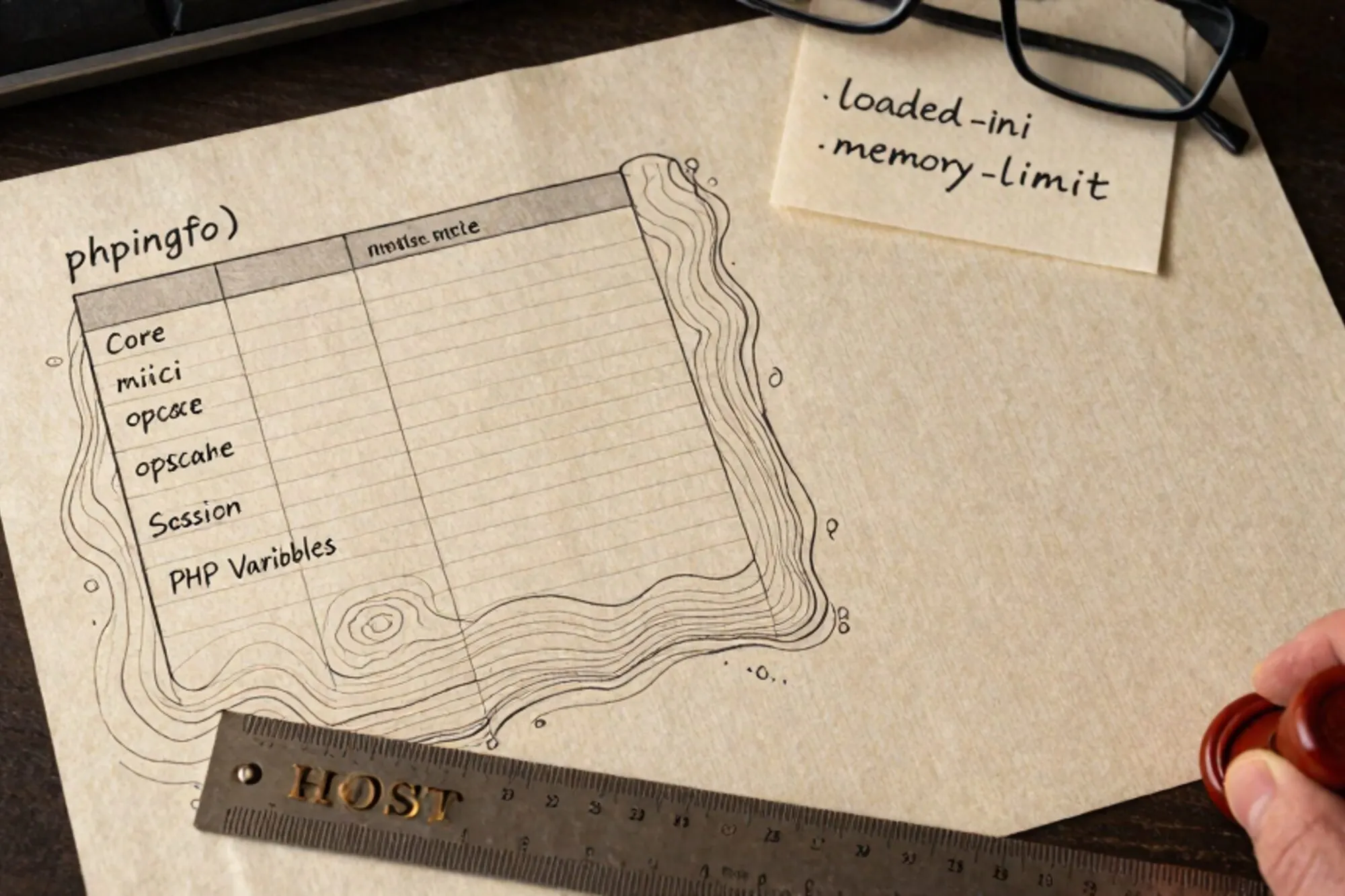
A client forwards SFTP credentials and a vague note: "the contact form stopped sending Tuesday, please look." You connect, find a docroot you have never seen, and the first thing you do, before touching anything, is drop a one-line file into the web root:
<?php phpinfo();
Load it in a browser. The result is a wall of beige tables that most people scroll past hunting for one specific value. Read it properly and a legacy site's phpinfo() output is a topographic map of the host: PHP version, kernel, the exact php.ini in play, every loaded extension, what the web server thinks it is, and which environment variables your code can actually see.
This post walks the page top to bottom, section by section, with what each block tells you.
The banner block
The top banner gives you four facts that decide most of your next hour.
- PHP version.
PHP Version 7.4.33means the host has been frozen since end-of-life in November 2022. WordPress core may still boot, but Composer installs will start refusing modern constraints and the Stripe SDK 13+ refuses to load. - System line.
Linux web17 5.10.0-26-amd64 #1 SMP Debian x86_64. You now know the kernel, the host name (often a giveaway about which shared-host plan you are on), and the architecture. - Build date. Tells you whether the distro package is fresh or has been stale for two years.
- Server API.
FPM/FastCGIvsApache 2.0 Handlervsclidecides which config file is even relevant. A site behind nginx will say FPM. A cPanel shared host typically says Apache 2.0 Handler. If you seecliyou are looking at the wrong binary.
Note the Server API early. The rest of the page reads differently for FPM than it does for mod_php, because the ini scan dir is in a different place and a reload means something different.
Configuration file and scan directory
Two rows that get misread more than any others.
Configuration File (php.ini) Path: where PHP looks for an ini.Loaded Configuration File: the one actually in use.Scan this dir for additional .ini files: usually/etc/php/8.2/fpm/conf.d/.Additional .ini files parsed: the actual list, in load order.
If Loaded Configuration File reads (none) you are running on compiled defaults, which on a shared host is rare but happens. Worse, if Path and Loaded disagree, somebody has overridden the ini at runtime: check for a PHPRC environment variable or a php_admin_value directive in the vhost.
The scan dir matters because most modern distributions split ini snippets into per-extension files. On Debian and Ubuntu you will see 20-mysqli.ini, 20-opcache.ini, 30-xdebug.ini. The number prefix decides load order. If you need to override memory_limit cleanly, drop a file with a higher prefix into the scan dir rather than editing the main ini.
Loaded modules as a fingerprint
Below the Core section, phpinfo lists every loaded extension as its own table. This is the host's real fingerprint, and where most "why is this plugin broken" tickets get answered.
Scan for these, in order:
opcache. If absent on a production host, ask why. Enabling it on a moderately busy WordPress site cuts CPU by roughly half.mysqliandpdo_mysql. WordPress and most CMSes default to mysqli. Older code that still callsmysql_*directly has been dead since PHP 7.0; if you see it, that is your bug.gdvsimagick. The WordPresswp_image_editorsilently picks whichever is available. If both are missing, every uploaded image stays at the original size.curl. Missing curl means no outbound HTTPS for Wordfence, Akismet, or any API integration.intl. WooCommerce 8+ refuses to boot without it.redisormemcached. Presence tells you the host expects an object cache. Absence means installing W3 Total Cache's Redis backend is pointless.xdebug. If you see it on a production host, take it off. It costs measurable wall-clock time even when not actively debugging.
Each extension table also shows its compiled version. Mismatches between what you see here and what composer.json expects are the source of half the "works on staging, breaks on prod" tickets.
The environment and server variables block
Near the bottom there are three tables that look almost identical and trip people up.
Apache Environment(orEnvironmenton FPM): variables the web server hands to PHP.HTTP Headers Information: what the current request looked like.PHP Variables: the$_SERVER,$_ENV, and$_REQUESTarrays as PHP currently sees them.
The interesting one is usually Environment. On a shared host, look for DOCUMENT_ROOT to confirm which directory you are actually inside (symlinked vhosts are common). Look for HTTP_X_FORWARDED_PROTO if the site sits behind a load balancer: if it is set to https but PHP still thinks the request is HTTP, you need to patch wp-config.php:
if (isset($_SERVER['HTTP_X_FORWARDED_PROTO'])
    && $_SERVER['HTTP_X_FORWARDED_PROTO'] === 'https') {
    $_SERVER['HTTPS'] = 'on';
}
Look at PATH to see what shell binaries exec() calls will resolve. Hosts that lock PATH down to /usr/bin:/bin will break plugins that shell out to wkhtmltopdf in /usr/local/bin.
The disable_functions row
In the Core block, scroll to disable_functions. On a hardened shared host this row reads like a tombstone:
exec, passthru, shell_exec, system, proc_open, popen,
curl_multi_exec, parse_ini_file, show_source, symlink
Every one of those is a function some legitimate plugin somewhere depends on. If a contact form silently fails on a new host, this row is the first place to look. The opposite is also true: if this row is empty on a production host, treat it as a finding, not a feature. The OWASP PHP configuration cheat sheet recommends disabling at least the shell-spawning four.
Session, OPcache and upload limits
Four rows near the bottom that explain most "it broke when the file got big" incidents.
upload_max_filesizeandpost_max_size. The latter must be larger than the former, and both must be larger than nginx'sclient_max_body_size. If a 12 MB upload fails silently, one of these three is the cause. See the php.net ini reference for the interaction.memory_limit. 256M is the modern WordPress floor. Anything lower and the block editor will white-screen on long posts.max_execution_time. 30s is the default. Long-running imports need this raised in a dedicated FPM pool, not globally.session.save_path. If this is/tmpon a shared host, sessions get garbage-collected by any tenant's cron. Hosts that take sessions seriously give you a per-user path.
For OPcache, check opcache.enable=1 and opcache.validate_timestamps. With timestamps off, file edits do not take effect until the pool is reloaded, which is the right setting for production and the wrong setting for "why is my CSS change not showing."
What we built around this
When we built Pier we kept hitting the same pattern: ten minutes lost re-discovering the same handful of phpinfo facts every time we opened a client's site. The way we ended up handling it was a permanent docked view that surfaces PHP version, ini path, loaded modules, and disable_functions next to the file tree, refreshed each time you reconnect.
The smallest thing you can do today: drop a phpinfo.php into a staging site you already work on, read it once from top to bottom with this post next to it, then delete the file. The next time a host surprises you, you will know which section to scroll to.
— Questions —
Is it safe to leave phpinfo() on a production server?
No. It exposes the PHP version, OS, every extension, and your docroot path, all of which speed up attackers. Delete the file the moment you have read it.
Where do I edit php.ini on shared hosting?
You usually cannot. Check the scan dir row in phpinfo. Most shared hosts let you drop a user.ini or .htaccess php_value override; cPanel exposes a MultiPHP INI Editor.
Why do mysqli and pdo_mysql both show up?
They are two separate extensions wrapping the same MySQL client library. WordPress uses mysqli; most modern frameworks use PDO. Having both loaded is normal and costs nothing meaningful.
What does Loaded Configuration File (none) mean?
PHP found no ini file and is running on compile-time defaults. On a shared host this usually means the SAPI is misconfigured; on a container it often means nobody mounted the ini in.