101 —Tooling
phpMyAdmin behind .htpasswd: a safe copy-paste recipe
You already protect phpMyAdmin with its own login. A Basic Auth gate in front means bots never touch the PHP. Here is the recipe, and the four ways it locks you out.
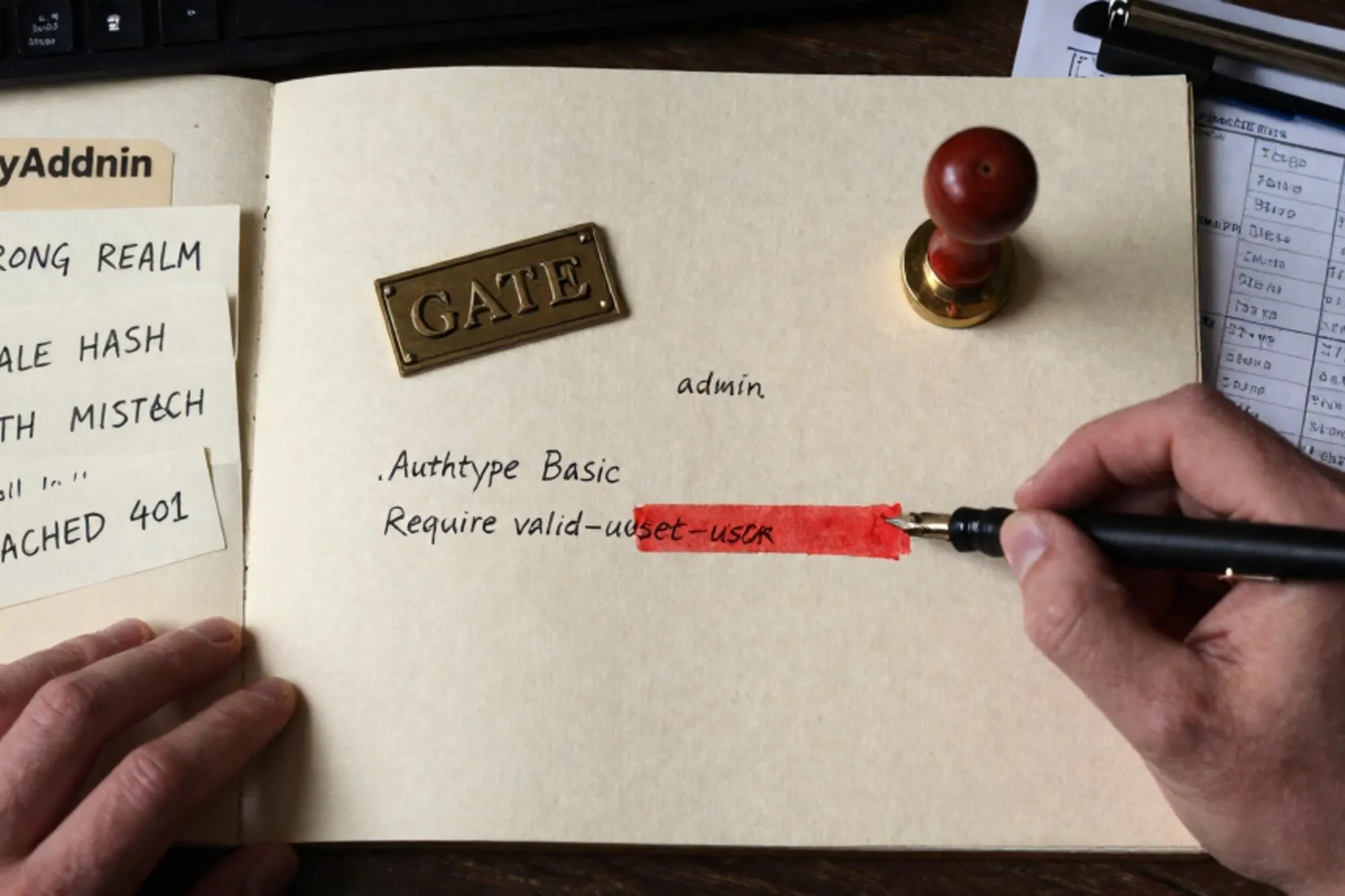
Friday afternoon, you tail the access log for the shared host where four of your client sites live. In the past hour, /phpmyadmin/index.php has been hit 4,200 times from 280 different IPs. None got through, but they got to render the login page. They got to fingerprint the version. They got to keep trying.
You already password-protect phpMyAdmin with its own login. Putting a second gate in front of it (a plain Basic Auth challenge driven by .htaccess and .htpasswd) means the bots never touch the PHP at all. The PHP-FPM worker is never spawned, the database is never queried, the rendered HTML never goes back. It also hides the phpMyAdmin version from anyone probing for a known CVE.
It is also the single easiest way to lock yourself out of a working legacy site. This is the copy-paste recipe we use on inherited hosts, plus the four traps we have stepped in often enough to remember them by heart.
Generate the password file outside the web root
SSH into the host and run:
htpasswd -B -c /home/youruser/.pma_htpasswd admin
The flags matter. -B forces bcrypt, which is what you want in 2026; the default on older Apache builds is an MD5-style variant that brute-forces in seconds on a modern GPU. -c creates the file. If the file already exists and you are adding a second user, drop the -c or you will silently overwrite the original.
Note the path. /home/youruser/.pma_htpasswd sits one level above public_html/. Never put the password file inside the web root. If you do, and a misconfigured server ever starts serving dotfiles, the hash leaks. Most shared hosts deny dotfiles by default, but "most" is not "all".
Confirm the file is readable by the web server user:
ls -la /home/youruser/.pma_htpasswd
# -rw-r--r-- 1 youruser www-data 67 Jun 10 14:22 .pma_htpasswd
On cPanel hosts the file will usually be owned by your user and group, and Apache runs as that same user through suEXEC. On a plain Debian box, the web server runs as www-data and needs read access via group or world. chmod 644 is normally fine; 640 with the right group is tighter.
The .htaccess block, scoped to one directory
Drop the following into public_html/phpmyadmin/.htaccess. Not the site root. The site root .htaccess is where WordPress, Joomla, or your custom rewrites live, and conflating the two is how you end up Basic-Auth-prompting the public homepage.
AuthType Basic
AuthName "phpMyAdmin"
AuthUserFile /home/youruser/.pma_htpasswd
Require valid-user

# Optional: skip the prompt from a known office IP
# <RequireAny>
#   Require ip 203.0.113.42
#   Require valid-user
# </RequireAny>
Four lines, all required. The AuthName string is what the browser shows in its credentials prompt, so keep it boring. Do not write "DB ADMIN" or "MySQL root" in there; that is free reconnaissance for whoever opens the prompt.
If you are on Apache 2.4 (you are, unless the host is genuinely abandoned), use Require valid-user. The old Allow from and Order deny,allow syntax was deprecated in 2.4 and removed in many distributions. Snippets from ten-year-old Stack Overflow answers will half-work and then fail mysteriously the next time the server is upgraded. The Apache 2.4 auth howto is the canonical reference.
The four ways this locks you out
Every one of these has bitten us on a real client site.
Wrong absolute path
If AuthUserFile points at a file that does not exist, or that Apache cannot read, you get a 500 Internal Server Error with no useful body and a one-line entry in the host's error log along the lines of (13)Permission denied: AH01620: Could not open password file. Relative paths do not work here. Always use the absolute path, and double-check it with realpath /home/youruser/.pma_htpasswd before you save.
AllowOverride None at the vhost
If the vhost or the main Apache config sets AllowOverride None for your document root, the .htaccess file is read and ignored. No error, no prompt, no protection. Test by deliberately breaking the file (add the word banana on line one) and reloading the page. If the page still loads, your .htaccess is not being honoured and you need to fix the vhost or talk to the host. The AllowOverride directive docs spell out what each level permits.
WordPress wp-admin double-prompt
If phpMyAdmin lives at /phpmyadmin/ on the same domain as a WordPress site, you are fine. If for some reason it ended up nested inside the admin area, every wp-admin AJAX call, including the heartbeat, will trigger the Basic Auth prompt and break the back office for editors. Keep phpMyAdmin under its own top-level directory.
HTTP versus HTTPS canonicalisation
Browsers cache Basic Auth credentials per scheme, host, port, and realm. If your site force-redirects HTTP to HTTPS via another .htaccess rule, and the Auth prompt fires before the redirect, some browsers (older Safari builds especially) will prompt twice or refuse the credentials outright. Make sure the HTTPS redirect rule sits above the Auth block in the same file, or in the parent .htaccess.
Testing without losing access
Before you save the .htaccess on a production host, validate the password file from the command line:
curl -i --user admin:thepassword https://example.com/phpmyadmin/
# HTTP/2 401  (expected once the .htaccess is in place)
# HTTP/2 200  (after sending the right credentials)
The real test is sequencing. Keep two browser tabs open: one logged into your hosting control panel's file manager, the other on the phpMyAdmin URL. Save the .htaccess, refresh the phpMyAdmin tab, and confirm the credentials prompt appears. If you get a 500, the file manager tab is your escape hatch: rename .htaccess to .htaccess.bak and you are back where you started.
This is also why you never edit the live .htaccess over SFTP without keeping the original open in your editor. One stray character and the whole site returns 500.
What we ship by default on a legacy site
On any inherited site that exposes phpMyAdmin at a predictable path, the first commit we make is a .htaccess with the four-line block above, plus an immediate rename of /phpmyadmin/ to a non-obvious directory name. The rename alone drops bot traffic by something like ninety-five percent; the Basic Auth handles the rest.
When we built Pier, the recovery scenario was the one we kept hitting on customer sites. You are mid-edit on a config file, something goes wrong, the whole site 500s, and you need to roll back to the last good copy without leaving the editor. The way we handled it: every save of a .htaccess or a row in the MySQL editor is checkpointed, and version history shows the previous good copy with a one-click restore.
If you only do one thing today: open the access log on your most-exposed legacy host, grep for phpmyadmin, and count the hits over the last twenty-four hours. That number is the budget for the next twenty minutes of work.
— Questions —
Why add Basic Auth when phpMyAdmin already has its own login?
Basic Auth blocks requests at the Apache layer, so the PHP never runs. Bots cannot fingerprint the phpMyAdmin version, and any 0-day in the app itself is unreachable without valid credentials.
Should I use bcrypt or MD5 for the .htpasswd file?
Bcrypt, via the -B flag on htpasswd. MD5-style hashes brute-force in seconds on a modern GPU. Bcrypt with a sensible cost factor remains resistant for years.
What if I get a 500 error right after saving the .htaccess?
Check the host error log for an AH01620 line. It almost always means the AuthUserFile path is wrong, points outside the readable scope, or has the wrong permissions. Rename the .htaccess to recover, then fix the path.
Can I whitelist my office IP and skip the prompt?
Yes. Wrap Require ip and Require valid-user inside a RequireAny block. Any matching IP gets through without a prompt; everyone else still has to authenticate.