046 —PHP
14 PHP includes per page: a dependency-mapping playbook
Fourteen require statements at the top of every page, a sidebar that pulls in three more, and nobody on the team remembers why. Map the graph before you touch it.
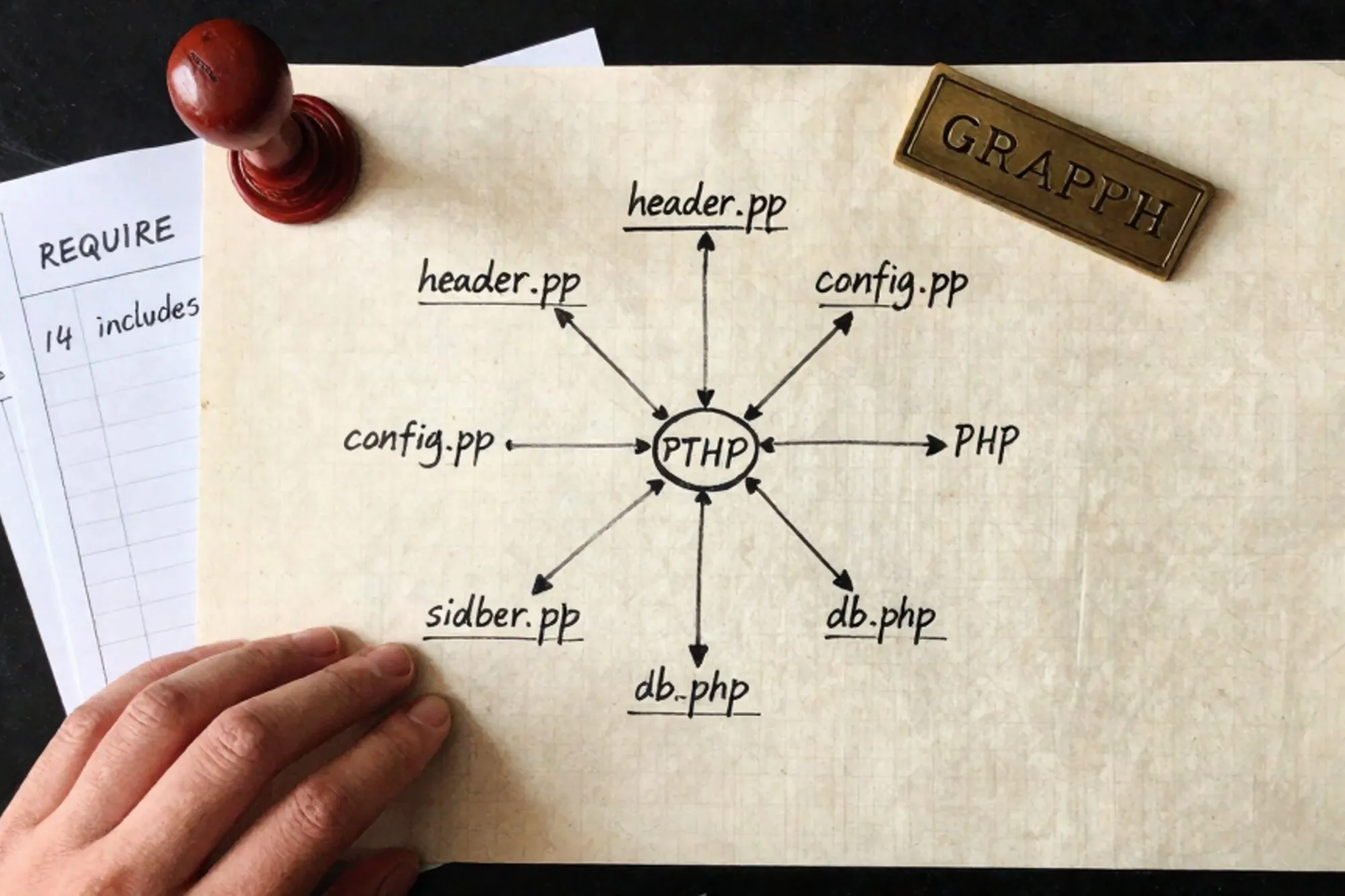
The page that took ten minutes to render
An ops engineer at a mid-sized publisher pinged us at 23:41 on a Tuesday. Their staging server was timing out on a single article page. The fix turned out to be one stale require_once pulling a 2009-era newsletter widget that tried to connect to a Mailman server that had been decommissioned years ago. Six other includes were lined up behind it, each waiting for the previous to finish before its own DNS lookup could fail.
The file at the top of the chain looked unassuming. index.php, 38 lines. But every one of those lines that started with require opened a door into another world, and most of those worlds opened more doors. By the time the page finished loading on a working day, 14 separate PHP files had been pulled into the request, plus a config layer that included another seven of its own.
This post is the playbook we walk through when we land on a custom PHP site with that kind of include topology. The goal is not to refactor on the first pass. The goal is to know what calls what, so the refactor that comes later does not collapse the building. We have run this on Magento 1 shops, WordPress installs with 200 must-use plugins, and bespoke CMSes from agencies that no longer exist. The shape of the work is always the same.
Snapshot the inclusion graph at runtime
Static analysis lies to you on legacy PHP. A file might say include $template . '.php' where $template is computed three levels up the stack from a query string. A grep will not catch that. A linter will not resolve it. Runtime tracing will.
Drop this into a file you can prepend to every request via auto_prepend_file:
<?php
// /var/www/_trace/includes.php
register_shutdown_function(function () {
    $entry = [
        'ts'    => microtime(true),
        'uri'   => $_SERVER['REQUEST_URI'] ?? 'cli',
        'files' => get_included_files(),
        'mem'   => memory_get_peak_usage(true),
    ];
    file_put_contents(
        '/var/log/php-includes.ndjson',
        json_encode($entry) . "\n",
        FILE_APPEND | LOCK_EX
    );
});
And in the .htaccess at the document root, or in a per-vhost config:
php_value auto_prepend_file "/var/www/_trace/includes.php"
Leave it running for a representative window. A week of real traffic on a content site, three days on an internal tool, one full billing cycle on anything financial. You want every cron, every admin path, every weird URL that only a logged-in editor hits twice a quarter. The get_included_files() call is documented at php.net and is cheap enough to leave on in production for a controlled period.
Reconcile the trace with the source
Once you have a few thousand NDJSON lines, build the actual graph. A short script will do, no library required:
<?php
// build-graph.php
$edges = [];
foreach (file('/var/log/php-includes.ndjson') as $line) {
    $row = json_decode($line, true);
    $files = $row['files'];
    for ($i = 1, $n = count($files); $i < $n; $i++) {
        $key = $files[$i - 1] . ' -> ' . $files[$i];
        $edges[$key] = ($edges[$key] ?? 0) + 1;
    }
}
arsort($edges);
foreach (array_slice($edges, 0, 50, true) as $edge => $hits) {
    echo str_pad((string)$hits, 8) . $edge . PHP_EOL;
}
Pipe the output through graphviz if you want a picture, or just read the top of the list. The first surprise is usually how many edges point at one file. On the publisher site, lib/legacy/strings.php was pulled in 11 times per request from four different parents, two of which only used a single helper function from it.
Now cross-reference with the static side. nikic/PHP-Parser gives you a clean AST, but for a first pass even this is enough:
grep -rEn "(include|require)(_once)?\s*[\(\"']" \
  --include="*.php" /var/www/htdocs \
  > static-includes.txt
What you are looking for is the gap. Files that the grep finds but the runtime never touches are either dead or only used on a code path you have not exercised yet. Files the runtime touches but the grep cannot resolve (because the path is computed) are your real coupling, and they deserve the first round of attention. Mark those filenames in red and tape them to the wall, metaphorically or otherwise.
What the graph usually shows
Three patterns repeat across jobs. A flat star, where one central functions.php is the parent of everything and nothing else has any structure. A diamond, where two parents both pull in a shared library and the shared library reaches back into both via $GLOBALS. And a daisy chain, where header.php includes nav.php which includes menu-helpers.php which includes cache.php which includes config.php, and removing any link mid-chain breaks the page in a way that takes an hour to diagnose.
Breaking a daisy chain is the most painful of the three because each link looks load-bearing in isolation. Work bottom-up. Inline the leaf file's contribution into the layer above it, leave the trace running for another 24 hours, confirm nothing else needed the leaf, then delete it. Repeat one layer at a time. It is slow. It is also the only way to climb back out without leaving a stack of half-removed includes for the next maintainer to puzzle over.
Find the globals before you move anything
In sites of this vintage, the include order is rarely about code organisation. It is about variables in scope. header.php sets $current_user; sidebar.php reads it. Move either one and you snap something three files away.
You need a list of globals that cross the include boundary. There is no clean way to extract this, but a brute-force scan gets you most of it:
# variables declared with the `global` keyword
grep -rEn '^\s*global\s+\$' --include="*.php" /var/www/htdocs

# direct $GLOBALS array access
grep -rEn '\$GLOBALS\[' --include="*.php" /var/www/htdocs
Then the harder one. PHP leaks every top-level $var = ... assignment into the including file's scope, which means a variable declared in config.php is silently visible in everything config.php gets pulled into. The behaviour is documented in the include manual page and is worth re-reading before the refactor, especially the sentence about variable scope being that of the calling line.
List every top-level assignment in the included files:
for f in $(cut -d: -f1 static-includes.txt | sort -u); do
  awk '/^[[:space:]]*\$[A-Za-z_]+[[:space:]]*=/ {
    print FILENAME ":" NR ": " $0
  }' "$f"
done
There is one more pattern that ruins automated scans. If any include calls extract($_REQUEST) or extract($row), every key in that array becomes a top-level variable in the calling scope, and you have no way of knowing which ones until runtime. Grep for extract( across the tree, case-insensitively. Treat every hit as a flag, document the array shape with a short comment before you change anything, and consider the file effectively unbounded in what it injects.
Two hours of this exercise is worth two weeks of refactor pain later. On the publisher job we found 47 top-level assignments across 22 files, of which six were read by code in completely unrelated parts of the tree. Those six dictated everything about the order of the refactor.
Slice the refactor by blast radius
Now you can plan. The slices, in the order we usually run them:
- Delete the dead includes. Files in the static grep that never appear in the runtime trace, after a representative window, can be removed. Commit each one in isolation with the route coverage that proved it dead. If your trace window was a week and the file never fired, you still have
git revert. - Collapse the duplicate pulls. If
strings.phpis required 11 times, find the highest common ancestor in the call graph and require it once there. The other tenrequire_oncecalls become no-ops you can delete in a follow-up commit, separately, so the diff stays reviewable. - Promote globals to explicit parameters. Pick one global, find every read, wrap each read in a function that accepts the value as an argument.
$current_userbecomesrender_sidebar($currentUser). This is mechanical and tedious and the only way out. Use the runtime trace from step one as your regression check: the file list per URL should be identical before and after. - Replace dynamic includes with a router. The
include $template . '.php'patterns are where production bugs hide. Move them to a switch statement or a small dispatch array. Now your static analysis stops lying and your IDE can finally autocomplete the call sites.
None of these are large changes individually. The reason they are usually skipped is that step three takes a week of un-glamorous edits and the diff is hard to review. The trick is committing each global as its own pull request, with the runtime trace before and after as evidence that the behaviour did not change.
If the site has a Composer autoloader bolted on top of the require chain, treat it as one more parent in the graph rather than an escape hatch. The class map will resolve namespaced calls cleanly, but the legacy includes still fire in parallel and the same global leaks still cross the boundary. A common mistake is to assume that adding Composer means the file-by-file refactor is done. In practice you usually have two inclusion systems running side by side for years, and the trace is the only honest map of the union.
The database picture in parallel
One side note that comes up on every job. The same sites that have 14 includes per page tend to have a db.php that opens a connection at the top, then a queries.php that fires off twenty mysql_query calls at module scope on require. The output of step one above is where you find that picture too. Once you know which files run on which requests, the SQL audit gets a lot shorter, and the query log you collect with general_log = 'ON' for a few hours overlays cleanly onto the include graph.
Validate every slice against the trace
After each commit in the sequence above, you need evidence that the include behaviour did not shift. The cheapest fingerprint is a stable hash of the included-file list per URL. Add one line to the prepend handler so each row carries an identifier you can group on:
$entry['hash'] = substr(md5(implode('|', get_included_files())), 0, 12);
Pull every hash for a given URL from before the change, run the refactor, then pull the hashes after. If the set differs, something pulled in a file that did not get pulled in before, or stopped pulling one that should still be there. On the publisher job we caught two refactor regressions this way that would have shipped silently otherwise. The shutdown handler is the closest thing to a regression test that a site without tests will ever have.
The comparison itself is a one-liner:
jq -r 'select(.uri == "/article/foo") | .hash' \
  /var/log/php-includes.ndjson \
  | sort -u
Anything more than one distinct hash for a URL during a quiet hour is a clue, either to a real change or to a code path you missed. Look at it before the next commit lands. The discipline pays for itself the first time it catches a refactor that quietly stopped including the cache layer on one request type.
Where this lands for us
When we built Pier for editing exactly these kinds of legacy sites, the include problem was one of the first walls we hit. The way we ended up handling it was to keep a per-request trace of touched files on the server, render the graph in the editor, and let you click any edge to jump straight to the require line that pulled it in. The version history handles the part where you walk back from a slice that did not work, and the MySQL editor sits next to the file tree so the schema audit runs alongside the code one. That is the work. The tool is downstream of it.
One thing to do today
Open the largest index.php or front-controller.php on a site you maintain and add the auto_prepend_file trace from above. Leave it for 48 hours. The list of files you get back will be shorter than you expect, and the gap between that list and what the codebase actually contains is the size of your eventual refactor.
— Questions —
Can I run the auto_prepend_file trace in production?
Yes, for a bounded window. The shutdown handler adds microseconds per request. Rotate the NDJSON file and disable the prepend once you have a representative sample. Do not leave it on indefinitely.
What if the site uses PHP-FPM instead of mod_php?
Same prepend, but recycle workers between samples so get_included_files() does not return cumulative results from a long-lived process. Set pm.max_requests to a low number during the trace window.
How do I trace includes on CLI cron jobs, not just web requests?
Set auto_prepend_file in a php.ini scoped to the CLI SAPI, or pass -d auto_prepend_file=/path/to/trace.php in the cron command. The shutdown handler fires the same way.
Is nikic/PHP-Parser worth installing just for this?
If you plan to script the refactor itself, yes. For the initial mapping pass, grep plus the runtime trace is enough and avoids adding a Composer dependency to a site that may not have one yet.