037 —Magento
Magento 2 indexer stuck: recovery without losing orders
A stuck Magento 2 indexer turns checkout into a minefield: wrong prices, missing products, ghost stock. Here is the recovery sequence that protects the orders already in flight.
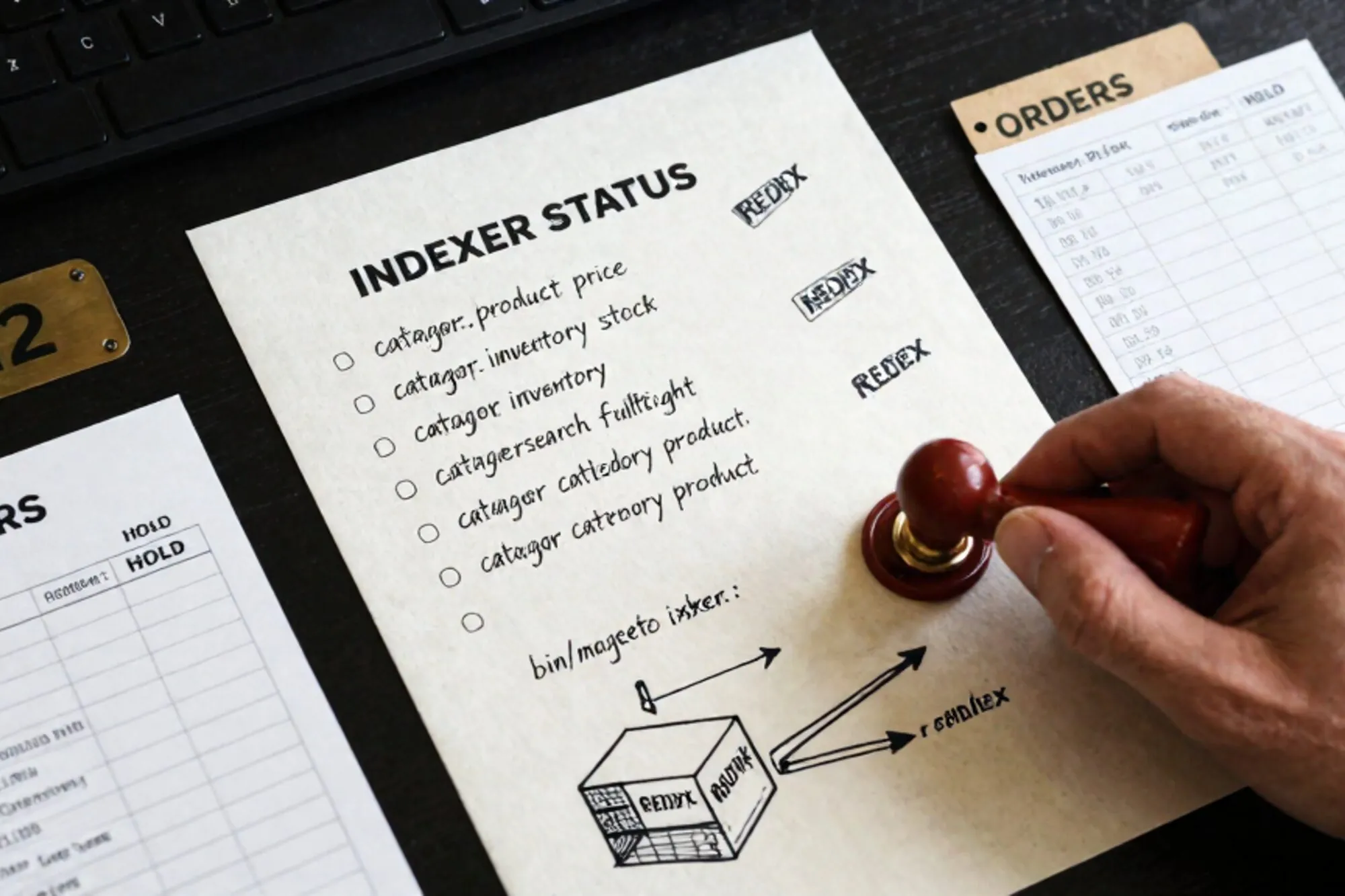
Friday, 19:14. A Dutch ops engineer pings the on-call channel: orders on a Magento 2.4.6 store are going through with last week's prices. The promo banner shows the right discount, the product page shows the right discount, but the cart and the confirmation email show the old €89,95 instead of the campaign's €69,95. Customer service is already fielding the third "what am I being charged" email of the hour.
The cause, once you log in and run bin/magento indexer:status, is obvious: catalog_product_price has been sitting in Processing for nine hours. Whatever cron run was doing the reindex never returned.
This is the failure mode every Magento 2 operator inherits eventually. The recovery itself is mechanical, but the order in which you do it matters, and skipping a step here is how you end up with a Sunday morning data loss instead of a Friday night incident report. What follows is the sequence we run when the Magento 2 indexer is stuck.
Confirm what is actually wedged
Before touching anything, get the ground truth. SSH into the production node, switch to the Magento file user (often www-data or a deploy user), and run:
php bin/magento indexer:statusYou will see something like:
Customer Grid                              Ready
Category Products                          Ready
Product Categories                         Ready
Product Price                              Processing
Product EAV                                Ready
Stock                                      Ready
Catalog Rule Product                       Reindex required
Catalog Product Rule                       Ready
Catalog Search                             Processing
Two states matter here. Processing (rendered as working in older patches) means a worker claimed the indexer and never released it. Reindex required means the mview queue has changes waiting and nothing is consuming them. The first is a lock problem; the second is a backlog problem.
Cross-check with the database. Open the MySQL editor you use against Magento (or mysql from the shell) and run:
SELECT indexer_id, status, updated
FROM indexer_state
WHERE status <> 'valid'
ORDER BY updated;
The updated column tells you whether this is a current job that needs more time or a corpse from earlier in the week. Anything older than the longest legitimate reindex you have seen on this catalog (usually 20 to 40 minutes for a mid-sized store) is a corpse.
Then check the mview queue:
SELECT view_id, mode, status, updated
FROM mview_state
ORDER BY updated;
If mode is enabled and status is working, the materialised-view worker thinks it is still consuming the changelog. If it actually crashed, the changelog tables (catalog_product_price_cl, catalogsearch_fulltext_cl and friends) keep growing while nothing drains them.
Find the stuck process before you kill the lock
Resist the urge to immediately reset the indexer. If a real PHP process is still alive doing the work, resetting the state row will leave you with two processes both writing into the same index tables. That is how you corrupt catalog_product_index_price.
On the application server:
ps -ef | grep -E 'indexer:reindex|cron:run' | grep -v grepAnd on the database server, check for long-running queries holding rows:
SELECT id, user, host, db, time, state, LEFT(info, 120) AS query
FROM information_schema.processlist
WHERE time > 300
ORDER BY time DESC;
If you see a Magento process that has been alive for hours but is actually still making progress (CPU usage, table size growing, locks taken and released), leave it. If the PHP process is gone but the row says working, you have an orphaned state and you are clear to recover.
Reset the indexer state safely
Once the orphan is confirmed, reset only the specific indexers that are wedged, not the whole set. Resetting everything forces a full rebuild that on a 50,000-SKU store can take an hour, during which the storefront serves stale data.
php bin/magento indexer:reset catalog_product_price catalogsearch_fulltextThat flips those rows back to invalid in indexer_state so the next reindex run picks them up. Confirm:
SELECT indexer_id, status FROM indexer_state
WHERE indexer_id IN ('catalog_product_price','catalogsearch_fulltext');
You want invalid, not working.
If mview_state is still claiming working, clear that too:
UPDATE mview_state
SET status = 'idle'
WHERE view_id IN ('catalog_product_price','catalogsearch_fulltext')
  AND status = 'working';
Take a backup of these two rows before the UPDATE. They are tiny and you may want to compare states later when you are writing the post-mortem.
Rebuild in the right order
Magento's indexers have implicit dependencies. catalogsearch_fulltext reads from product, category and price indexes. catalog_product_price reads from stock and rule data. Rebuilding fulltext before price gives you a search index that points at the wrong prices for the next half hour.
Run them in this sequence:
php bin/magento indexer:reindex cataloginventory_stock
php bin/magento indexer:reindex catalogrule_rule
php bin/magento indexer:reindex catalog_product_price
php bin/magento indexer:reindex catalog_category_product
php bin/magento indexer:reindex catalog_product_category
php bin/magento indexer:reindex catalogsearch_fulltext
For a big catalog, run them in separate terminal sessions or with nohup so a dropped SSH connection does not kill the reindex halfway. Watch memory: the price reindex on a multi-website store can peak above 2 GB. If PHP dies with an out-of-memory error you are back where you started, this time with half-rebuilt tables.
Adobe documents the indexer set in the Adobe Commerce indexer reference if you need to cross-check names against your version.
Verify orders did not get poisoned
This is the step every recovery guide skips. While the index was stuck, the storefront was serving stale prices, and the orders placed during that window are in your database with whatever the cart calculated. Some are correct (the price did not change in that period). Some are at the old price and the customer paid the old amount. Some are at the old price and the gateway captured the new amount because the discount applied differently. You need to know which.
Find the suspect window:
SELECT o.entity_id, o.increment_id, o.created_at,
       i.sku, i.qty_ordered, i.price, i.original_price
FROM sales_order o
JOIN sales_order_item i ON i.order_id = o.entity_id
WHERE o.created_at BETWEEN '2026-05-22 10:00:00' AND '2026-05-22 19:14:00'
  AND i.sku IN (
    SELECT sku FROM catalog_product_entity
    WHERE entity_id IN (/* SKUs that were on promo */)
  )
ORDER BY o.created_at;
Compare price against the campaign price for each line. Anything that came through at the wrong number is a customer service ticket waiting to happen. Refund the difference proactively. Three pre-emptive €20 refund emails on a Friday night cost less than fifty angry tweets on a Saturday morning.
Stop it happening again
An indexer wedges for one of four reasons, and the fix differs for each.
The cron user was OOM-killed
Check dmesg or /var/log/syslog for the kernel out-of-memory killer. Magento's reindex on a large catalog regularly needs 1.5 to 2 GB. If your container or VM caps PHP at 512 MB it will die mid-job and leave the row at working. Raise memory_limit in the PHP CLI configuration, not the FPM one, since cron uses the CLI binary.
The database connection timed out
Look at var/log/cron.log for MySQL server has gone away. Long reindexes can outlive wait_timeout. Bump it on the MySQL side for the deploy user, or shorten the indexer batch size in app/etc/env.php:
'indexer' => [
    'batch_size' => [
        'catalogsearch_fulltext' => [
            'partial_reindex' => 100,
            'mysql_get'       => 500,
            'elastic_save'    => 500,
        ],
    ],
],
Two reindexes raced
If a deploy script and a cron job both fired indexer:reindex at once, the second blocks on the first's locks and eventually times out leaving state confused. Gate reindex behind a single lock in your deploy pipeline.
The mview changelog grew faster than it could drain
Look at the backlog:
SELECT COUNT(*) FROM catalog_product_price_cl;
SELECT COUNT(*) FROM catalogsearch_fulltext_cl;
If those numbers are in the millions, an import or a mass update overwhelmed the mview consumer. Switch the affected indexers to schedule mode and process them in dedicated cron groups so a price update for 200,000 SKUs does not starve the search index.
Keep a paper trail
Every fix to a stuck indexer is also a change to the database. The UPDATE mview_state, the row backups, the env.php tweak: write each into the incident note while you make it. Two weeks later when a similar wedge happens on the staging clone, the person on call will want to know exactly what you did and in what order. A diff of the config file is worth more than a Slack message.
When we built Pier for this kind of legacy site work, the part of the workflow that needed the most thought was here. Every SQL statement we run against a customer's database is recorded, with a one-click revert and a full version history per file. The Magento operators we tested it with asked for that audit log first, before any of the chat features.
The smallest thing to do today: run bin/magento indexer:status on every Magento 2 store you operate, screenshot the output, and pin it to the runbook next to the recovery commands above. When the call comes at 23:41 on a Friday, the difference between a 20-minute fix and a 4-hour outage is whether you can read the status without thinking.
— Questions —
Why does indexer:reset not unstick the indexer on its own?
Reset only flips the state row to invalid. If a PHP worker still holds the lock, or mview_state is also in working, you must kill the orphan process and update mview_state separately.
Is it safe to truncate the *_cl changelog tables?
Only after invalidating the related indexer and running a full reindex. Truncating without invalidating skips queued changes and leaves stale data in the index permanently.
Update on save or schedule mode for production?
Schedule mode for any catalog with regular bulk imports or price updates. Update on save locks storefront writes during reindex and is the most common cause of mid-checkout slowdowns.
How long should a full Magento 2 reindex take?
On a 50k SKU store with reasonable hardware, catalogsearch_fulltext runs in 10 to 30 minutes and price in under 15. Past an hour usually points at memory_limit or batch_size.