119 —Joomla
Joomla 3 #__extensions table: a six-column field guide
Six columns in #__extensions tell you everything Joomla actually loads. A field guide for the moment you take over a site whose admin won't open.
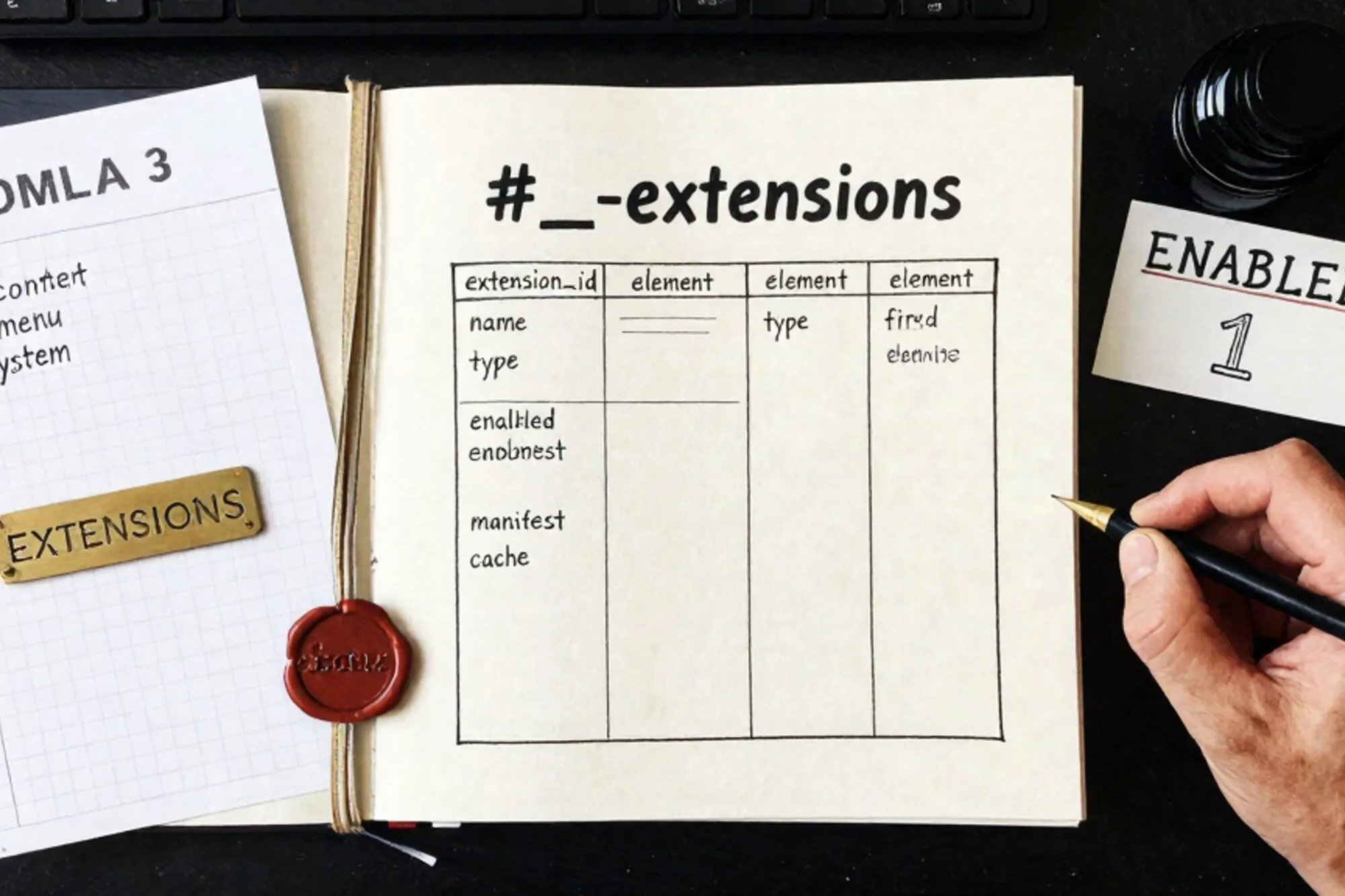
A Dutch agency we work with took over a Joomla 3.10 site last month. The admin password still worked, but the Extensions Manager threw a white screen on every tab. They needed to know what was actually running on the site before they could quote a migration. Not what the brochure said. What the database said.
That answer lives in a single table: #__extensions. Every component, plugin, module, template, library and language pack registers itself there during install. If a row exists, Joomla considers the extension installed. If enabled is 1, it runs. Everything else is decoration.
This is a field guide to reading that table by hand, in phpMyAdmin or any MySQL client. Six columns will tell you, with no ambiguity, what is actually running on a legacy site in front of you.
The table at a glance
Run this against the database (substitute your prefix for jos_):
SELECT extension_id, type, element, folder, client_id, enabled
FROM jos_extensions
WHERE state = 0
ORDER BY type, element;
You'll get back a few hundred rows on a typical site. Most are core. The ones that matter for an audit are the third-party rows, and you can spot them by reading three columns together: type, element and folder. Those three are the extension's primary key as far as Joomla's installer is concerned.
Column 1: type
The type column tells you what kind of extension the row represents. The values you will see are:
component: a full back-end application likecom_contentorcom_virtuemart.plugin: an event listener that fires on system or content events.module: a UI block rendered in a template position.template: the site or admin theme.library: shared PHP code used by components.file: a file-level extension, rare in user-installed code.language: a language pack.package: a meta-extension that installs several of the above together.
When you audit a legacy Joomla 3 site, the rows you care about most are component and plugin. Components tend to carry the most code and the most attack surface. Plugins are where backdoors hide because they execute on every page load.
Column 2: element
The element column holds the technical name. For components it is com_xxx. For modules it is mod_xxx. For plugins it is just the plugin's short name (akeebabackup, jce, regularlabsmanager).
This is the value you would grep for in the filesystem. A row with type='plugin' and element='akeebabackup' means files live under /plugins/<folder>/akeebabackup/. If the row exists but the directory is gone, the extension is half-installed, which is a common failure mode after a botched FTP sync. See the Joomla docs on extension directory structure for the full layout.
Column 3: folder
Only plugins use folder. It tells you which plugin group the row belongs to: system, content, authentication, user, editors, extension and a dozen others. The plugin's files live under /plugins/<folder>/<element>/.
The group matters because it tells you when the plugin runs. A system plugin fires on every request, before routing. A content plugin fires only when content is rendered. If you are chasing a slow page load or a strange redirect, sort the table by folder='system' and read every row in that subset.
Column 4: client_id
One of the most misread columns on the table. client_id = 0 means the extension belongs to the public site. client_id = 1 means it belongs to the administrator back-end. The same element can appear twice with different client_id values, once for each.
This matters when you are disabling something to debug a white screen. Setting enabled = 0 on the wrong client_id will lock you out of the back-end while leaving the bug live on the front. Always check both rows before you write the UPDATE.
Column 5: enabled
The simplest column. 1 means Joomla loads it. 0 means it is installed but inert. You can flip this from SQL when the admin UI is broken:
UPDATE jos_extensions
SET enabled = 0
WHERE type = 'plugin'
  AND folder = 'system'
  AND element = 'rogueplugin';
That single statement is often the difference between a 90-second fix and a four-hour rebuild from backup. Worth knowing before you need it.
Column 6: manifest_cache
The interesting one. manifest_cache is a JSON blob the installer writes at install time. It contains the version, author, author email, copyright, license and creation date that the extension's XML manifest declared. That is how you find out what version of an extension is actually on disk without opening any files.
SELECT element,
       JSON_EXTRACT(manifest_cache, '$.version') AS version,
       JSON_EXTRACT(manifest_cache, '$.author')  AS author
FROM jos_extensions
WHERE type = 'component'
  AND state = 0;
Cross-reference each version against the vendor's changelog or the Vulnerable Extensions List kept by the Joomla VEL team. If a row's version is older than the earliest patched release, you have a confirmed exposure on a still-enabled extension. That is almost always the first finding worth writing down on an audit report.
Putting the six together
Six columns: type, element, folder, client_id, enabled and manifest_cache. Read in that order they tell you what the extension is, what it is called, where it lives, which side of the site it runs on, whether it is active, and what version is on disk. Everything else in the table (params, custom_data, access, ordering) is configuration, not identity.
A useful audit query that combines all six:
SELECT type,
       element,
       folder,
       CASE client_id WHEN 0 THEN 'site' ELSE 'admin' END AS side,
       CASE enabled   WHEN 1 THEN 'on'   ELSE 'off'   END AS state,
       JSON_UNQUOTE(JSON_EXTRACT(manifest_cache, '$.version')) AS ver
FROM jos_extensions
WHERE state = 0
  AND protected = 0
ORDER BY type, element;
Run that on a site you are inheriting and you have, in one page of output, the closest thing Joomla offers to a bill of materials. Compare it to the filesystem under /components, /plugins, /modules and /templates, and any mismatch is a half-installed extension worth a closer look.
What to do with the output
The reason to read this table by hand, rather than trust the Extensions Manager, is that the manager itself is an extension. On a half-broken Joomla 3 site it lies as often as it tells the truth. SQL does not.
When we built Pier we ran into this exact thing on customer audits. The way we ended up handling it was to put the MySQL editor next to the file tree with every edit stamped into version history, so a question like "is this plugin actually installed" can be answered from SQL and reversed the same way you'd reverse it in the admin.
If you are sitting on a Joomla 3 site you have not fully mapped, the smallest thing worth doing today is running the audit query above against a read-only copy of the database. Save the output as CSV. That file is the start of every migration plan you will write for the next six months.
— Questions —
What is the difference between state and enabled in #__extensions?
state = 0 means installed and current. state = -1 marks a pending uninstall. state = 2 means discovered but not installed. enabled is a separate runtime flag on a normally installed row.
Can I uninstall an extension by deleting its row from #__extensions?
No. Joomla's uninstaller also removes the files, database tables and assets the extension created. Deleting the row alone leaves orphans behind. Only DELETE when the files are already gone.
Why does the same extension appear twice in the table?
client_id 0 is the public site, 1 is the admin back-end. A few extensions install components on both sides and register one row for each. Always check both before flipping enabled.
Is manifest_cache reliable for the installed version?
It is what the installer wrote at install or update time. If files were swapped over FTP without running the installer, the JSON lags the disk. Cross-check the extension's own version file when needed.