097 —Joomla
Joomla 3 to 4: the triage table for broken extensions
Forty-seven extensions, six fatals on the admin login, and a Friday deadline. The triage table we use to sort that mess into Update, Replace, Fork, or Rip before touching code.
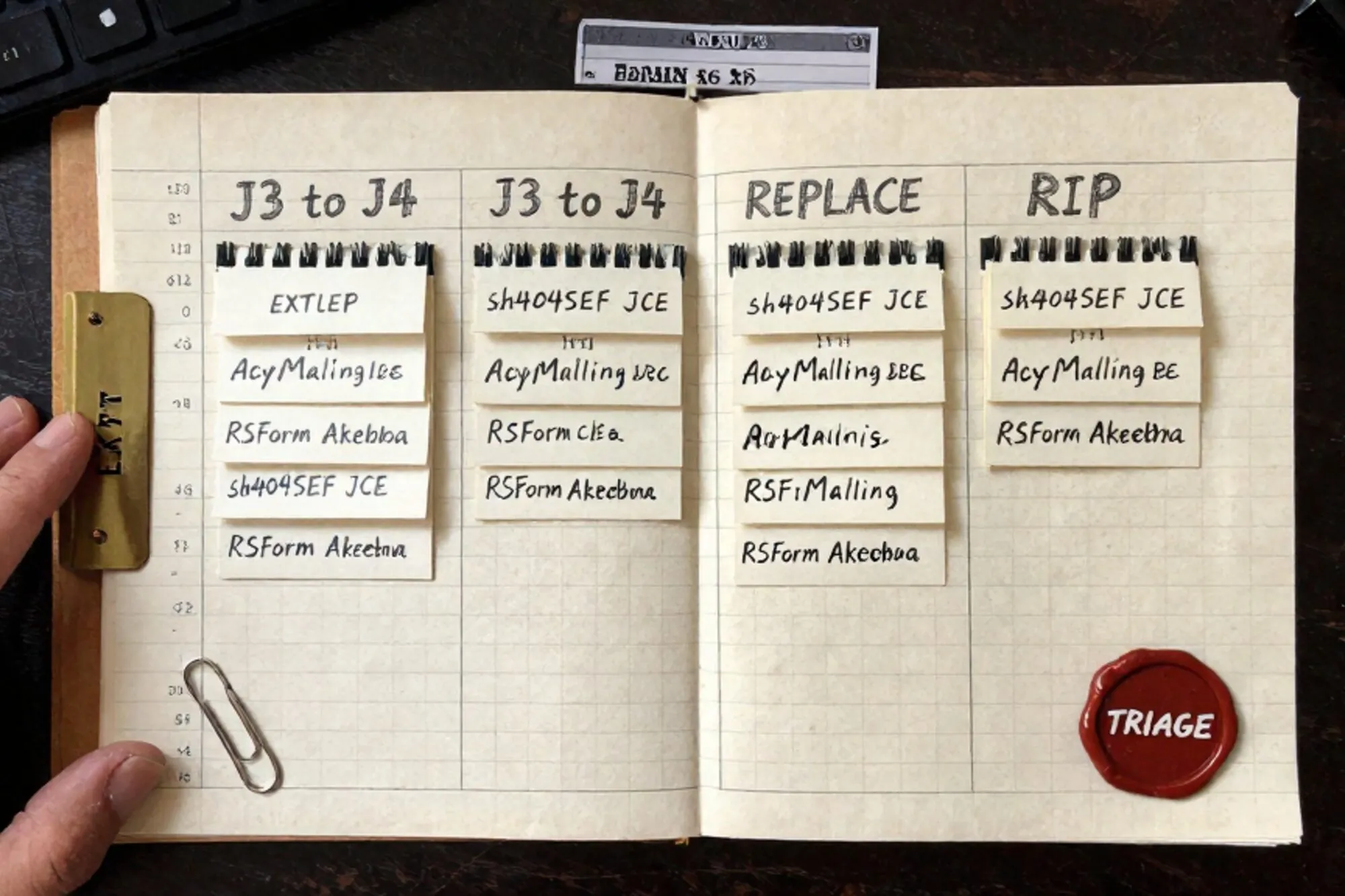
A Dutch agency we work with handed off a Joomla site to a new client. The client wanted Joomla 4. The site had 47 third-party extensions. After the test migration, the admin loaded a white screen with "Class 'JFactory' not found" in the error log. Six extensions wouldn't even let you reach the dashboard. By Friday afternoon there was a list of 23 things that needed a decision and no one knew which to do first.
This is the table we keep on hand for that moment. It isn't a checklist. It's a way to sort 47 extensions into four buckets in about two hours, before any code gets touched.
The shape of the J3 to J4 break
The Joomla 3 to Joomla 4 jump is not a point release. The framework changed enough that any extension written for Joomla 3 and not updated since 2020 is likely to throw fatals. The most common offenders:
JFactory::getDbo()calls (nowJoomla\CMS\Factoryin the namespaced form)JText::_()(nowJoomla\CMS\Language\Text)jimport()calls (removed)- MooTools assumptions in admin JS (MooTools is gone, jQuery only, and increasingly vanilla)
- Bootstrap 2 markup that breaks under a Bootstrap 5 template
If your site has more than ten extensions, you are not going to fix all of these by reading source. You sort first, then work.
The triage table
Five columns. Print it, paste it into a spreadsheet, whatever you like. The columns:
- Name and version installed
- J4 version released? (yes / no / maintainer silent)
- Used? (front-end, admin-only, scheduled task, dead)
- Owns DB tables? (yes / no)
- Bucket (Update, Replace, Fork, Rip)
The first four columns are facts. You fill them in a single pass through the Extensions Manager and a quick check on each vendor's site. The fifth column is the decision.
Filling column 2 fast
You do not need to log into each vendor portal. The Joomla Extensions Directory (JED) lists J4 compatibility per extension. Open the directory, search by name, look at the compatibility badge. If the extension is not on JED, check the developer's site. If that site is offline or the last blog post is from 2021, that is column 2's answer: "maintainer silent."
Filling column 3 honestly
The temptation is to mark every extension "used." Don't. Open the front-end with the network panel and a clean session. Look at what loads. Then ask the client which admin tools they actually touch in a normal month. Anything not on either list goes in "dead."
Half of a 47-extension Joomla 3 site is usually dead. ACL Manager installed once for a permissions emergency. Two backup extensions because someone tried Akeeba and someone else tried something else. An SEO extension that was replaced by another SEO extension. You will retire ten before you write a single line of code.
Working the buckets top to bottom
Once the table is full, you work the buckets in this order: Rip, then Update, then Replace, then Fork. Order matters because each bucket shrinks the work in the next.
Rip first
Every "dead" row goes. Uninstall through the Extensions Manager. If the uninstaller throws (it often does on a half-broken Joomla 4), drop the rows manually from #__extensions, #__menu, and the extension's own tables.
DELETE FROM j_extensions WHERE element = 'com_deadext';
DELETE FROM j_menu       WHERE component_id = 1234;
DROP TABLE IF EXISTS j_deadext_items;
Back up first. Always. The number of extensions that ship a clean uninstaller is smaller than you'd think, and orphan rows in #__assets will haunt the next migration too.
Update second
Rows where column 2 says "yes, J4 version exists" and the maintainer is alive: install the new version on staging, run it once, watch the log. Most of these are five-minute operations. Akeeba Backup, JCE Editor, Admin Tools: these vendors did the work. Trust them and move on.
The trap here is that some extensions need a specific intermediate version before the J4 jump. JCE, for example, wanted you on the last J3-compatible release first. Read the release notes. Don't skip.
Replace third
Rows where column 2 says "no J4 version, but the function is generic." A form builder that hasn't been updated since 2020 has a dozen maintained replacements. A simple gallery extension can be swapped in an afternoon. You will lose some configuration. That is fine. The cost of keeping a dead form builder alive across a major Joomla version is higher than rebuilding three forms.
Fork last
Reserved for extensions where (a) there is no J4 version, (b) no replacement does what it does, and (c) the extension is not enormous. A custom component for a client's bespoke quote-request flow. A directory plugin with a hand-rolled rating system. Five files, two database tables, and a specific bit of business logic the client cares about.
Forking means: take the source, run a search-and-replace pass on the Joomla 3 idioms, register the namespaces, and ship it as a private extension. The Joomla 4 migration docs are the canonical reference and they are better than they used to be. The Joomla API reference tells you which new namespaced class corresponds to any deprecated J3 call you find.
What the table doesn't catch
Three things the triage table will not surface. Worth knowing before you run it.
Template breakage. A J3 template that depends on Bootstrap 2 will look wrong even if every extension works. Test the front-end on a real device after the extension pass. If the template is custom and old, you may need a separate triage for the override files in templates/yourtemplate/html/.
Editor content. Articles written in TinyMCE 4 sometimes render oddly in TinyMCE 5, especially around tables and inline styles. Spot-check the top 20 articles by traffic before signing off.
PHP version. Joomla 4 wants PHP 7.2.5 minimum and runs best on 8.1 or 8.2. The PHP 8.0 migration guide covers the breaks. Extensions that pass the Joomla version check can still fatal on PHP 8 because of stricter type checks or removed functions like create_function(). Run the post-migration site on the same PHP version it will run on in production.
The tool behind the table
Triage like this used to mean a folder of SQL files, a hand-written changelog, and a prayer. When we built Pier we ran into this exact thing on our own legacy site work. The way we ended up handling it was tying every database write and file edit to a version history entry, so a botched extension uninstall is one keystroke from being undone, and the MySQL editor can run the orphan-row cleanup without an SSH tunnel.
The smallest move today
Open one of your Joomla 3 sites. Count the installed extensions. Mark which ones are actually used. That number is your triage budget for the eventual migration, and knowing it before the client asks is worth more than any of the code work that comes after.
— Questions —
How long does the triage pass itself take?
Sorting roughly 50 extensions into Update, Replace, Fork, and Rip takes about two hours for someone who knows the site. The fix work that follows depends on how many rows fall into Fork.
Should I migrate Joomla 3 to 4, or jump straight to Joomla 5?
Hit Joomla 4 first. The 4 to 5 step is much smaller than 3 to 4 because the namespacing work is already done. Stabilise on 4, then move to 5 within a release cycle.
What if a critical extension has no J4 version and no replacement?
Fork it if it is small and the logic is specific to the client. If it is a large component like a legacy storefront, consider whether the site is due for a rebuild rather than a migration.
Why rip dead extensions before updating live ones?
Dead rows in #__extensions and #__assets break the installer paths used by live extensions. Cleaning them first means fewer phantom errors during the Update pass.