060 —Drupal
Drupal 9 read-only at 16:08: a /tmp inode war story
A Drupal 9 site went quietly read-only on a Tuesday afternoon. The disk was 39 percent full. /tmp had bytes to spare. Every single inode, though, was gone.
The 16:08 ticket
The Loom landed at 16:08 on a Tuesday. A lead at a Dutch agency we work with had a Drupal 9 corporate site that was, in his words, "online but broken in a way I don't recognise." The homepage rendered. Logged-in editors could still load the admin. But every save attempt threw a white screen, every webform submission failed silently, and any freshly uploaded image returned a 500 the second time it was requested.
He had already done the obvious things before sending the Loom. Cleared Drupal's cache with drush cr, which itself errored halfway through. Restarted php-fpm. Reloaded nginx. Tailed watchdog, which had no new entries in the last forty minutes — itself the first real clue, if you knew to read it that way. A CMS that has stopped writing to its own log table is not a healthy CMS.
The hosting dashboard showed 39 percent disk used. Memory looked fine. Load average was 0.42. There was nothing in the nginx access log that looked unusual, just a quiet stream of bots. The PHP error log had a sea of identical lines:
PHP Warning: file_put_contents(/tmp/...): failed to open stream: No space left on deviceNo space left on device. On a disk that was 39 percent full.
That message is the giveaway, but only if you have been bitten before. Linux returns ENOSPC for two distinct conditions: the block device is out of data blocks, or the filesystem is out of inodes. The error string is the same. The fix is not.
Reading inodes, not bytes
Three commands settled the diagnosis in under a minute.
df -h /tmp
# Filesystem      Size  Used Avail Use% Mounted on
# /dev/vda1        80G   30G   46G  39% /

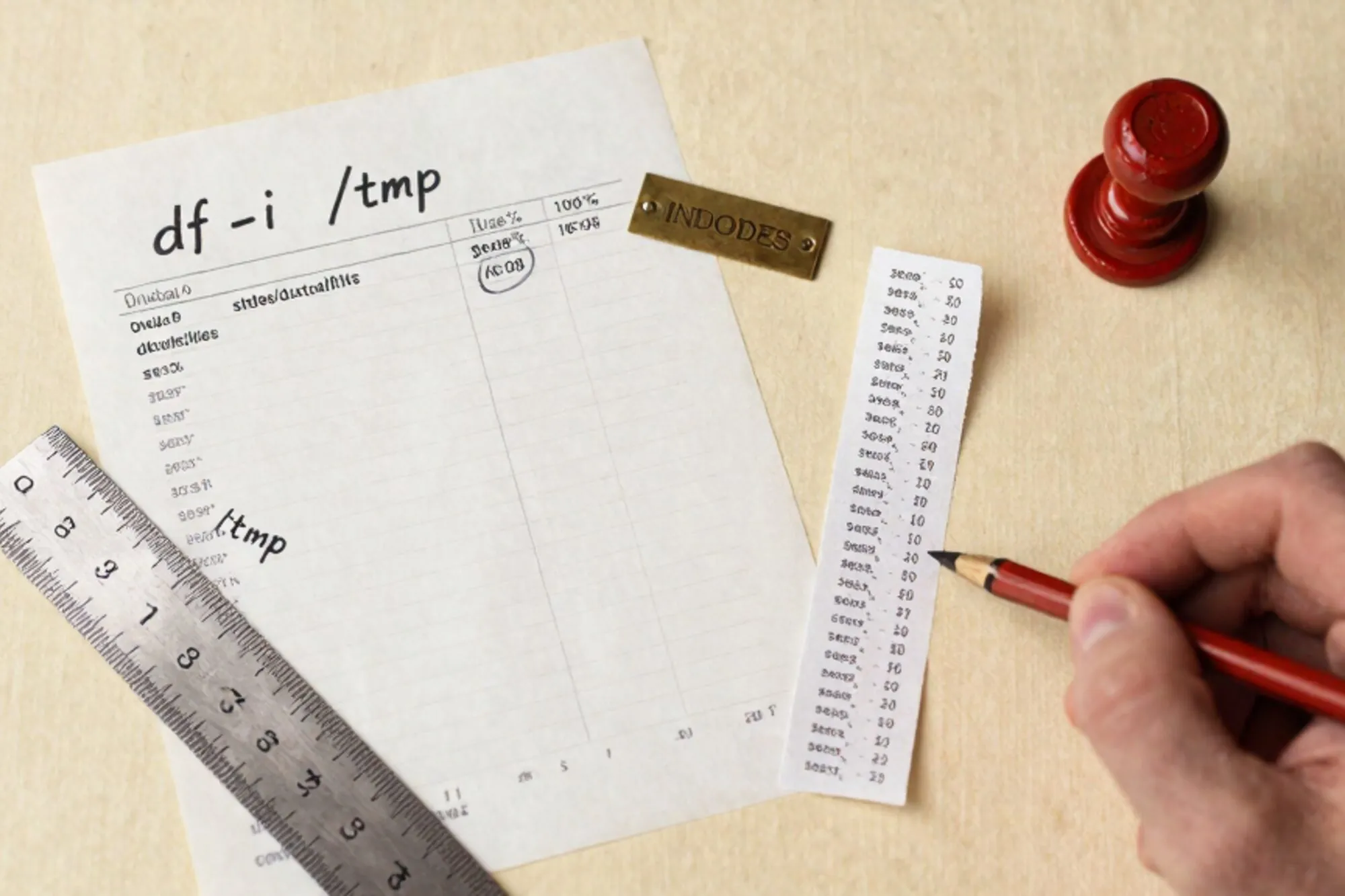
df -i /tmp
# Filesystem     Inodes  IUsed IFree IUse% Mounted on
# /dev/vda1        5.0M   5.0M     0  100% /

ls /tmp | wc -l
# 4128911
Five million inodes allocated when the filesystem was created. Four point one million files currently sitting in /tmp. Nothing else on the partition had room to write a single new file, which is why anything that touched the temp directory was failing.
Inodes are a fixed-size structure that ext4 allocates at format time, one per file or directory. The default ratio is one inode per 16 KB on most distributions. Once they are gone they are gone until you reformat or attach more storage. The ext4 design notes are blunt about this: inode count is a property of the filesystem at mkfs time, not a runtime tunable. The fact that the disk was 39 percent full was irrelevant. The site could not save a single session, write a single cache entry, or accept a single upload.
What kept this hidden for as long as it did is that almost every hosting dashboard, every "disk usage" alert, and every cheap monitoring agent charts bytes, not inodes. The percentage gauge in the control panel had been creeping up by tenths of a percent for a year and nobody had any reason to look. The inode gauge does not exist on most panels. If it did, this ticket would have arrived as a warning in March, not a fire in October.
Counting the temp directory
A breakdown of /tmp by file pattern told us where to dig.
find /tmp -maxdepth 1 -type f -name 'sess_*'   | wc -l
# 4112740

find /tmp -maxdepth 1 -type f -name 'twig_*'   | wc -l
# 8

find /tmp -maxdepth 1 -type f -name 'phpinfo*' | wc -l
# 0

find /tmp -maxdepth 1 -type f -name 'image_*'  | wc -l
# 14
Four point one million PHP session files. None of them younger than nine months. The newest sess_* file in the directory was older than the agency's last Drupal core update. Whatever was supposed to be cleaning them up had not run in close to a year.
The cause turned out to be a combination of two well-known but easily missed defaults. Debian and Ubuntu ship php.ini with session.gc_probability = 0, deliberately disabling PHP's own session garbage collector. The expectation is that /etc/cron.d/php runs sessionclean every thirty minutes to expire old sessions. That cron file ships with the php-common package. On this server the file existed, but a previous admin had hand-edited php-fpm to set session.save_path = /tmp instead of the Debian default of /var/lib/php/sessions. The cron job looks at the default path. It cleaned an empty directory every thirty minutes for a year while /tmp filled up beside it.
This is one of those config drifts that does nothing for a long time and then breaks everything in an afternoon. There is a short note about this exact pinch in the Debian PHP wiki that I wish more handover docs cited.
The fix that stuck
A working session cleanup was the immediate fix. A fresh /tmp policy was the lasting one.
First, we cleared the backlog. rm -rf /tmp/* is the wrong instinct, because it removes screen sockets, X11 sockets, systemd-private directories and active session files for any user who happens to be logged in. Targeted is better.
find /tmp -maxdepth 1 -type f -name 'sess_*' -mtime +1 -deleteThat ran for about ninety seconds and freed roughly 4.1 million inodes. df -i dropped to 2 percent used. The site started saving again before the find command had finished.
Then we put session storage back where the Debian cron expected it.
; /etc/php/8.2/fpm/php.ini
session.save_path = /var/lib/php/sessions
session.gc_maxlifetime = 1440While we had the config open we also pinned Drupal's own temp directory away from /tmp. Drupal 9 reads $settings['file_temp_path'] from settings.php and falls back to PHP's sys_get_temp_dir() when it is unset. The fallback meant every uploaded file, every image style derivative, and every aggregated CSS file went through /tmp on the way to its final home in public://. Pinning the path keeps Drupal's churn out of the system temp directory entirely.
// sites/default/settings.php
$settings['file_temp_path'] = '/var/www/example.com/private/tmp';
Last, we added a belt-and-braces cron to sweep anything that did end up in /tmp older than a day, and a monitoring check that alerts when inode use passes 70 percent.
# /etc/cron.d/tmp-sweep
17 4 * * * root find /tmp -maxdepth 1 -type f -mtime +1 -delete

# Inode check for the monitoring agent
df -i / | awk 'NR==2 {gsub("%",""); if ($5+0 > 70) exit 2; else exit 0}'
To verify the new arrangement we waited an hour, logged a fresh editor in, and watched the session files materialise under /var/lib/php/sessions with the correct ownership and mode. We ran the distro's sessionclean by hand to confirm it now had a real directory to look at. The upload field, which had been the loudest symptom, was tested with a 4 MB image; the derivative landed where file_temp_path pointed and was moved into public:// without touching /tmp. The five-minute verification is what separates "it works now" from "it works for the next admin who inherits this".
That is the kind of check that earns its keep once every two years and looks like noise the rest of the time. Worth it.
Drupal's silent failure modes
The underlying cause was a misrouted PHP session path, which has nothing to do with Drupal. The reason it took an agency lead twenty minutes to narrow the failure to "something filesystem-shaped" is very much a Drupal story.
Drupal 9 hides a surprising number of failures behind a generic white error or a silent webform 500. The image module queues a derivative and does not tell you it could not be written. The file module accepts an upload and only complains at the final move. The cache backends swallow a write failure and serve a stale page. This is not a defect. It is the cost of a CMS that tries to keep rendering whatever it can. But it means that whenever a site reaches the "online but broken in a way I don't recognise" state, the symptoms point at the symptoms, not the cause.
You learn to check the unglamorous things first: disk, inodes, file permissions, the PHP error log, the cron log, the systemd journal. Drupal's own system requirements page is matter-of-fact about the temp directory needing to be writable, but nothing in core warns when the temp directory it ended up using is the system /tmp, or when that directory has crossed half its inode budget. There is room for a small status report check. Until then, write your own.
Hardening the next site
The checklist we shipped with the post-mortem is short and worth pasting into any Drupal handover doc.
- Set
$settings['file_temp_path']explicitly in every environment. Never let it fall back tosys_get_temp_dir(). - Pin
session.save_pathin php-fpm, and confirm the distro's session cleanup cron points at the same path.cat /etc/cron.d/phpis the source of truth. - Alert on inode usage, not just disk usage.
df -ianddf -hcan disagree by a lot. - Add a periodic
find /tmp -maxdepth 1 -type f -mtime +N -deleteas a safety net, even when the application thinks it is cleaning up after itself. - When a Drupal site is broken in a way nobody recognises, read the PHP error log before watchdog. The watchdog needs a writable database connection and a writable temp directory to even record a message.
When we built Pier the tooling for this kind of forensic poke around a legacy site was front of mind. The chat docks with the live FTP and MySQL, so checking the inode count, scanning the temp directory by file pattern, or pinning file_temp_path in settings.php all happen against the running site without an SSH session. Every edit lands with version history attached, and the MySQL editor is a tab away when the next question is "did the variable table actually update."
The smallest thing worth doing today, on every Drupal site you currently maintain, is one command: df -i. If any partition is over 60 percent, you have weeks, not months, before something quiet breaks. Pin the temp paths and add the sweep cron now, while nothing is on fire.
— Questions —
How do I check whether a Linux server is out of inodes?
Run df -i and compare IUse% against the disk-space output from df -h. Inode exhaustion shows the same ENOSPC error as a full disk but needs a different fix.
Why does Debian set session.gc_probability to 0?
Debian and Ubuntu disable PHP's session garbage collector and rely on /etc/cron.d/php to run sessionclean every thirty minutes. If you move session.save_path, the cron stops finding the files.
Where should Drupal 9 store its temporary files?
Set $settings['file_temp_path'] in settings.php to a private path on the same volume as your site. The fallback to sys_get_temp_dir() routes uploads through shared system /tmp.
Is rm -rf /tmp/* safe on a live server?
No. It removes active session files, screen sockets, X11 sockets and systemd-private directories. Use find with -mtime and a name pattern to target only the files you mean.