098 —Drupal
Drupal SFTP lockout: a 90-minute recovery and a fail2ban rule
A brute-force run locked the only admin out of a Drupal 8 site at 23:41. Here is the 90-minute recovery and the fail2ban rule that ended it.
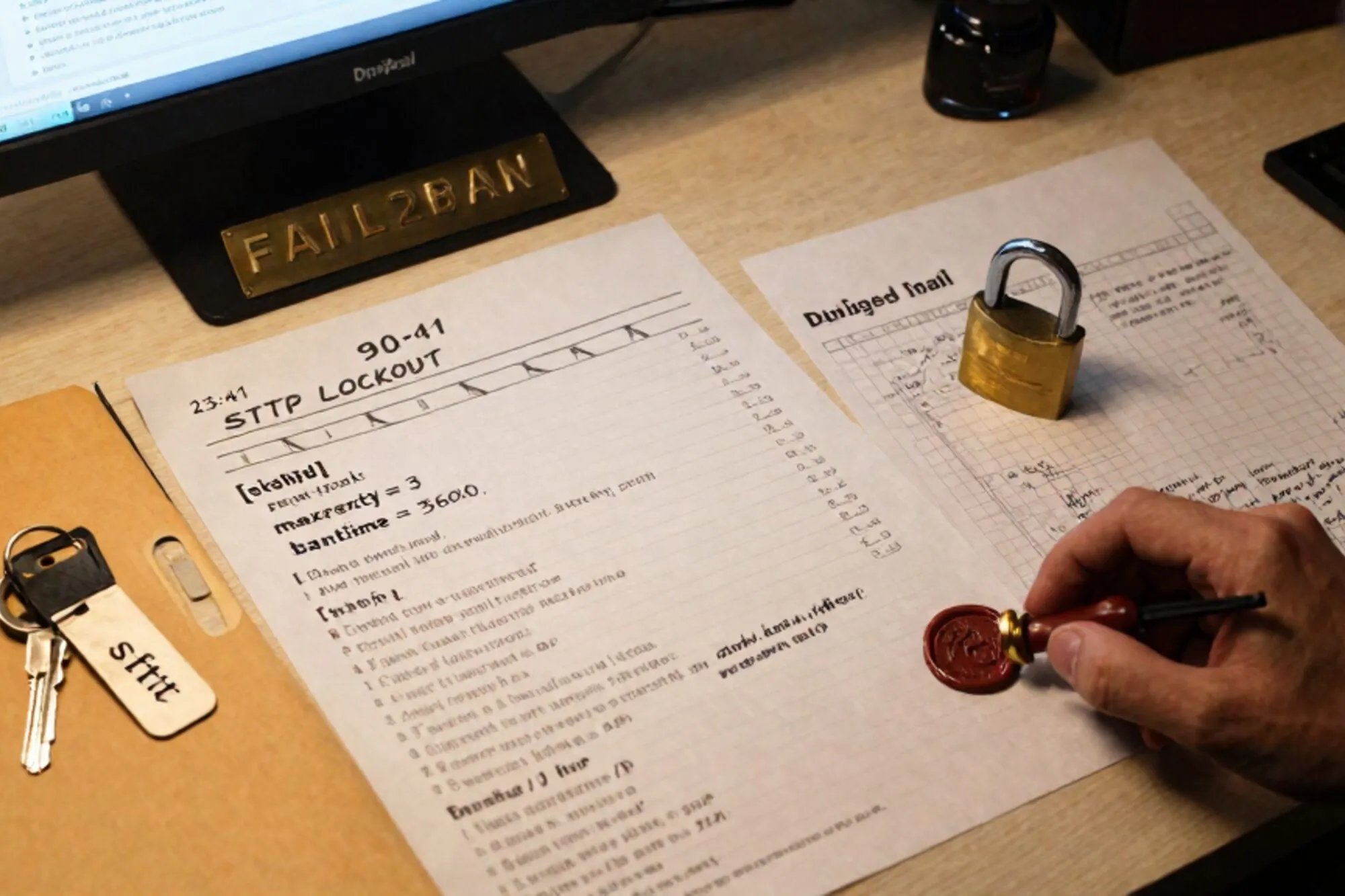
The call came in at 23:41 on a Tuesday. A Dutch agency we work with had a Drupal 8 site for a regional logistics client, one admin account, one SFTP user, and a hosting panel that had quietly disabled password expiry on the FTP side three years ago. By the time the on-call lead opened the Loom, the SFTP user was locked, the Drupal admin password no longer worked, and the site was throwing a clean white WSOD on every page after the first request. The host's panel still loaded. SSH was up. The database was up. Everything else looked, in the agency's words, deeply wrong.
What follows is the actual 90 minutes. The Drupal SFTP lockout pattern here is common enough on older sites that the recovery is worth writing down in full, including the fail2ban rule we left behind.
23:41 — what the logs showed
First move was the auth log on the box. The host kept SSH and SFTP on the same sshd, which is normal but means a single brute-force burst lights up both. We did not tail; we asked for the last hour, filtered to failures, and counted by source IP.
sudo journalctl -u ssh --since "1 hour ago" \
  | grep -E "Failed password|Invalid user" \
  | awk '{print $(NF-3)}' \
  | sort | uniq -c | sort -rn | head
One IP in Lithuania, 4,812 failures in 47 minutes, all against the username deploy — the SFTP account the agency had been using since 2019. The account was locked by PAM after the threshold (the host had pam_tally2 configured, which is uncommon but useful in retrospect). The brute-force never got in. What it did do was lock the only SFTP user out, which mattered for what came next.
The Drupal admin lockout was unrelated and that took us five minutes too long to see. A junior at the agency, watching the auth log scroll, had tried to drush upwd the admin password earlier in the day from a flaky laptop SSH session that dropped mid-write. The session left a half-written settings.local.php on disk with a missing closing brace. Drupal was bootstrapping, hitting the parse error on the local include, and rendering nothing. The admin password change had also not committed because the drush command had aborted before the row update.
Two unrelated failures, same night, same site. This is how most incidents actually go.
00:02 — getting back in without the SFTP user
We could not use SFTP because the account was locked and the agency did not have root on the box — only the deploy user and the hosting panel. The panel had a file manager but it choked on files over 200KB and the broken settings.local.php was, of course, fine in size but in a directory the panel refused to descend into because of a symlink further up.
The fix was to unlock deploy via the panel's "reset SSH lockouts" button (every decent panel has one; it just calls pam_tally2 --user=deploy --reset under the hood) and then SFTP in with a fresh key the agency generated on the spot. We did not reuse the old key — if a key had been on the laptop that dropped earlier, we had no way to know its state. New ed25519 key, pasted into ~/.ssh/authorized_keys through the panel, old key removed.
ssh-keygen -t ed25519 -C "deploy-recovery-2026-06-10" -f ~/.ssh/deploy_recovery
# paste the .pub line into authorized_keys via the panel
ssh -i ~/.ssh/deploy_recovery deploy@host "id"
From there, the broken settings.local.php was a one-line delete. We did not try to repair it. The site bootstrapped on the main settings.php alone, which was fine for the next twenty minutes while we dealt with the admin password.
00:18 — resetting the Drupal admin without drush
Drush would have worked at this point but the agency's drush was pinned to an old version that did not match the site's Drupal core after a half-finished update from January. Rather than untangle that at midnight we went straight to the database. Drupal 8 stores admin passwords in the users_field_data table joined against users, and the password hash is generated by core/scripts/password-hash.sh which ships in core.
cd /var/www/site
php core/scripts/password-hash.sh 'a-long-throwaway-passphrase-we-rotate-in-five-minutes'
# prints: $S$E9... (a Drupal-format hash)
Then, in MySQL, against the users_field_data row for uid 1:
UPDATE users_field_data
SET pass = '$S$E9...'
WHERE uid = 1;

-- also clear any flood entries that might block the next login
DELETE FROM flood WHERE event IN ('user.failed_login_ip', 'user.failed_login_user');
The flood delete matters. Drupal's flood control will happily lock you out of your own admin login for an hour if the brute-force burst hit the login form too, which on this site it had not — but on roughly half the incidents we see, it has. Clear it preemptively.
Admin in, password rotated through the UI to a passphrase the agency lead actually had in 1Password, and the site was usable again at 00:34. Fifty-three minutes from the Loom.
00:34 — the fail2ban rule we left behind
The remaining half hour was the part that mattered. The brute-force was going to come back the next night against a different username, and the host's PAM tally would lock that user too. We wanted the IPs banned at the firewall before they ever reached sshd's auth stack.
The host had fail2ban installed but the SSH jail was disabled — a default we still see on a surprising number of managed VPS setups. We enabled it with a slightly stricter filter than the shipped default, because the default sshd filter in older fail2ban builds misses some of the log lines newer OpenSSH emits.
# /etc/fail2ban/jail.d/sshd-strict.local
[sshd]
enabled  = true
port     = ssh
filter   = sshd
backend  = systemd
maxretry = 4
findtime = 10m
bantime  = 24h
ignoreip = 127.0.0.1/8 ::1 /32
Four failures in ten minutes, banned for a day. The ignoreip line is the one people forget; without it, a tired admin fat-fingering their key three times from the office will lock the office out. We always add the office egress IP and any monitoring probe before enabling the jail.
We tested the ban by pointing a throwaway VPS at the server with three wrong passwords, then watched the iptables chain:
sudo fail2ban-client status sshd
sudo iptables -L f2b-sshd -n --line-numbers
The throwaway VPS's IP appeared in the chain on the fourth attempt. We reloaded, the agency confirmed they could still SSH in from the office, and we closed the incident at 01:11.
What we changed the next morning
The post-mortem ran at 09:00 the next day and three things came out of it. The first was structural: this legacy site had one SFTP user and one admin user, which is one failure mode away from a total lockout every night. The agency added a second SFTP user, key-only, for break-glass, stored the key in 1Password with a sealed envelope policy. The second was the fail2ban jail, which we replicated across the agency's other eleven hosted sites that afternoon. The third was a weekly drush user:password dry-run via cron that confirms the admin row is intact, runs drush sql:query "SELECT uid, name, status FROM users_field_data WHERE uid = 1", and emails the agency lead if the row goes missing or status flips to 0.
None of this is novel. The reason it took 90 minutes instead of 20 is that the two failures were entangled — the broken settings.local.php made the auth-log work feel urgent in the wrong way, and the panel's symlink quirk turned a one-line file delete into a fifteen-minute scavenger hunt. Most of the time we spent that night was navigation, not fixes.
When we built Pier we ran into this exact thing — agencies need to edit files on a locked-down box, often through a panel whose file manager does not work, and they need a version history of every change because midnight edits get reverted in the morning. The way we ended up handling it was to keep a local mirror of the SFTP tree and version every write, so a half-written settings.local.php is one click to roll back rather than a database round-trip.
If you have a Drupal or WordPress site with one admin and one SFTP user, add the second SFTP key tonight. It is a five-minute task and it is the difference between a 20-minute recovery and a 90-minute one.
— Questions —
Will fail2ban lock me out if I mistype my SSH key passphrase?
No. fail2ban watches sshd authentication failures, not local key-agent prompts. A wrong passphrase on your end never reaches the server, so it cannot count toward the ban threshold.
Is editing the Drupal users table directly safe?
For the password hash on uid 1, yes, as long as you generate the hash with core/scripts/password-hash.sh so the format matches. Do not hand-write hashes or copy from another site.
Why clear the flood table during recovery?
Drupal's flood control can lock the admin login for an hour after a burst of failed attempts. Clearing the relevant rows prevents a fresh, correct password from being rejected as rate-limited.
Should I disable password auth on SFTP entirely?
On any site with a single admin, yes — keys only, with at least two distinct keys held by two people. Password auth is the surface the brute-force in this story was hammering against.